
Why I’ve brought my Intel iMac back to life
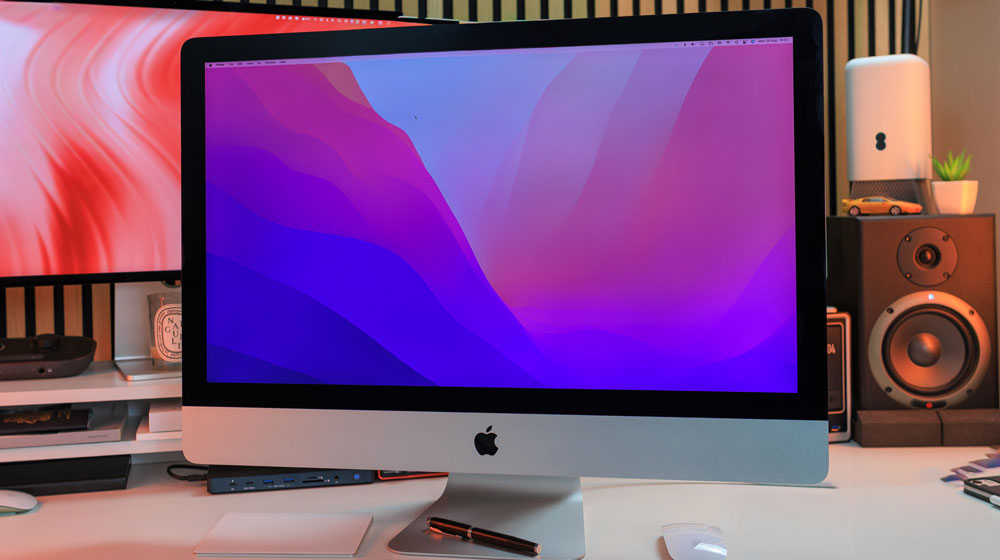
I’ve often spoken of my love for the iMac – and in my case, one particular iMac – my 27-inch Intel 5K iMac.
We all have favourites – that’s just the way it is, and for me, that iMac will forever be my favourite.
My first Mac was a MacBook Air, but within months of buying it, I was sold on Macs and knew I needed both more grunt and more space.
And that is where my long-standing affair with iMacs began.
I went through a good number of them before I ended up with the star of this piece – my late 2015 27-inch Intel iMac. I remember almost being afraid of it when I first got it. It sat in its box for weeks before I finally got the courage to unbox it and set it up. I think it was a classic case of imposter syndrome – I didn’t feel I was worthy of it!
Back then, like most sane folks, I only had one Mac. My previous 21.5-inch iMac had reached the end of its useful working days. I mean, for starters, it had a spinning hard drive. Do you remember how long those Macs took to boot up?
At that same time, my work had also begun to pivot.
I had started my design business, and the Adobe Creative Suite of apps that I used were starting to push what was, in all fairness, a fairly standard off-the-shelf iMac. I knew the time had come to start thinking about buying another iMac. I had a better idea of what I was buying by now and, more importantly, what I would need from my iMac over the next few years.
Getting it right
I’ve just pulled up the specs on that 27-inch iMac – it turns out, I ticked a lot of option boxes.
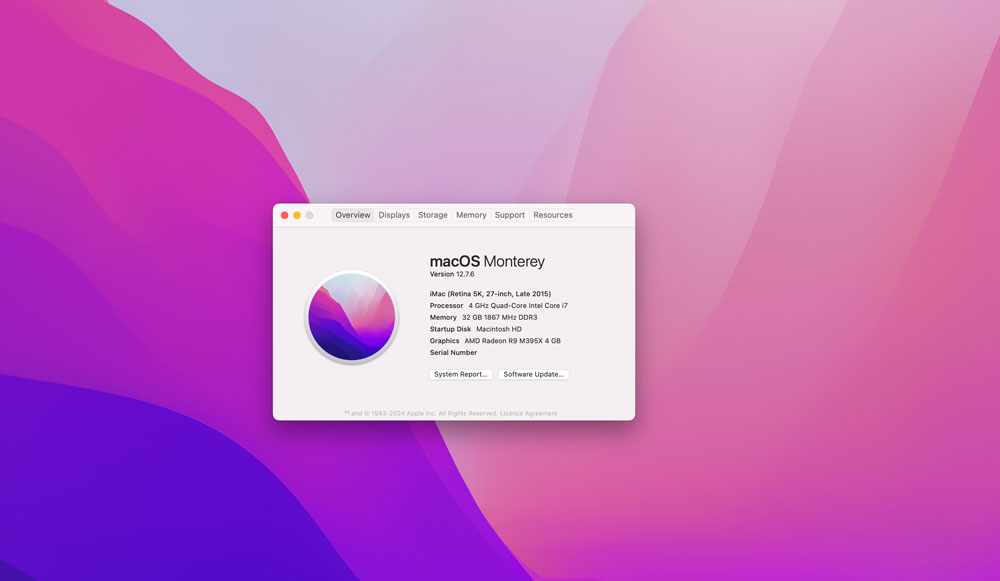
It has a 4 GHz Quad-Core Intel Core i7 Processor, 32GB of memory, an AMD Radeon R9 M395X Graphics Card with 4GB of memory and 1 TB of storage. I think, for its time, that was pretty well spec’d. It certainly felt state-of-the-art when I bought it, and it served me well.
I used it every day from late 2015 until May 2021, when I bought my first Apple silicon Mac – my M1 Max MacBook Pro.
The reason this iMac has such a place in my heart is that it saw me through so much. It grew with me and more than justified how much I spent on it – which I think was about £2700.
But over time, it proved to be money ever so well spent.
My design business flourished during its time on my desk as I was now able to take on more taxing design briefs. That iMac handled all my radio show pre-production & podcast editing work and it saw me through COVID.
I started writing on this iMac, oh, and I started my YouTube channel on it as well. So as you can tell, we went through a lot together, which is why it has sucha special place in my heart.
The reasons for buying the M1 Max MacBook Pro were primarily two-fold. Some of my Photoshop files were getting pretty big, which seemed to be taxing the internals of my original iMac, but the main culprit for making me move on was video editing.
When I bought that iMac, I had no idea that I’d end up editing video – it had never crossed my mind beforehand. I barely ever looked at YouTube back then, let alone edit video. So it wasn’t a case of my having spec’d it incorrectly; rather, my workflow had morphed into a brand new dimension that I couldn’t have possibly anticipated.
So, as much as I adore this iMac, I knew sadly that its days were numbered. That said, though, it never crossed my mind to sell it – it means too much to me.
Please tell me I’m not alone in feeling like this about a bit of tech!
But until a few weeks ago, it just sat on the floor in one corner of the studio untouched, unused, unloved and gathering dust since the day I last used it.
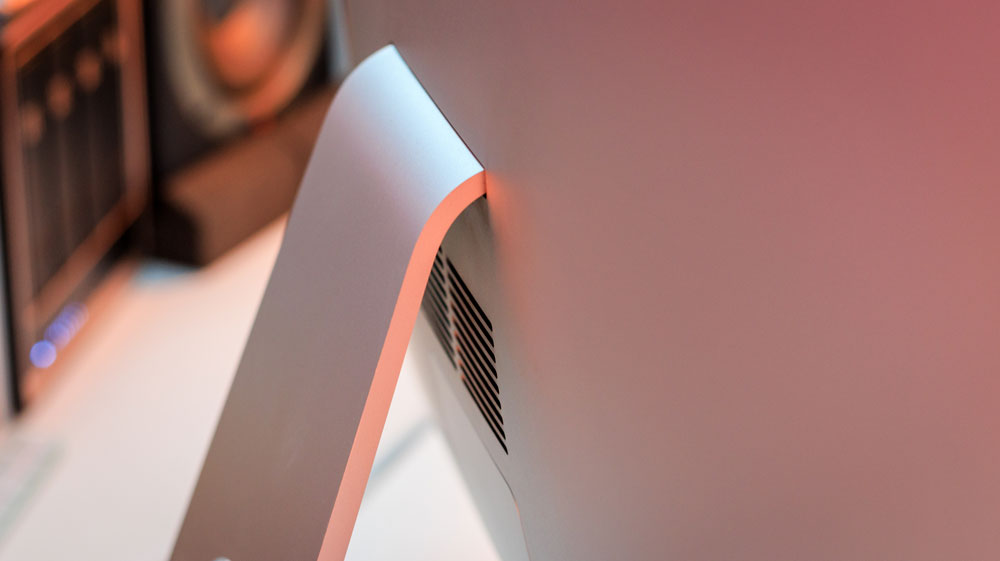
When I stopped using it, it was brutal, and I went totally cold turkey on it! I simply switched it off one day and never turned it on again! There was no planned exit strategy. I didn’t sign out of anything; I literally just never used it again!
But I’m glad to report all that has changed over the past few weeks.
You’ll know that I’ve been looking around at solutions and ideas for a second display for my Mac mini, and I got to wondering if I could in some way incorporate that 27-inch iMac’s display.
So, quite out of the blue one day, I plonked it on my desk and hit the power button – and prayed! Trust me, I was a little nervous and willing it to do me proud.
And it did!
Within seconds it booted back up, and everything was working! My calendar appointments were syncing, Notes and Reminders were updating, and even my email accounts were still there.
In love with iMac
Later that same afternoon I also tried to extend my Mac mini’s display to it – and even that worked!
It all felt pretty snappy and as if it could actually still be used. Clearly not for any heavy production or creative work, but for everything else, it still looked & felt remarkably fresh. Put it this way, there’s no way you’d look at it and think it was over 10 years old.
For starters, there’s that amazing 5K, 27-inch Retina display with its 5120 x 2880 resolution. I mean, even if I were to only end up using that to watch videos on, it would be worth it!
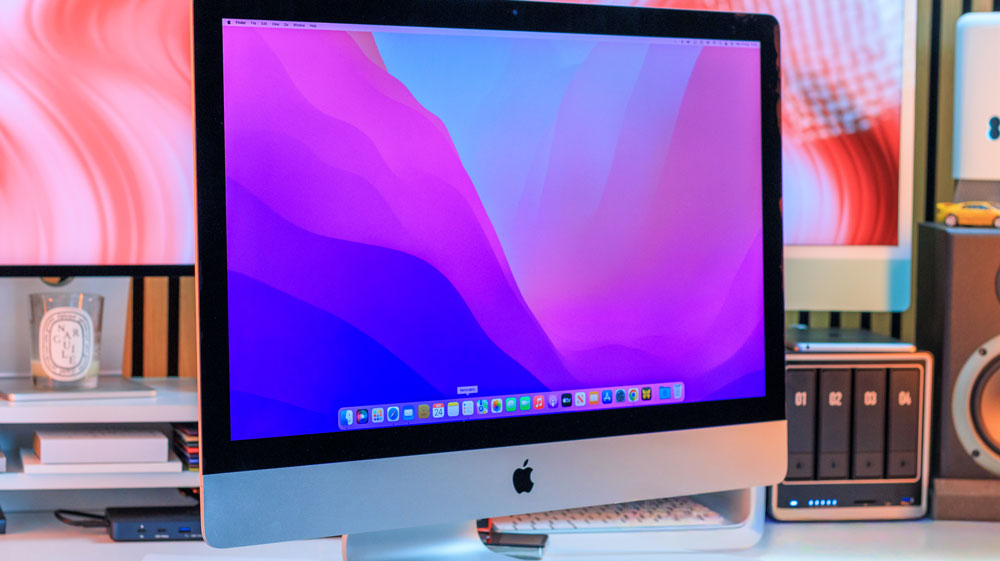
I know we’re told it’s the same display panel that’s used in the Studio Display, but for some odd reason it looks better in the iMac! Yes, it could be that I’m biased, but I swear it looks brighter and sharper.
Whatever – it’s still a bloody gorgeous display!
I know loads of people have decided to remove all the internals and turn it into a full-blown dedicated display, but that’s not for me. It deserves better than that.
Apart from the emotional attachment I have to that iMac, I also feel some kind of responsibility towards it. If it’s showing a willingness to live & fight another day, then I should give it a chance. And there’s also the environmental aspect to consider too.
Having booted it back up and seen how easily it had come back to life, it had been playing on my mind as to what I should do with it. I knew instantly that its days of sitting on the floor unloved and unused were over – but I had to decide what to do with it for the best.
I could just carry on with it as it was, but I felt I at least owed it a spring clean. There were all sorts of apps on there I wouldn’t be needing any longer, such as Dropbox, Creative Cloud and Google Drive. Merely deleting them never gets rid of everything, so there was only one draconian choice left…
In the end I decided to wipe it and do a clean install – something I’d never done before on any Mac. On newer Macs I know it’s easier & pretty similar to flattening an iPhone – but on these older Macs I understood it was a little more complicated.
I was wrong – it was a cinch!
Easy-peasy!
I’d love to say I was particularly clever or tech-savvy in what I did, but actually all it really took was to boot it up in Recovery Mode by holding down the Command & R keys & let it do its thing. Pretty much after that, it was simply a case of following the onscreen instructions.
You get a few options in Recovery Mode – you can restore from a previous Mac, reinstall macOS, get help online or go to Disk Utility, which is what I chose. I had nothing on this Mac I needed to keep, and I wanted to give it back its full 1TB of storage and start all over.
Once in Disk Utility, I chose the Apple SSD and erased it. I renamed it, set it to macOS Journaled and mapped it as a GUID partition. But that was all there was to it!
Next, I told Disk Utility to reinstall macOS. I left it to its own devices, and after around 20 minutes my beloved 27-inch iMac was as it was that day back in 2015 when I eventually took it from the box.
The only couple of glitches I came across were that it defaulted to its original macOS, which was El Capitan. That OS was so old that nothing worked properly. Safari wouldn’t view correctly, and I couldn’t even sign into my iCloud account.
After a bit of research, I found out that the latest OS it could run was Monterey 12.7.6, which was first released in October 2021, meaning Apple had supported this iMac for six years.
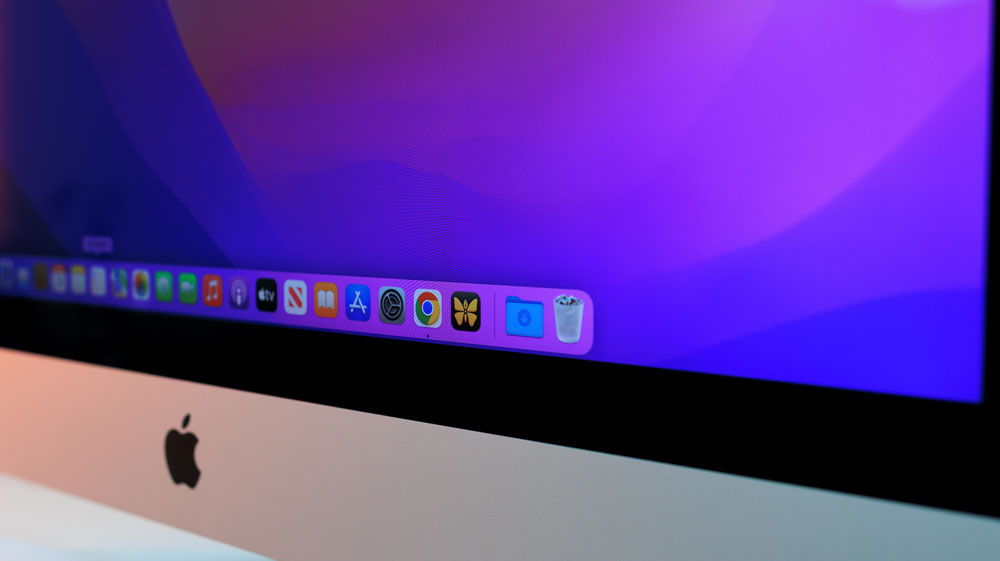
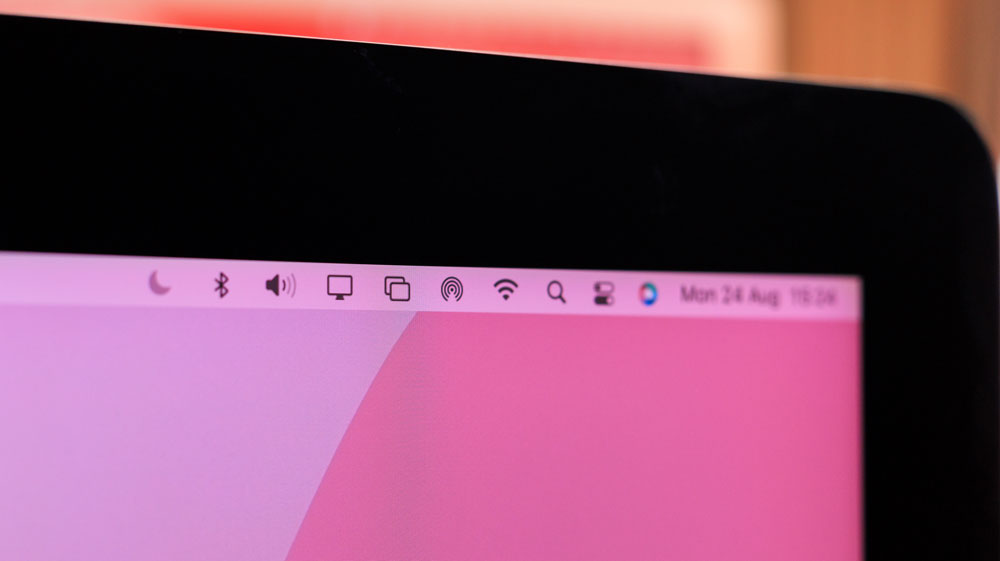
Once I’d installed that version of macOS, everything started to work as it should.
No more than it deserves
To my way of thinking, this current trend of opening up a 27-inch iMac, tossing away its workings and turning it into a display is sacrilegious.
I know I’m lucky in that I know the history of my iMac, having owned it from day one, but these iMacs are still more than good enough to be used as a daily Mac in many cases and depending on your workload, I reckon it could still be worth picking one of these up for yourself – at around £200-£250 they’re a bargain.
If you need a second Mac with a large gorgeous display, then look no further!
Why break up a perfectly good iMac in the hope of turning it into a display? Just use the damn thing how it was intended.
We know that iMacs are built like tanks, and I think that the 27-inch version and the iMac Pro were about as pretty and as good as they got. The design was a top-tier iMac.
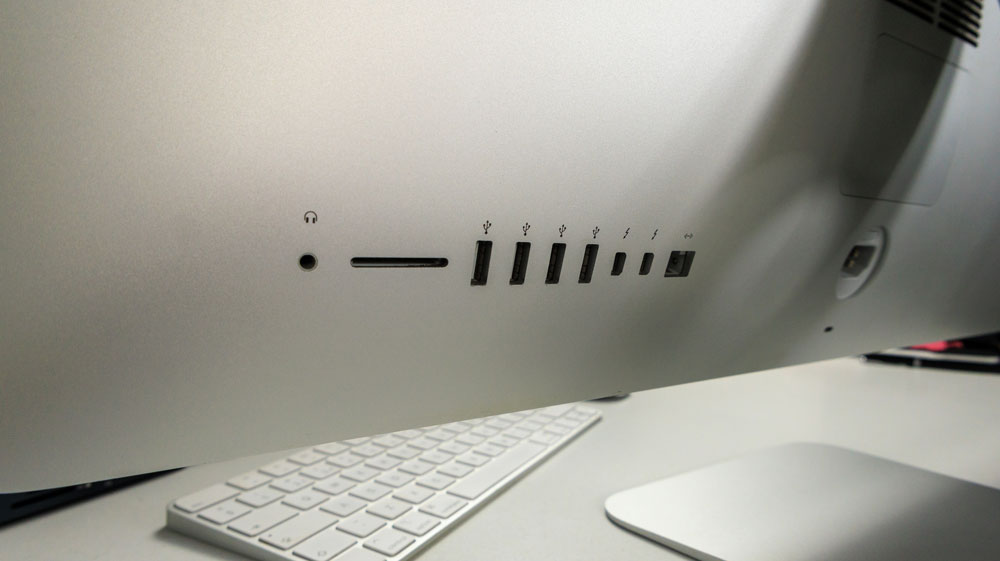
Other reasons for buying an older iMac, other than the display, are that you have decent speakers, a FaceTime HD camera, an SD card slot, a Gigabit Ethernet port and three USB 3 ports, which, although slow by today’s standards, are still handy.
That’s the kind of I/O we dream of today – and hand over a fortune for!
Although the Wi-Fi and Bluetooth are older specs, over the past few days of using it, you’d never know it. Streaming content is fast, and even Screen Mirroring/Extending, AirDrop and HandOff are working.
The emotional me wasn’t sure how well this experiment would play out, but I’m astonished at just how fast and competent my old iMac feels. I keep going over to it and playing with it at the moment – I’m like a kid with a new toy.

Long-term, I’m not sure how it’ll play out, but for now it has pride of place on my other desk in the studio, and it’s being used regularly. I’d love to be writing this story on it, but sadly Ulysses is now a 64-bit app that’s not supported by a macOS this old. But that is about the only drawback I have to report from this entire passion project.
This 27-inch iMac served me well for all those years, so now it’s time for me to give it some love back. My old, beloved iMac is back to its former glory, and that makes me damned happy!

One Response
I enjoyed the practical reminder that an older iMac can still be a capable daily machine. The clean-install walkthrough, hardware details, and point about avoiding needless waste make this a particularly useful and encouraging read.