
Having the chance to compare is always a good thing though
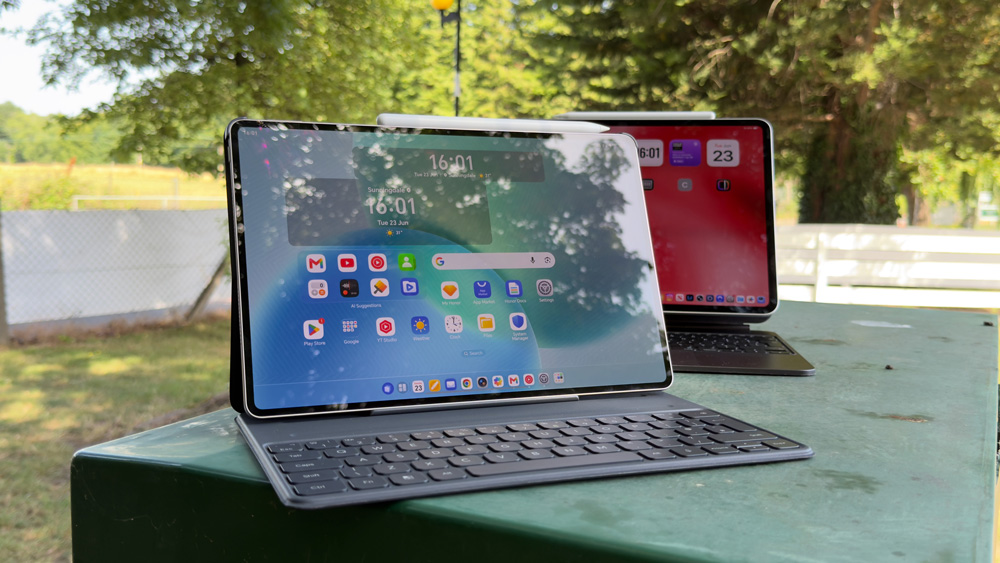
Earlier this year, I fell in love, properly in love with my M4 iPad Pro.
Until then, it had always just sat at the back of my studio, unused & unloved. I had always wanted to find a use for it, but never could. Then something changed, and I think that change was two-fold.
Without a doubt, the revamped iPadOS 26 helped, but equally as crucially, my way of thinking about the iPad also played a vital role in that pivot.
Over the past few weeks, I’ve had the chance to use a non-Apple tablet for the first time. If you remember, I tried the HONOR 600 Pro a few weeks back and found there was plenty to like about it.
Although I’m a devout Apple user with no thoughts of wanting to move away from my Apple way of life, I’m also a tech nerd, so whenever I get the chance to try something new, I’ll jump at the chance.
So, on the back of using the 600 Pro, I asked if I could have a look at HONOR’s iPad equivalent – the MagicPad 4 tablet. HONOR don’t pay me for any of this work, but they are a lovely and enthusiastic team to deal with, and I was super-keen to see what the opposition’s iPad was like to use.
iPad life
When I mentioned that I started to love life with my M4 Pad Pro, it was because I made the conscious decision to want to use it.
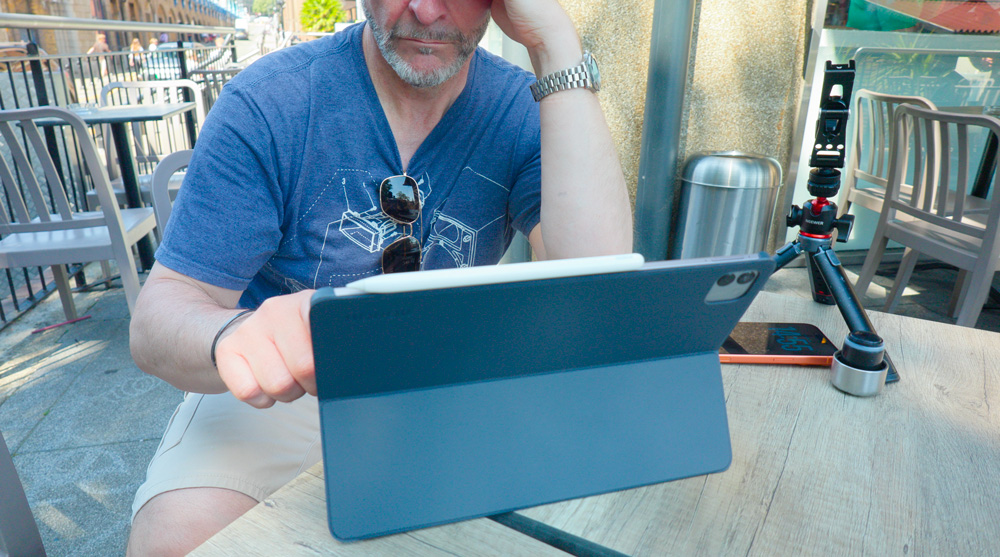
There’s no denying that almost anything you can do on your iPad you could do on a Mac, but sometimes, the iPad wins out.
As you can imagine, I get quite a few NDA’s and contracts to sign and return. Sure, you can sign documents on the Mac by using Acrobat, but it still feels more natural and convenient to sign them on the iPad.
Once I got used to how central the Files app is for the iPad, that made a huge difference. I then realised that I could download and attach files to emails and the like as if I were working on a Mac.
I know that one simple function sounds straightforward, and it is, but it’s one of those truisms that once you stumble across it starts to turn the iPad into a proper working option. I’m ashamed it took me so long to work this out…but there we go!
Of course, several changes to iPadOS itself made things smoother and quicker. The traffic lights, the menu items in each app and the re-sizing of windows all played their little bit in making me want to pick up and use my iPad every day.
Even before I was using my iPad regularly and meaningfully, the one thing that was an obvious winner was the display. It’s the best display I’ve ever watched content on!
Even now, every time I open up the iPad, that display takes my breath away. The design of the iPad is gorgeous as well. It has that same kind of wow factor to it that my iPhone Air has. Out of the Magic Keyboard, you simply can’t stop yourself from touching it and fiddling with it – it still feels futuristic.
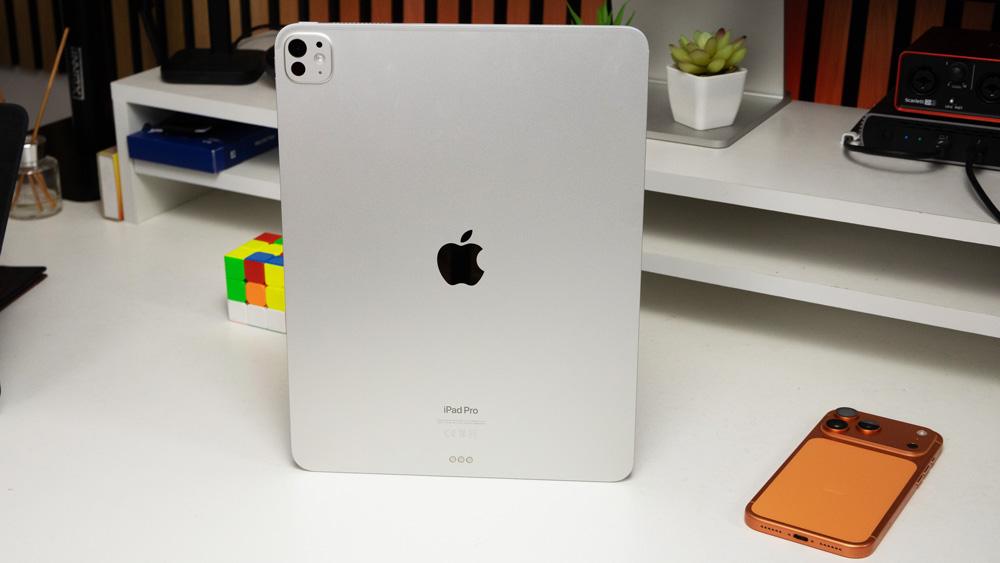
Having put in so much time this year with my iPad is what led me to have a natural interest in what a non-Apple tablet would be like to use.
The big obvious difference
The HONOR MagicPad 4 was launched a few months ago at MWC. The model I was sent was the 256GB model with 12GB of RAM.
The first thing you can’t help but notice is that the aspect ratio of the MagicPad is 3:2. It feels a more natural size and dimension for watching movies or content on, and it almost entirely does away with those black bars at the top and bottom of the screen.
The 12.3-inch display is bright! Whereas the iPad tops out at 1600 nits, the screen on the MagicPad is a whopping 2400 nits. I spent the day with it in London on a hot, bright day, and the display held its own.
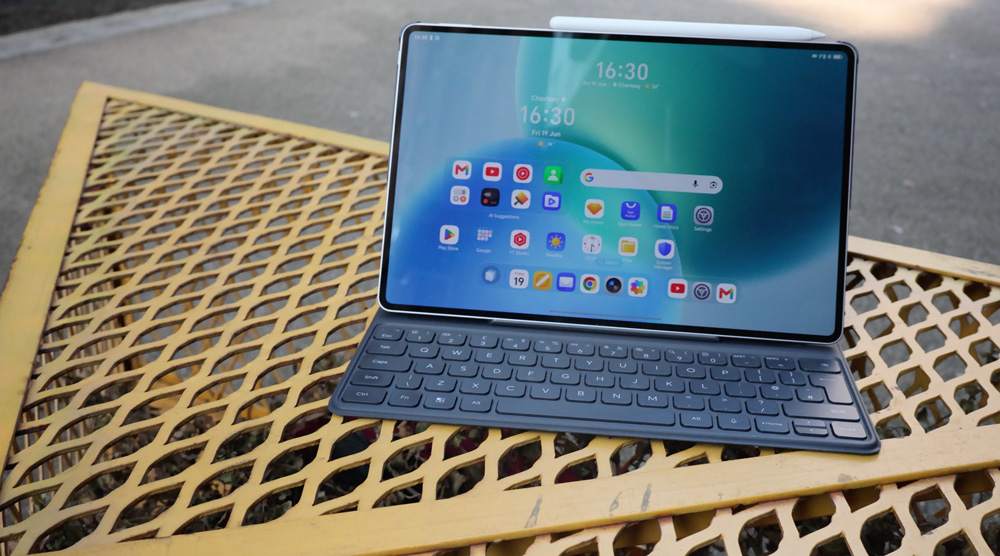
Don’t get me wrong, in direct summer sun it struggled as any display would, but it was still usable. And if refresh rates are your thing, then the HONOR tablet and its 165Hz refresh rate will wow you.
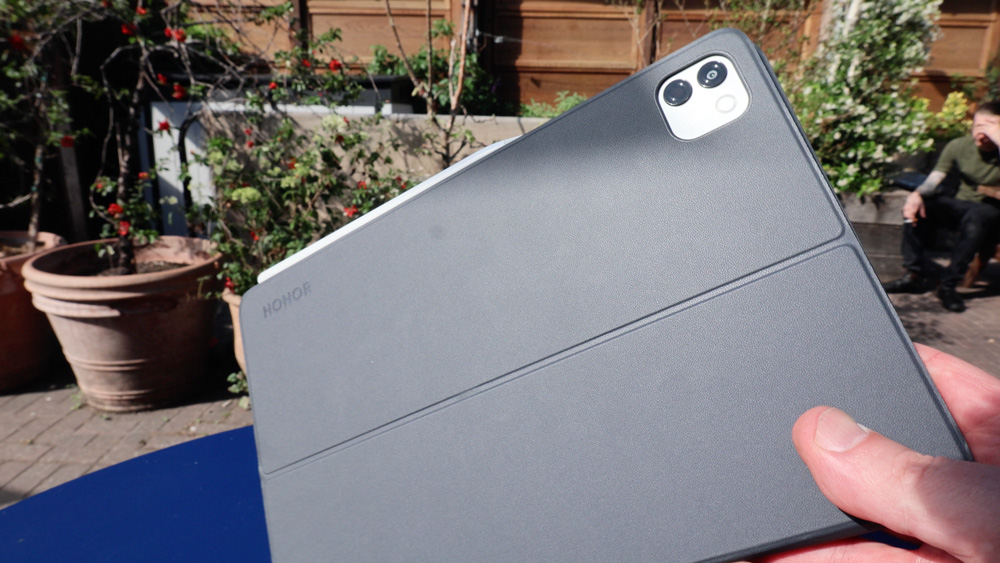
The overall build and quality of the MagicPad isn’t quite that of the iPad. The M4 iPad Pro, more than any other device I’ve owned, has a premium and very special feeling to it.
As thin as it is, the iPad Pro still somehow manages to feel robust and unbreakable. The HONOR tablet, although by no means shoddy, doesn’t manage to achieve that same feeling of quality, though. The best way I can describe it is that it just lacks that indefinable feeling of quality.
Although the aspect ratio makes it ever so comfortable to use and watch, I found the edges to be sharper to hold and not as comfortable.
Until I used their phone recently, I’d had no experience with what a Snapdragon device was like to use, but it’s quick, really quick and ever so responsive.
When you think of what you’ll want from a large tablet – a good display and a snappy OS, then the MagicPad more than holds its own when compared to my iPad Pro.
The Display
Where HONOR had clearly leaned into the camera features on their phone, with the tablet, it seems to me that it was the display that they’ve decided to throw their weight behind.
The display on the 600 Pro was its standout feature for me, and it’s the same here with the tablet. If I were being slightly picky, I could argue it looks a little too processed, but that would be unfair.
Yes, they’ve pushed the HDR look as far as possible, and it borders on looking too surgically enhanced, but overall, I like it though.
I’m a fan of what HONOR are doing display-wise.
HONOR has thrown all manner of display features and settings at the tablet, too. There’s a Circadian setting, a de-focus feature, and it has a Natural Tone & Eye Comfort settings, too.
But, they’re not done yet! The MagicPad has a 1920Hz PWM helping to preserve power, and it has Dynamic Dimming, a Vivid Display setting and even an eBook mode.
As I’ve mentioned, it’s bright, it’s ever so sharp and has loads of contrast. All in all, it’s honestly a genuinely lovely tablet to use.
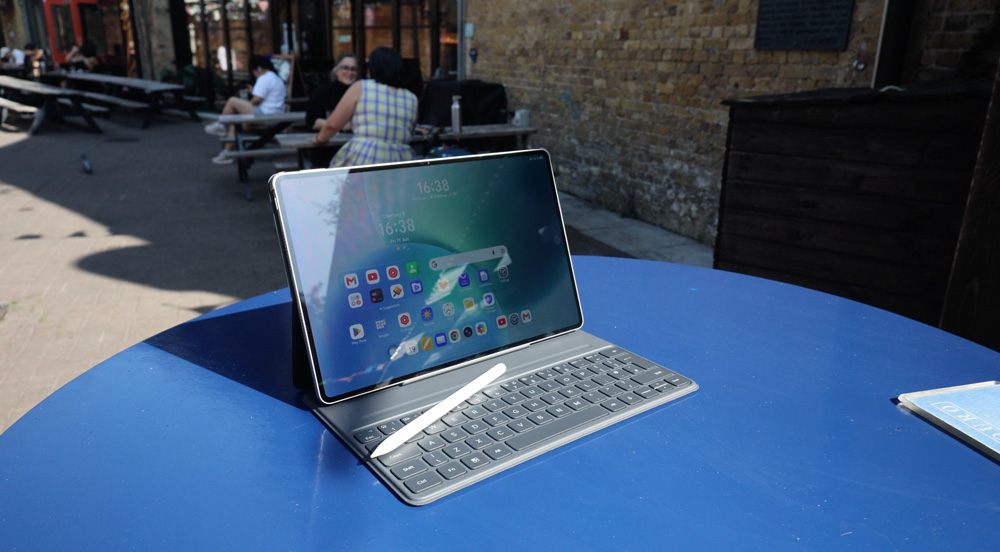
I mentioned power – the battery management that HONOR brings to their devices is impressive. Much like the phone, this thing goes on and on. The physical battery size is similar to the iPad, but it seems to perform better – even when the display is used at full brightness. Conversely, if I crank up my iPads screen to approaching full brightness, it has a massive effect on battery life.
The PC mode on the HONOR tablet is their take on iPads multitasking. It’s actually rather elegant, intuitive and simple to use. You can drag, resize, and arrange windows at will. Within no time at all, I was in a multi-window environment and able to get the most out of the large display.
When I was talking about the phone, I mentioned the HONOR Connect app. It works just as well on this tablet, and it means that if you have a foot in both camps, file transfer is a piece of cake.
I can never see Apple making it this easy to work in someone else’s ecosystem, but HONOR realises that opening up the workflow between Android and iOS can only play into their hands.
Apparently, the HONOR tablet has eight speakers – I’ll take their word for that. The sound is ok, and you wouldn’t complain about the speakers unless, that is, you’d used an iPad Pro. Apple’s audio engineers have long had the market cornered.
Accessories
The Magic Keyboard that I use with my iPad is good, but you could fairly argue that a keyboard costing £350 should be good!
That case is eye-wateringly expensive, but it does have a quality feel to it, and it’s lasted the test of time well, too. It’s a classic case of you get what you pay for.
By comparison, the keyboard that accompanies the MagicPad feels ever so flimsy and uncomfortable to use. The key travel isn’t great, and there’s no trackpad. The slots that you position the tablet in to alter the rake also feel vague and imprecise.
The same is true with the pencil. It feels basic and fairly utilitarian. It gets the job done, but doesn’t have that subtle feeling of quality and durability to it. HONOR’s pencil also lacks any haptic motors, which I’ve grown accustomed to with my pencil on the iPad.
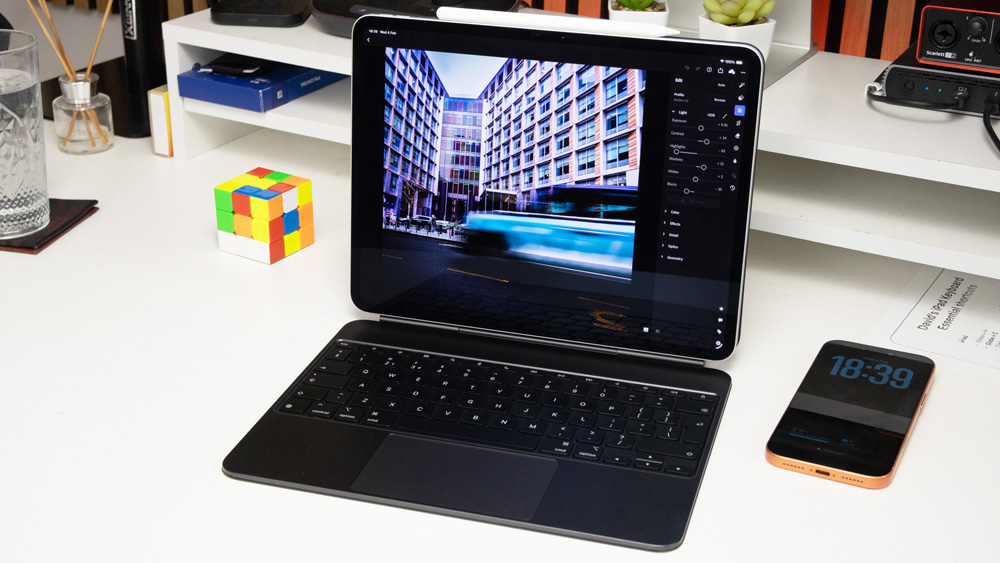
All that said, you get both the pencil and keyboard free when you buy the MagicPad 4.
Now, you can’t argue with that!
Value
When we mention price, there’s an odd fact that comes into play.
We all hate paying too much, and as we brace ourselves for the first £2000 iPhone later this year, price is certainly a consideration. Apple has always positioned itself at the higher end, as it aligns better with its image and brand. Oddly, a cheap Apple product would feel out of place.
HONOR, on the other hand, offers you value by the bucketload. The version of the pad I was sent only costs £600, which is astounding value. Add to that the keyboard and pencil are, as I mentioned, free and you get a choice of various accessories such as earbuds, a watch or a Bluetooth speaker at crazy discounted prices as well, and you start to get an idea of just how good a value this HONOR tablet is.
I know this sounds odd, but I’d go as far as to say that HONOR price things almost too keenly. I’m sure you know what I mean when I say that you expect a product to be a certain price to reflect its quality.
When brands charge too much, we’re not happy, and yet when they’re too cheap, we worry too. Pleasing the public is never easy!
Staying put
I’m a perfectly happy Apple user, and as good as this MagicPad 4 has been, much as per the phone, the tablet offers me no compelling reason to even contemplate wanting to swap.
The battery life on HONOR’s tablet could teach the iPad a lesson or two, and that display is very nearly the match on my iPad Pro.
It’s quick, responsive, and I love that aspect ratio for watching movies on.
To think you get all of that for the price of my iPhone 17e is certainly food for thought.
As a brand, I like what HONOR is doing. The fact that their products are littered with too much AI for my liking is as much an indictment of the current environment as it is of HONOR – and of course, they are tied to the Android way of working too.
As much as I still adore working on my iPad Pro, my time with the MagicPad 4 has shown me that I pay a king’s ransom for the privilege.
