
The iconic iMac looks set to get even better!

The iMac is as loved & recognisable as ever, 28 years after Steve Jobs unveiled the first-ever version.
In recent years, there seems to have been this mistaken belief that just because it comes in pretty colours and a cute body, it’s only a Mac for kids, students and grandparents! The truth is, though, that it’s an Apple silicon Mac, meaning it’s as fit for purpose as any other Mac you’d care to mention.
But if you buy smart, you can grab yourself a Mac that’ll last you for years to come and gobble up pretty much anything you can throw at it. Later on, I’ll suggest one option I think you should always tick when purchasing an iMac to unlock the full power of an iMac, and we’ll also look at what may be coming next for the iMac.
The legend of the iMac
The iMac was one of my first Macs.
The honour of the first Mac I ever owned falls to one of the very early MacBook Airs, but the iMac was my second, and it was my first ‘proper’ Mac.
Because it was a desktop Mac, it somehow felt more grown-up – does that make sense? I think because it was my first iMac, it means something special to me. The fact that it still powers up is testimony to how these Macs are built to last – iMacs seem to be built like tanks – it’s part of their DNA.
In some respects, I suppose that Mac led me to do what I do today!
That Mac has much to answer for!
As we all know, Apple silicon changed everything when it first arrived, and luckily, the iMac was one of the early adopters of Apple’s SoC range of Macs, giving it the rebirth it needed.
Although not every version of Apple silicon has seen a meaningful step forward in power and performance, the M4 chip we currently have was.
The M4 iteration is an impressive bit of kit – make no mistake about it.
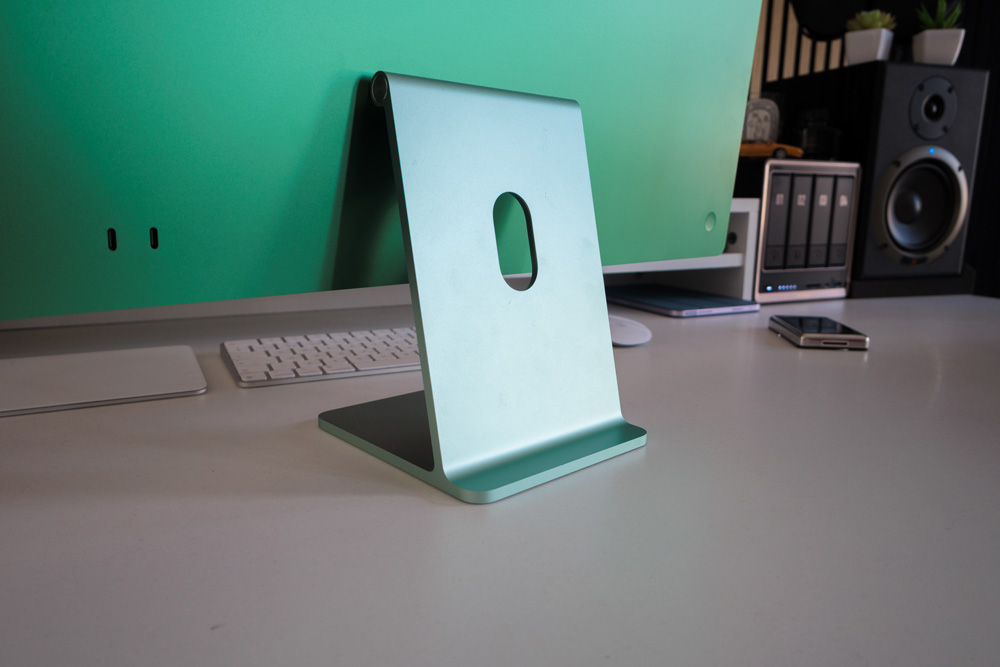
The iMac remains the most iconic of all Macs. Ask someone not into tech to describe a Mac, and I bet you it would be an iMac that they describe. I don’t know if it’s the stand, the chin or the bezels – but everything about it makes it so distinguishable.
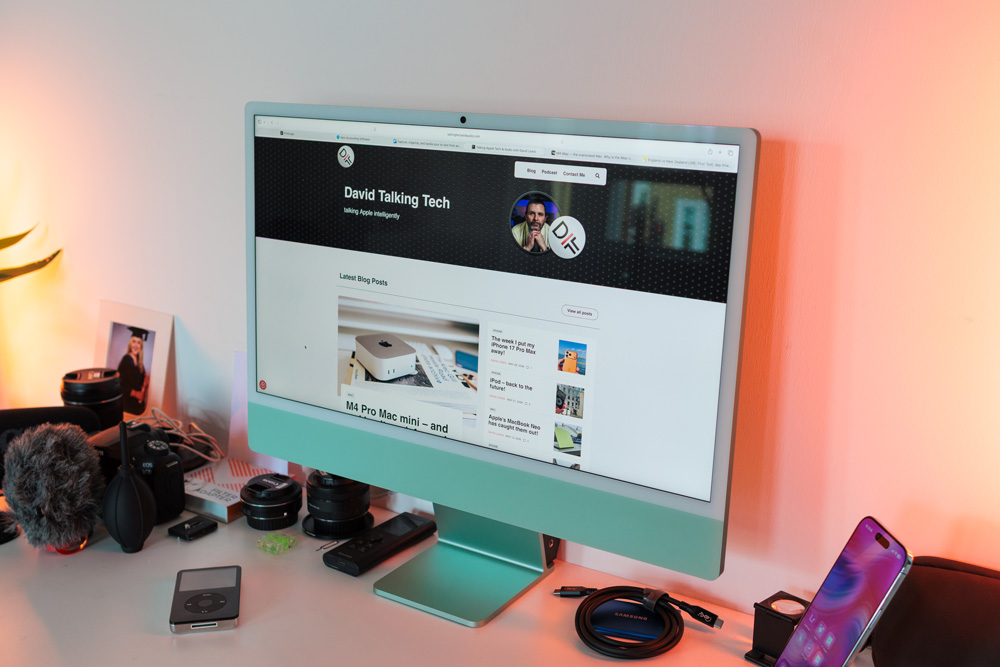
I guess it wasn’t only the design but also that it was such a soaring success when it was first launched that has cemented this Mac’s legacy. It was such a success, in fact, that it was partly responsible for saving the day for Apple – possibly another reason this Mac remains such an icon.
The iMac made Macs available to everyone. It somehow demystified Macs.
These new versions are the best we’ve ever had. Fast, powerful, oddly hypnotic to use, pretty and deathly quiet.
Any iMac will serve you well, but get the specs right and you’ll understand what all the fuss is about and why we love them so much.
The odd thing with this Mac is that even if you ticked every option box and spent £2900 on a fully loaded one, it would still be money well spent.
Fully loaded
There are a few specs that are common throughout the range.
All these Macs come packed with that gorgeous 24-inch Retina display. While a few folks feel it’s too small, I’m not part of that camp. It’s just fine as far as I’m concerned.
All of them have the 12MP Centre Stage camera, the same six-speaker audio setup and the 3.5mm audio out jack. All iMacs also have 120GB/s memory bandwidth, which is meaningful. Oh, and all they all get two NAND chips, which makes memory swapping quicker.
In case you’re still not up to speed with what memory swap is all about, it’s essentially where part of your SSD is used as temporary memory for when your actual memory is maxed out – which is why it’s always worthwhile topping up on some extra RAM.
After that little lot, though, you have some important choices to make to ensure you get the right one for you.
Nailing it
The cheapest model doesn’t have an Ethernet port. It’s a £30 option, but I’m not convinced it’s worth it on the cheapest model, that is.
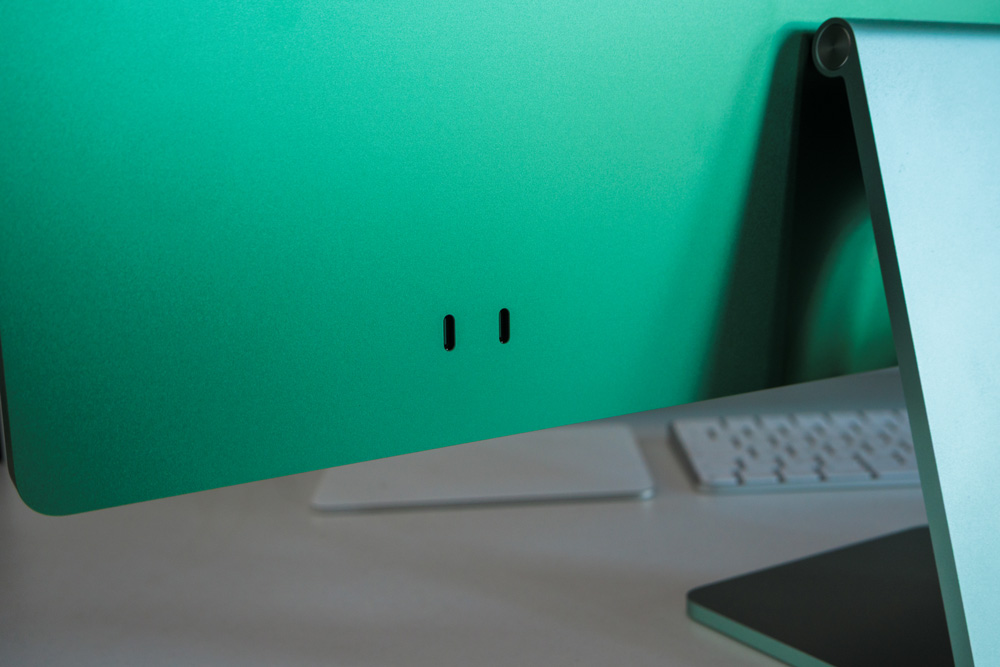
The cheapest iMac is the 8-core CPU/8-core GPU model, which only has two Thunderbolt 4 ports, whereas further up the range, they all get four Thunderbolt 4 ports – and a gigabit Ethernet port.
That base-level iMac can only be spec’d with up to 1TB of SSD storage, but with the 10-Core models, you can spec them with up to 2TB – if you really think that necessary!
All of them, as I mentioned, get two chips – the 256GB iMacs have two 128GB chips, the 512GB iMac gets two 256GB NAND chips, the 1TB iMac gets two 512GB chips, and of course, you’ve worked it out, the 2TB M4 iMac gets two 1TB chips and as I’ve already mentioned, that two chip set up matters when it comes to the memory swap situation.
The cheaper ones can only support a single external 6K display at up to 60Hz. The 10-core iMacs have support for two external 6K displays or even a single 8K display.
You see what I meant earlier, now, that this Mac, if spec’d out, can be a pretty serious tool!
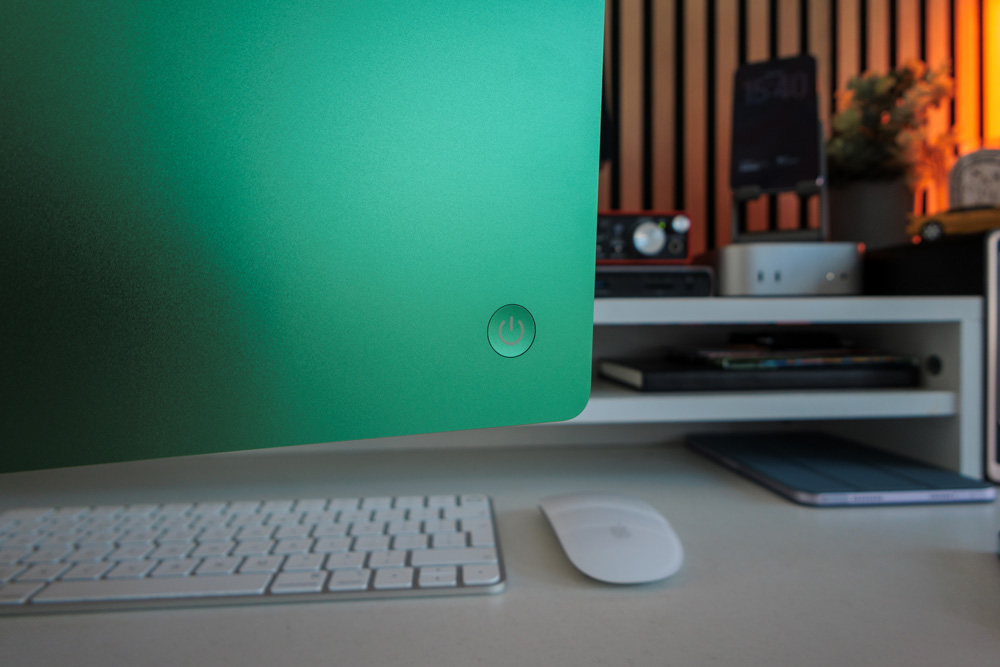
Cooling-wise, the 10-Core iMacs come with two fans as opposed to the single fan of the 8-Core iMac. The aluminium enclosure of the Mac itself also acts as part of the iMac’s thermal management system across the range. That said, I’ve never had any heat issues with my M4 iMac.
How to buy the perfect iMac
For all those above reasons, I’d always suggest swerving that entry-level version. For longevity, go with one of the 10-core models – I’m simply not a fan of that entry spec iMac.
And never ever be tempted to upgrade that base model, say with the Touch ID Magic Keyboard and that Ethernet option, because even if you do, it will forever only be an 8-Core CPU and 8-Core GPU iMac at its heart with all its limitations.
The perfect starting point for an iMac, as far as I’m concerned, would be the £1700 10-Core CPU/10-Core GPU model with a few choice upgrades.
With that £1700 iMac, the first thing I’d do is upgrade the 16GB of memory to 24GB. It’ll cost you £200, but it’s well worth every penny. Apple silicon Macs are all about getting as much RAM as you can, if you ask me.
Apart from that memory upgrade, if you’re thinking of holding on to this Mac for four, five or six years, I’d probably also choose at least 1TB of storage. With macOS itself taking up around 15GB, those smaller storage options would soon start to fill up, and you could regularly find your Mac having to start SSD-wearing memory swapping, which is not ideal.
Also, SSDs suffer from thermal throttling as they fill up, which is another reason I’d go with the 1TB choice, but avoid the temptation of the 2TB option.
Instead, use one of those fast Thunderbolt 4 ports you have and get yourself an enclosure with some NVMe storage instead.
It’s a desktop Mac, so having some external storage attached is no big issue. The other advantage to going this route is that it’s modular, so you can always buy more storage and you can use it on any of your Macs.
It’s also a cheaper option than buying storage from Apple.
When I work from an external SSD, I can’t notice any discernible difference in speed from working on the Mac’s own SSD.
Even these days, buying your own SSD storage still works out to be about 50% cheaper. Apple’s storage prices have always been and still are an outrage.
So, my perfect iMac would be the 10-Core CPU/10-Core GPU model with 1TB of storage and 24GB of memory. That would cost £2100, and I reckon that looks like an awesome machine.
The only other option that may be of any interest to you might be the £200 Nano-texture display, depending entirely upon where you intend to use your Mac.
What next?
It seems more than likely that we’ll get an M5 iMac soon, and if rumours are to be believed, possibly even an M5 Max iMac may come our way. That could signal the return of the much-missed Pro model.
The rumours are that those wanting a larger iMac may be in luck!
And if we do get a 27-inch or 30-inch iMac, who’d argue against it having a mini-LED display – similar to what we recently saw on the Studio Display XDR?
At the very least, we think Apple is working on a new 24-inch OLED iMac, although there’s no clue as to when that might be coming our way.
A 120Hz ProMotion display would be a lovely luxury too, but I may be getting greedy at this point!
Whilst in the land of fantasy, Apple please bring back the Target Display so that we can all start to use our old Macs as a second display rather than letting them just gather dust!
For a company that talks at length about its environmental policies, let’s see you put your money where your mouth is.
Still great value
For fun, I compared the M4 iMac to the 14-inch M5 MacBook Pro. I know you get a smaller but better display on it and an M5 chip (which will soon be in the iMac anyway), but that MacBook with the base 16GB of memory and 1TB of SSD storage would cost you £1700.
A similarly spec’d iMac would cost the same, and you get an extra Thunderbolt 4 port too.
This Mac remains a great value Mac, whichever way you look at it.
Add to all of that it’s drop-dead pretty, will give you the tidiest desk set-up possible with no visible cables, and it’s as quick as any other similar M4 Mac out there.
It all adds to my argument that you should overlook the M4 and soon-to-be the M5 iMac at your peril.
Don’t be put off by its pretty colours and stunning design. The iMac is the true definition of a wolf in sheep’s clothing.

One Response
Yeah, I believe you’re right waiting for the M5 to come out is the best choice of all also with 24 gigs of RAM and one terabyte of storage. This thing would be a wolf for sure. Thanks.