
A couple of tiny points can make the world of difference…

I admit that I have a massive soft spot when it comes to the MacBook Air.
In fact, if I truly wanted to push the boundaries here, I could argue that without the MacBook Air, I wouldn’t be sitting here writing this today! Not because I’m writing this piece on a MacBook Air, but because it was my first Mac.
Without that MacBook Air, I would never have fallen into the Apple ecosystem and tried to learn as much about it as I could about it. I would never have started to consider writing about my Apple gear or making videos about it.
“It turns out that I have a lot to thank that MacBook Air for.”
There are two Macs that have carved out a special place in my heart and that I’ll never part with. That MacBook Air, which sits behind me in the studio when I’m filming, and the other is my 27-inch iMac from 2015. You’ll know what I mean – some of our Macs almost become part of the family! And for me, it is those two.
But before I get into chatting about the MacBook Air, the Slow Horses theme continues. This time, I went in search of The Langham Hotel in London, which was featured in the fourth episode of Season 4 titled “Returns” – check it out.

All the pictures in this story were shot on that day with my iPhone 17 Pro Max.
Right, let’s look at setting you on the road to buying the right MacBook Air for your needs.
The legacy of the MacBook Air
After that initial MacBook Air, I’ve also owned an M1, M2 and M3 MacBook Air – I told you I love ‘em! You’ll notice that I didn’t swap for the M4 Air this year, and there were good reasons behind that choice that I’ll tell you about in a moment.
For once, I let common sense and my head rule my impulsive heart, and as much as I love buying and setting up a new MacBook Air, I knew this time I should sit it out.
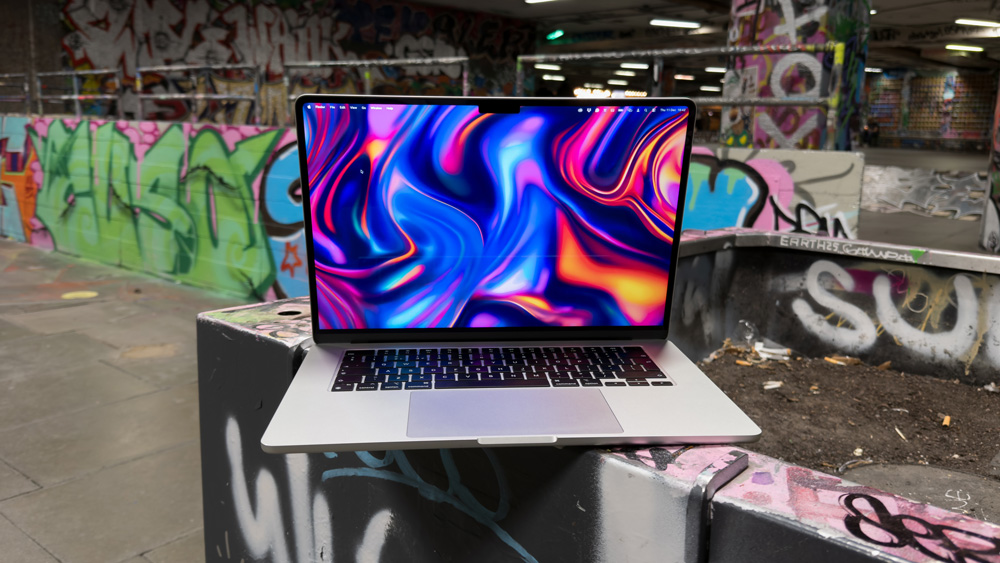
The making of the MacBook Air
The thing is that when Apple silicon came along, it was as if it were the final part of the jigsaw that the MacBook Air had been longing for. It was a match made in silicon heaven.
At its core, the MacBook Air fills a simple enough role in Apple’s lineup. It was always meant to be a lightweight, powerful, ultra-portable, entry-level notebook.
It’s always done a good job at ticking those boxes pretty darned well, too, but with Apple silicon inside, overnight, the levels of performance went through the roof, and the battery life became otherworldly.
Any Apple silicon MacBook Air can almost fairly be described as a MacBook Pro Lite these days – they are seriously that good! Only once this year did my M3 MacBook Air let me down – but in fairness, that was more me asking too much of it.
There were a couple of improvements to the M4 MacBook Air that nearly had me parting with my cash, though.

Firstly, the latest M4 Air has a quicker memory bandwidth. It now clocks in at 120GB/s of memory bandwidth (up from 100GB/s), which on a Mac that is so portable, is pretty impressive.
Also, the M4 chip means that you can now hook up two external displays with the lid open! So your MacBook Air could now be at the centre of a three-monitor, full-blown desk set-up!
The MacBook Air has come a long way since it was slipped out of that manila envelope, hasn’t it?
Tempted as I was, though, I fought temptation this time around. For the way I use my MacBook Air, my current M3 model was still more than up to the task.
Being real
The MacBook Air should fall squarely under the banner of not trying to make it into something it was never supposed to be.
The range opens up at £999 (£100 less if you have a student discount) for a 13-inch model that has 256GB of storage and 16GB of memory.
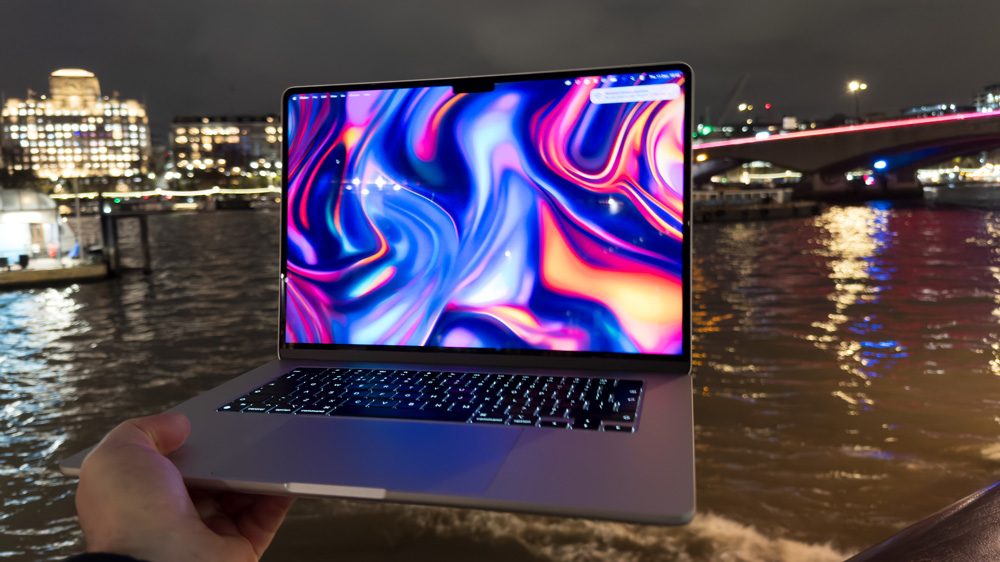
You get a 10-Core CPU, an 8-Core GPU, MagSafe, a beautiful Retina display, a class-leading trackpad and keyboard, decent speakers, a 12MP Centre Stage camera and Thunderbolt 4 ports.
All that makes the base model M4 MacBook Air look like a bargain – which it is!
Yes, the I/O is limited to only two USB-C ports, which are infuriatingly still on the same side, but because you get MagSafe charging, it at least leaves them both free. And as I mentioned, they are Thunderbolt ports too, which means they’re quick.
With speeds of up to 40 Gbps of data transfer speeds, it means you can save yourself a fortune. Now, rather than topping up Apple’s coffers any further and buying storage that they charge a fortune for, you can simply buy a Thunderbolt 4 external SSD enclosure and plug it in when you need it.
The speeds of working from an external SSD are virtually indistinguishable from working from the internal ones in the Mac.

Not only will that save you a fortune, but it’s actually a more flexible and modular way of working. For starters, if the worst should happen and your Mac fails you, at least your work is safe, and also, it means you can use this drive on other Macs as well.
“It’s how I work all the time.”
The let down
Now, back to that time, I mentioned that my M3 MacBook Air kind of let me down this year.
Let me put some flesh on those bones.
I’d gone away for a few days to shoot a video. The only Mac I took was the MacBook Air – that’s how much trust I put in it! Not only would I be able to stay on top of all the general admin I need to do every day, but I also wanted to clip together the footage as I was shooting it in Final Cut.
The video was about the iPhone 17 Pro Max, so I decided to shoot the video on it in the highest ProRes Raw codec. The file was enormous. The fact that I was working from an external SSD wasn’t the issue, but that large codec was too much for my MacBook Air to handle.
It tried, but eventually the timeline ground to a halt. And when I tried to add any effects and plug-ins, it just gave up altogether.
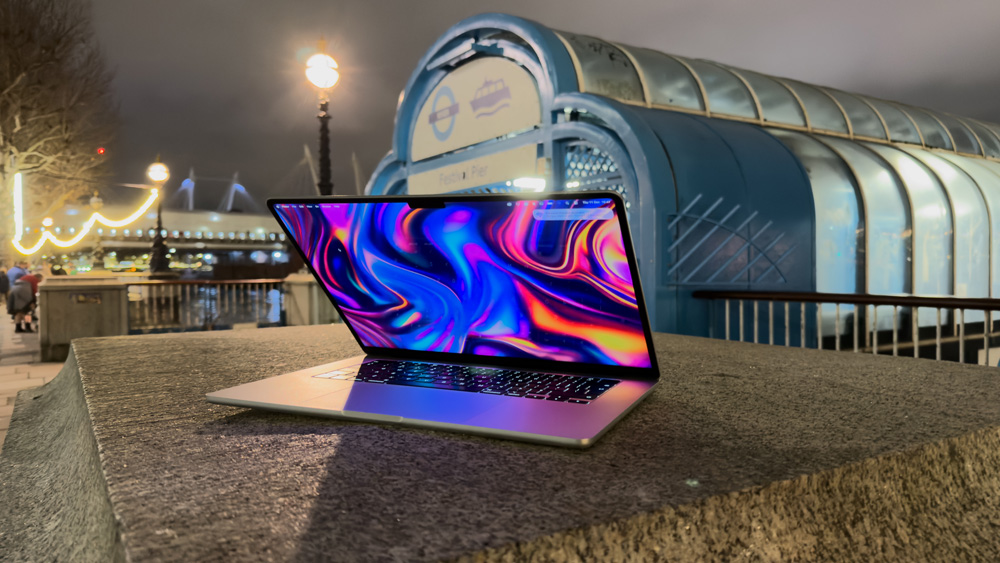
But in its defence, I never bought it with the intention of working on it like this. It’s the base 15-inch model with only 16GB of memory. The fact that it made a good go of trying to deal with that timeline goes to prove just how good Apple silicon is.
Probably the closest competitor that the MacBook Air has for lightweight, portable solutions comes from the M4 iPad Pro, but as I mentioned last week, the iPad still has its flaws.
But faults to one side, it may simply be a case of you prefer working on macOS rather than iPadOS, so for a true portable working solution, the MacBook Air kind of stands alone.
Some of us just have Mac in our veins.
M4 MacBook Air & how to get it right
If I were helping you to buy the right MacBook Air, there would be a couple of things I’d need to know first.

First of all, if this was going to be a second or travel Mac, or you knew that you’d only ever be using it for browsing, emailing and basic admin work, then I’d tell you to grab that base £999 model all day long.
The thing is a beast and won’t let you down.
But if, on the other hand, you’re the kind of person that can see yourself growing into this Mac and you expect your workflow to increase and even possibly use it in that multi-display desktop environment I just described, then there are a couple of other considerations to take on board.

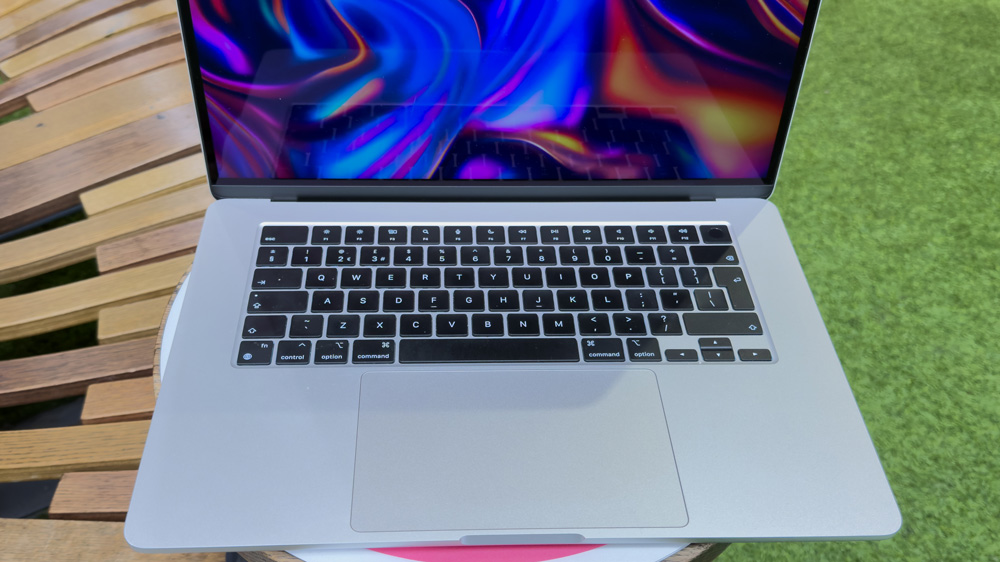
Being primarily a portable Mac, I’d normally have suggested going for the smaller, lighter 13-inch model. But the trouble is that it has limitations. All the 13-inch models and the 15-inch MacBook Air with 256GB of storage only have a single NAND chip.
So for that reason, and that kind user, I’d say choose the 15-inch Air with 512GB of storage. I know I mentioned earlier not to waste money on extra storage, but when you jump up to the 512GB model, you’ll get two storage chips.
That seemingly small upgrade has all sorts of benefits.
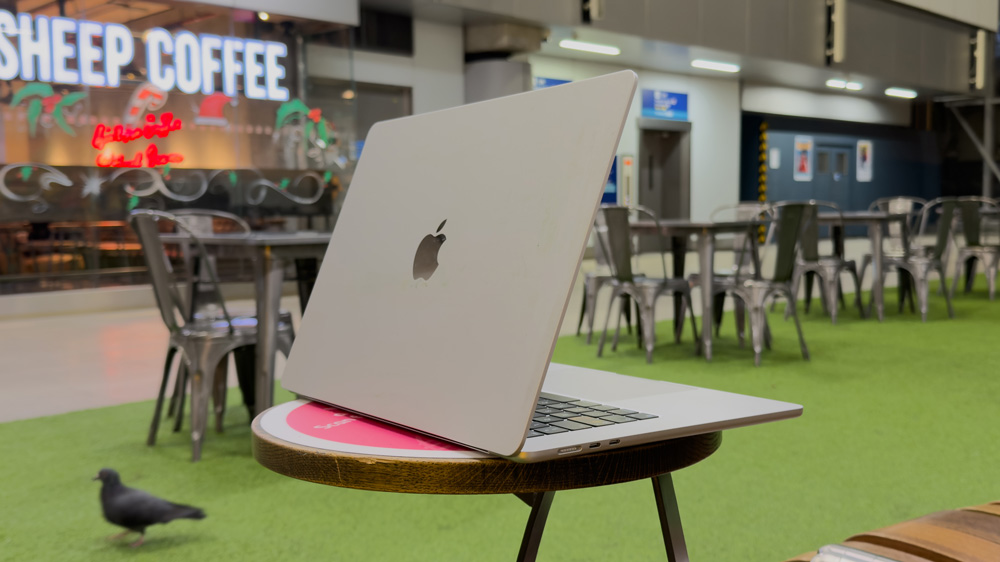
It has faster read/write speeds and way better memory swap abilities, too. That means if your Mac runs low on physical memory, it can use part of the SSD as temporary, virtual memory.
It will probably prove longer lasting too, as that increase to 512GB will mean that the SSD will physically have larger internal space. Also, bear in mind that SSDs tend to slow down as they start to reach their capacity. They suffer from performance throttling. So, apart from the benefits I’ve mentioned, you’re also building in headroom, too.
So that uptick to 512GB is meaningful in many practical ways, yet it still won’t break the bank.
A 15-inch M4 MacBook Air with a 512GB SSD will cost you £1400, and that is still £200 cheaper than the entry-level 14-inch MacBook Pro.
But if you’re tempted to start throwing more options at it, such as 32GB of memory and a 2TB SSD, well then you’re suddenly looking at a price tag of £2200. You’re then looking at the wrong Mac, and at that point, you should start looking at a MacBook Pro instead.
Remember, buy the Mac you need, and don’t try to make it something it’s not.
A clear winner
The MacBook Air is a gem – a real wolf in sheep’s clothing.
If you buy right and tailor it to your needs, it’s a Mac that’ll last you for years to come. With the right specs, it’ll eat up all that you can throw at it and in total glorious silence, too.
There’s honestly not much I can say bad about the MacBook Air. Although Apple didn’t do much more than drop the latest M4 chip into it this year, when you’re that close to perfection, what more should we have expected?
Enjoy your MacBook Air – its power, its performance and of course, its price too!
