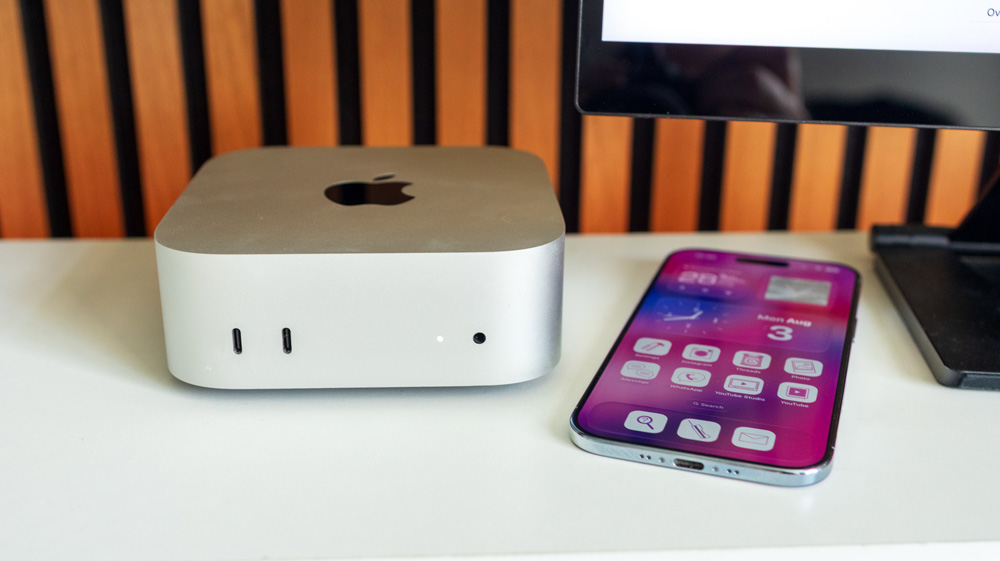
I actually bought two Mac minis at the time – this one and also a standard M4 Mac mini.
David Lewis
August 6, 2026
1
Is it really time I need to think about trading up?
My M4 Pro Mac mini is very nearly two years old.
In that time, it’s been used pretty much every day, earning its keep.
I admit I initially bought it to review – it was a curiosity purchase more than anything. I wasn’t even certain that I’d keep it. I actually bought two Mac minis at the time – this one and also a standard M4 Mac mini. That one got returned, but I decided to keep hold of its beefier brother.
It wowed me straight out of the box. The form factor was gorgeous. Apple had given the Mac mini a brand-new look with this 2024 iteration, and that tiny footprint, coupled with its deceptive power, convinced me to keep it and use it as one of my daily rigs.
Overall, I’ve been ever so happy with it, but recently I’m wondering if I’ve started to see signs that I’ve hit its limits.
The M4 Pro Mac mini – a new start
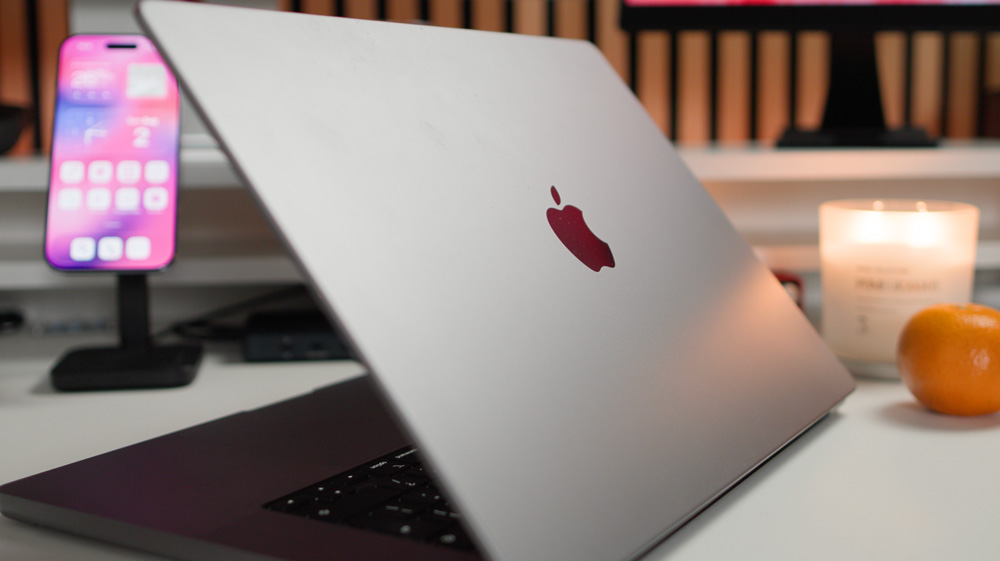
Until I bought the M4 Pro Mac mini, I’d been using my 2021 M1 Max MacBook Pro as my main production Mac.
I did pretty much everything on it. From accounts to podcast, photo and video editing. That Mac has never missed a beat, and to this day, that remains true. That MacBook Pro is a beast! Even though it was one of the first-generation Apple silicon Macs, it’s as quick now as it was the day I first took it out of the box.
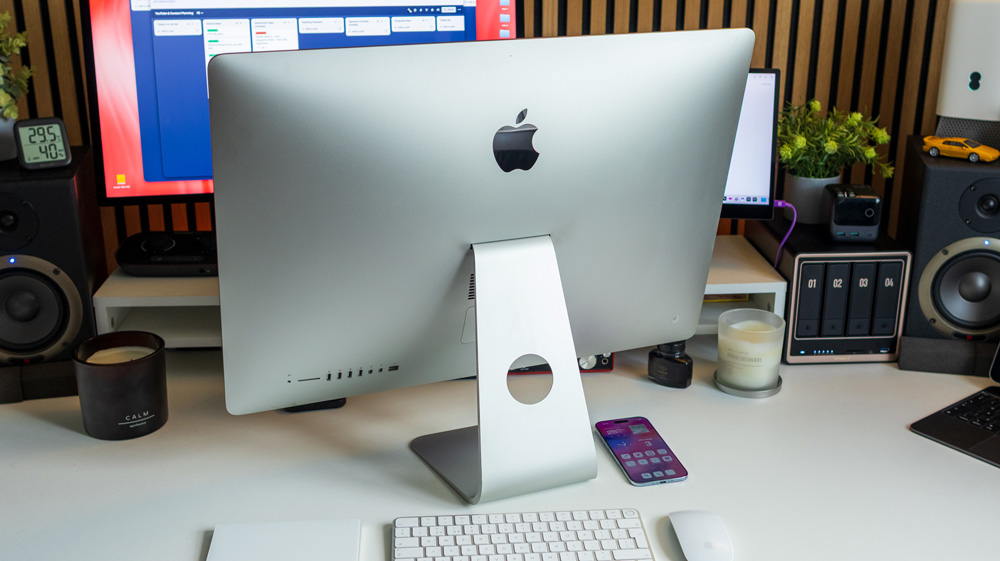
Like many of us back then, I was leaping from an Intel Mac – in my case, a 2015 27-inch iMac. After six years of hard graft, it was just about holding its own – that is, until I jumped into the world of YouTube and started to edit video.
That was the final nail in the coffin for the poor old boy! The fans would spin up the moment I opened Final Cut Pro, and exporting a 10-minute video would routinely take over three-quarters of an hour! I distinctly recall going out to get lunch one day as I waited for a video to export; it took that long.
It was a painful experience!
Apple had just started to unveil their new Apple silicon Macs, and I figured then seemed as good a time as any to jump ship and grab one for myself.
I bought that 16-inch MacBook Pro along with a Studio Display, and the difference in performance was like day and night.
Everything I’d read and heard about Apple silicon proved to be true.
The speed was something I’d never experienced before. That same video was now exporting in about 5 minutes, and, of course, it was whisper-quiet as well.
Come to think of it, I don’t think I’ve heard the fans on it yet!
Sure, it was expensive, but when I think of all the hours that I’ve spent in front of it and the money I’ve made using it, I’m pretty sure it’s earned me that cash back – and then some.
Home from home
Not long after I bought that MacBook, I also took on my first studio space.
I needed more space for tripods, lights and all the gear that goes along with making decent, professional-looking videos.
The fact that I now had two places to work from meant I needed a setup at each place. Back then, I tended to work from home in the mornings and then swap to the studio space in the afternoons.
Ironically, although by definition it’s a laptop, it’s not really very adept at being moved about. It’s heavy, cumbersome and bulky.
Also, the fact it cost north of £3000 means I’m not too keen about slinging it in a backpack for the day – or moving it around at all come to that!
That MacBook Pro stays on my desk virtually all the time. Initially I used to take it with me to and from home, but I knew that wasn’t a long-term solution.
At home, I now use a second, portable display from espresso displays with the MacBook Pro.
The Liquid Retina Display on the Mac itself is stunning – in fact, second only to my M4 iPad Pro. Apple’s displays alone continue to be one of their strongest selling points as far as I’m concerned.
At home, I do any colour-critical work on the Mac’s XDR display, but that secondary display is equally as important. It has a small footprint but offers me the screen real estate I need. It’s a neat set-up that works well, but one that I might yet review…
As a quick sidebar, how sad and annoying is it that I still have two iMacs sitting here that I’d love to use as second displays, yet I can’t! I get Apple is a business and is in the game of making money, but wouldn’t unlocking all these older iMacs to use as displays make sense?
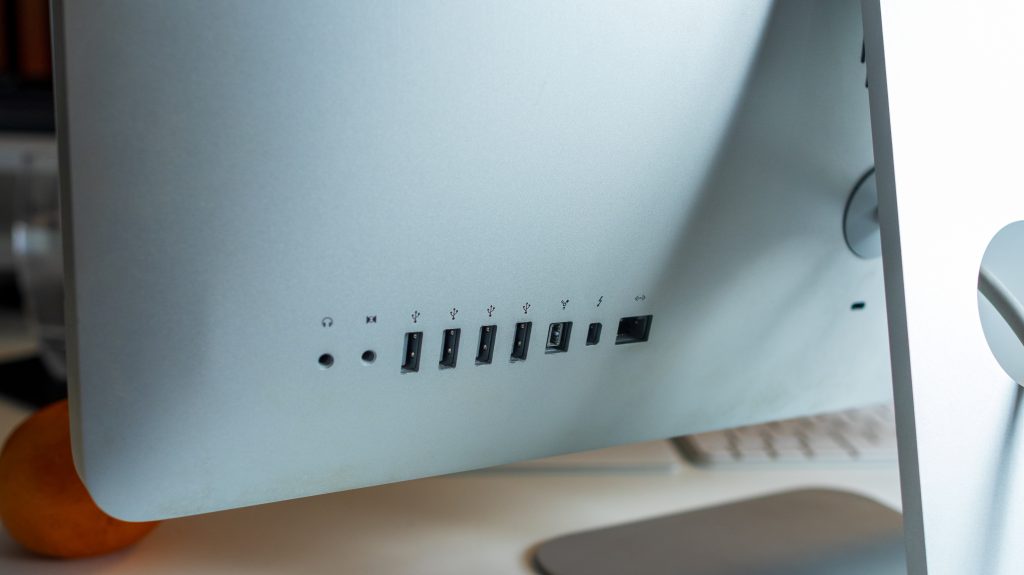
I have a 2012 21.5-inch iMac, and that 27-inch iMac that I’d love to use as displays, but Apple simply won’t play ball. The 2012 iMac even has Target Display functionality, but from what I’ve read, that won’t work with the latest macOS.
If you know a way I can use them as displays without stripping them apart, please let me know!
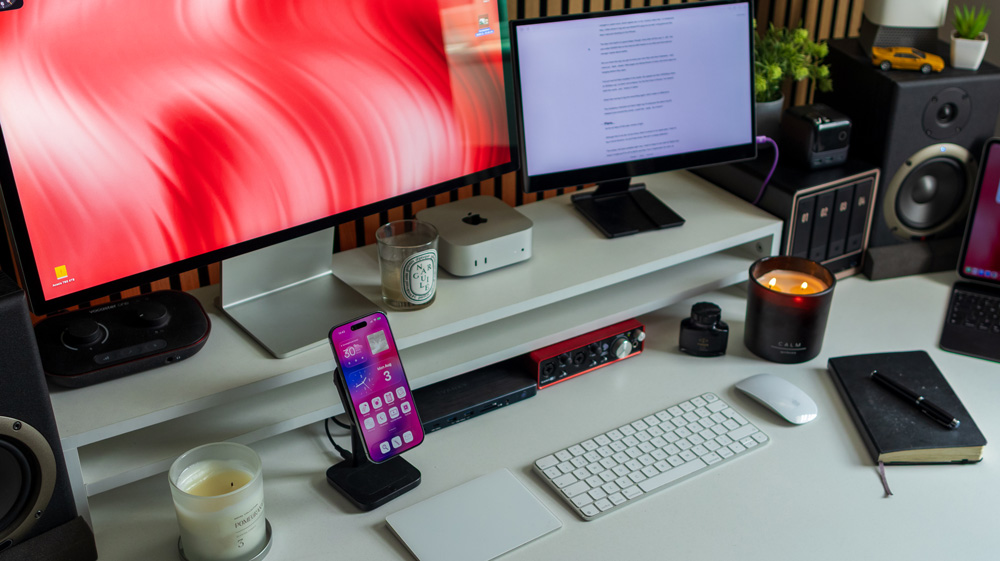
Obviously, the Mac mini needs a monitor, so I took the Studio Display to my studio to pair with it.
Perfect!
Getting it right
Luckily, I had the foresight to spec the Mac mini well when I bought it.
My time with Apple silicon has led me to know that their only ‘weakness’ is not buying them with sufficient RAM. Our workflows tend to increase or change over time, and mark my words, not having enough RAM will soon undo you.
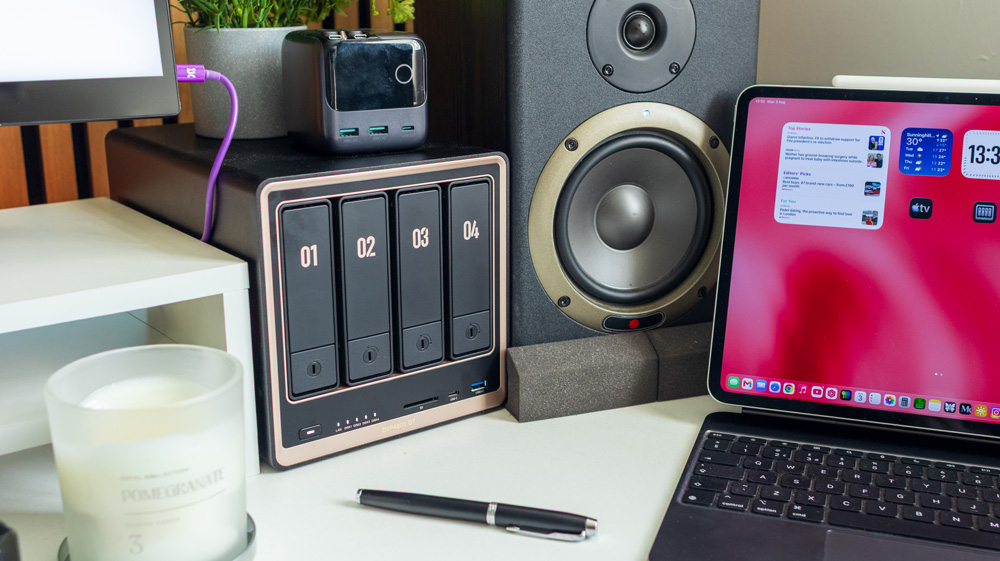
My Mac mini has 48GB of RAM, which in our current climate is the most you can now spec one with anyway, and it has proven to be worth every penny. I also elected to choose the 10GB Ethernet port option, which I now use to connect the mini directly to my NAS. I only went with 1TB of internal storage as I’m a huge fan of using those blazing fast Thunderbolt 5 ports along with additional external NVMe storage.
Being a desktop Mac, having some external storage attached is no hardship – as it’s tucked out of sight anyway.
Obviously, I chose the M4 Pro chip too – and even then I upgraded it to the 14-Core CPU and 20-Core GPU version. It’s a well put-together Mac and by and large it’s done me proud.
Feeling the heat
From day one, I’d always left the Mac mini on 24/7. I know that many of these end up being used as servers, so I reasoned that leaving it on wouldn’t be an issue.
Those server farms, of course, are beautifully air-conditioned – a luxury I don’t yet have in my studio. As you’ll probably know, in the UK this year we’re experiencing a very toasty summer, and recently, I’ve noticed that the mini is getting ever so hot.
Although it has internal cooling and a heatsink system, it’s been struggling to keep cool.
The hotter it got, the slower it seemed to perform. – no surprise there, I know! Tasks I know it would have breezed through at one time were now chugging. Thermal throttling is still a genuine issue!
Overall, it’s just become notably slower.
Turning it off every night certainly seems to have helped matters from a user & performance point of view, but it’s still hot to the touch, which concerns me. There’s plenty of fresh air around it; it’s not mounted in some weird and obscure out-of-sight place, and today, for example, in the studio, it’s only 28° – so not too extreme, yet the mini is still hot to the touch.
I’m convinced the heat has something to do with the sluggish performance.
But remember what I said about our workflows changing…
I’ve changed
As a creator, I’ve changed the way I work.
Sorry to hark back to video editing, but that’s the most demanding part of my workflow, and that has become more demanding this year.
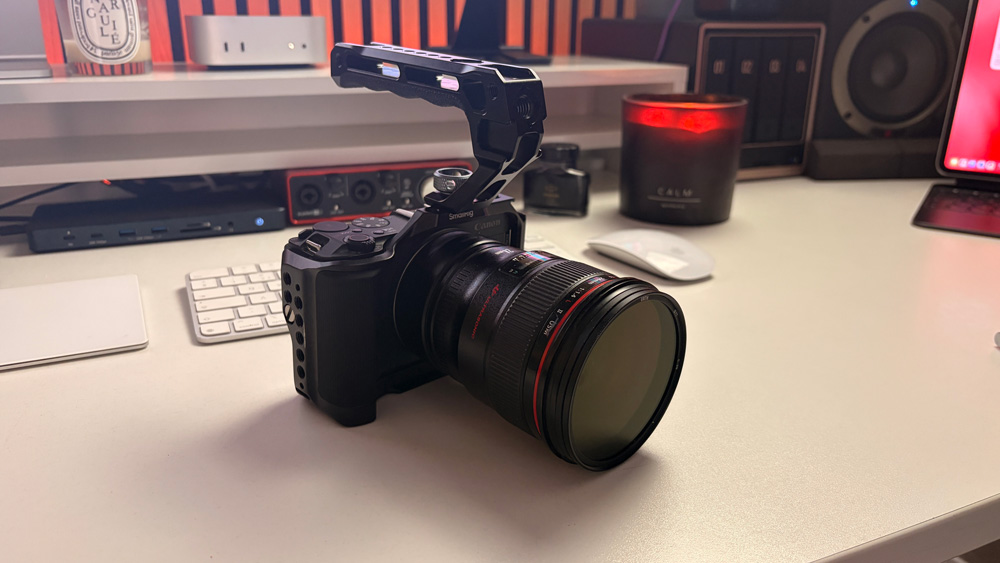
I bought a Canon R50V, which spews out 10-bit, chunky video files. To compound that, I often shoot in log and use MotionVFX plug-ins as well. Long gone are the days I was just shooting on the iPhone!
The Mac mini itself is in good shape, though. Even after two years of hard use, it still has just under 600GB free on the internal SSD thanks to my NAS and that external storage I spoke about earlier.
As you’ll understand, you get to know your own Mac and how it behaves – well, mine just feels slower. Web pages are taking forever to load, and some apps are hanging before they open.
I’ve just had full fibre installed in the studio. My speeds are fast (1000Gbps down & 125Gbps up), so that’s not to blame. For the first time in forever, I’ve even cleared both the cache and history in Safari.
Other than having to log into everything again, even that’s made no difference.
The conspiracy theorists out there might say it’s because the latest macOS release is just around the corner…could that really be a factor?
Plans…
As for many this year, money is tight.
Although this is my job, as you know, when it comes to my Apple gear, I have to buy it all at full price, and as you’ll also know, that ain’t a cheap addiction!
The money I do have available right now, I need to keep to one side for flights and travel. I’m off to Berlin and New York in September for work, so paying for those first has to be my priority.
Add to that, it’s nearly iPhone season, so I’ll have to think about buying one of those to review as well – and if it’s the Ultra, or whatever the foldable is going to be called, that’s rumoured to be costing around £2000!
It’s an expensive time of year!
But as the demands on my Mac are only likely to go in one direction, I have my eye on a Mac Studio. The model I have in mind is the M4 Max Mac Studio. I’d choose it with a 14-core CPU and 40– core GPU and 64GB of RAM.
The Mac Studio has better cooling, so thermal throttling should be a thing of the past, and it has a much quicker memory bandwidth as well – 546GB/s versus 120GB/s and it would have twice as many ProRes encode and decode engines as well.
I/O would be improved, and I could get rid of the hub on my desk, which is primarily there for the SD card slot. The Mac Studio comes with an SD card reader anyway, and it has that 10GB Ethernet port as standard too. It also happens to have four Thunderbolt 5 ports.
If only the Mac Studio came with two Ethernet ports, one to connect to the router and the other to my NAS, I could get rid of that hub altogether. Where possible, I don’t like working via Wi-Fi.
Clearly, for where my work is now, bearing in mind I also edit raw photo files every day in Lightroom, this is the machine that would probably be best suited to my needs these days.
The only small problem is that, in that config, it would cost me £3800!
The end game
I’ve just moved studios, and now I’m spending all day here. I try not to work at home any more. If I can’t get everything done here in 12-14 hours each day, it can bloody well wait until tomorrow!
So in the short term, I think I might bring the MacBook Pro into the studio and take the Mac mini home. The only drawback I can see with that plan is that I have no 10GB Ethernet port for the NAS, though.
I know I could get an Ethernet switch and a 10GB Ethernet card, but I read they’re not particularly reliable and cost a small fortune, so I’m not sure that’s a workable solution.
Having my Mac hardwired to the NAS makes a huge difference when it comes to editing photos from the NAS first as opposed to editing directly on the Mac. I’ll explain why that suits me better in another story – but trust me, it matters.
Other than that, even though it’s a couple of years older than my M4 Pro Mac mini, that M1 Max MacBook Pro is still a better Mac that would suit me better in the studio, which just goes to show how good Apple silicon is.
Choices, choices – and just when I thought I’d learned how to buy a Mac without buyer’s remorse, too!
Are you subscribed to Medium yet?
I am only one of a whole host of writers here on Medium, the premium blogging site. It is such good value, and you can join below.
M5 iPad Pro – save your money! And the great tech switch…Samsung or iPhone | Ep 97
This iPhone 17 Pro Max Camera is OVERRATED!
Samsung Fanboy switches to iPhone 17 Pro Max! What’s the verdict?
One Response
My current computer still feels worth keeping whenever it handles my everyday tasks without slowing me down. Before upgrading, checking whether your actual workload is hitting performance limits can save you from replacing capable hardware too early.



One Response
My current computer still feels worth keeping whenever it handles my everyday tasks without slowing me down.
Before upgrading, checking whether your actual workload is hitting performance limits can save you from replacing capable hardware too early.