
How does the latest Apple silicon suit the iconic iMac

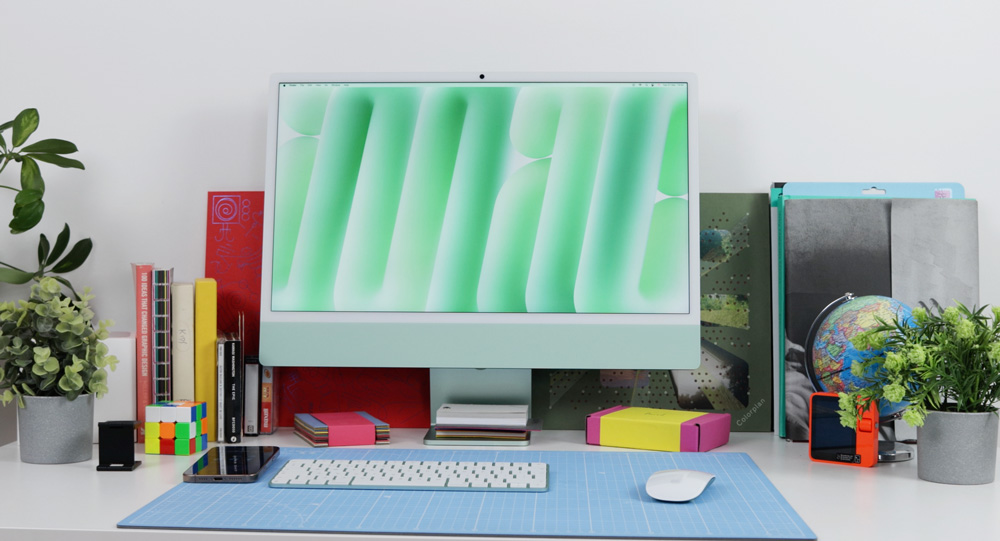
Apple’s latest iMac – the M4 iMac, is still as gorgeous as ever!
That may sound like an odd place to start this piece, but there can be no denying that the iMac has always been Apple’s most eye-catching and gorgeous Mac – and despite whatever else is happening under the skin nowadays, that point surely remains as true today as it ever was.
Oddly, though, it is the beauty of this iMac that can often lead to some doubt or confusion as to what it’s capable of. The pretty, green M4 iMac I have sitting on my desk is proof that beauty is more than skin deep.
The M4 iMac – the gateway Mac
For many, myself included, the iMac is often the first step into a Mac life.
Okay, many, manymoons ago, my first Mac was a MacBook Air, but within months, I was hooked on Mac and knew I wanted the full desktop experience – and that is when I began to work on iMacs.
I guess it was around 15 years ago that I started working on an iMac, and I think I worked exclusively on them until roughly 2 or 3 three years ago when I switched to a MacBook Pro. My 27-inch iMac is still the Mac I have the most affection for – even if it now sits redundant in a corner with its gorgeous 5K display just gathering dust (when will they bring back Target Display?)

Although it received a full-body makeover in 2021 with the first M1 Apple silicon iMac, the shape is still as recognisable and iconic as ever. The contentious chin remains – which just adds a tiny dash of nostalgia to the new slimline iMac, but the overall aesthetic somehow still manages to look instantly iMac.
The M4 iMac lineup comes in six colours – blue, purple, pink, orange, yellow, silver and green, which, as I just mentioned, is the colour I’ve chosen. When Apple introduced colours to the iMac a few years ago, it was clear they were marking this as a consumer-level Mac and not a Mac for professionals.
I get it, and I like the colours, but the only downer is that it adds to this misbelief that the M4 iMacs are purely a pretty little play Mac that sits on reception desks and kitchen counters or is a Mac just for kids and grandparents.
In truth, this M4 iMac is a powerful desktop that’s bulging with grunt that’s just waiting to be tapped into.

The brains inside
I’ve written a lot recently about how the M4 Pro Mac mini has blown me away – so much so that I have now switched to working on it full-time ahead of my M1 Max MacBook Pro.
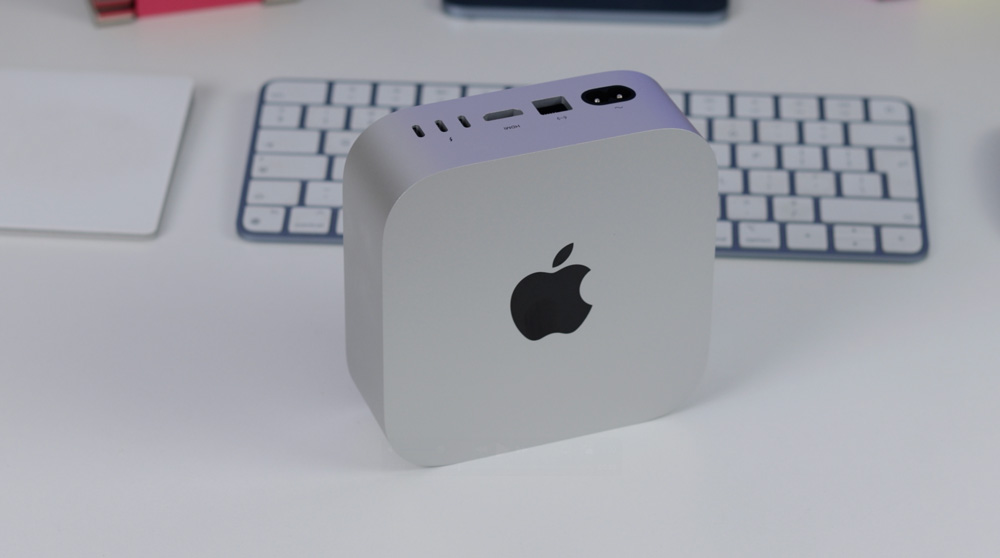
The iMac doesn’t get the option of the M4 Pro chip – but the chip it does have has a faster and snappier CPU than before that seems to make everything feel quicker. The graphics have also been given a boost via an improved GPU with hardware-accelerated ray tracing, which delivers unbelievably realistic graphics and makes gaming on this M4 iMac more of a realistic option.
16GB is now the standard entry point for memory across all Macs – something we can thank Apple Intelligence for, but if you fancy, you can spec your iMac with either 24GB or 32GB of memory if you really want to set this M4 iMac flying into the future.
The M4 iMac I’ve just bought is the base-level entry iMac with 16GB of memory and only 256GB of storage. I know this iMac won’t be my main workstation, so these specs suit my needs for this iMac perfectly. Storage I’ll come back to in a little while, but don’t get hung up on memory – even the 16GB model I have will suit most people, most of the time.
These new M4 iMacs also boast a beefed-up Media Engine, which would be more than capable of letting you edit multiple streams of 4K video smoothly if that is something you are looking to get into. Factor in that they also have a new, more powerful 16-core Neural Engine that will eventually assist with Apple Intelligence, and there is honestly not much these M4 iMacs can’t do.
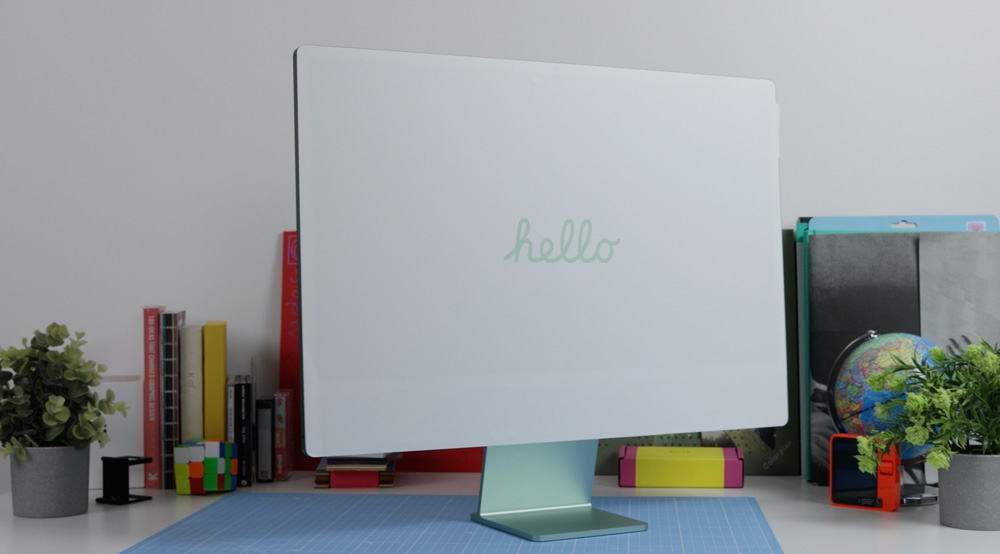
That display!
Looking back to when I first used an iMac, I didn’t realise then, but the first thing that caught my eye was the Retina display. There is no denying once you’ve been spoiled by one of Apple’s Retina displays, there’s no turning back.
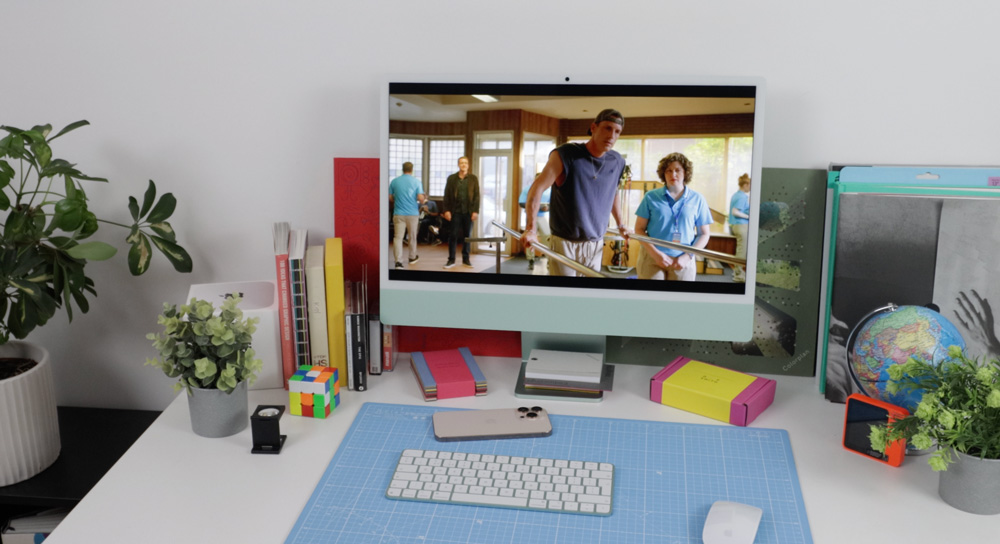
Even carrying out the most mundane tasks on an iMac feels and looks better. Here, you get a 24-inch, 4.5K resolution display with 500 nits of brightness. To give that last figure some context, it’s as bright as an iPad mini – but of course, the difference is that you won’t be using this outdoors. My Studio Display, for reference, only has 600 nits of brightness, and I’ve never thought that looks dull.
The Retina display is clear, crisp, punchy and vibrant, and with its P3 wide colour and over a billion colours, it means that everything you’re looking at zings and pops.
My 8-core CPU iMac will support only one external display, but with the M4 iMacs that have the 10-core CPU, you can hook up two external displays with up to 6K resolution at 60Hz or one external display with up to 8K resolution at 60Hz.
This year, Apple has leant heavily into their nano-texture finish – it’s available across all Macs now. I tried it first-hand on my iPad Pro, and although it wasn’t for me, it does what it sets out to achieve bloody well. If you work somewhere that is ridiculously bright or next to a window, the nano-texture finish may be a £200 option that’s worth considering. It’s available on all iMacs other than the cheapest £1299 model that I have.
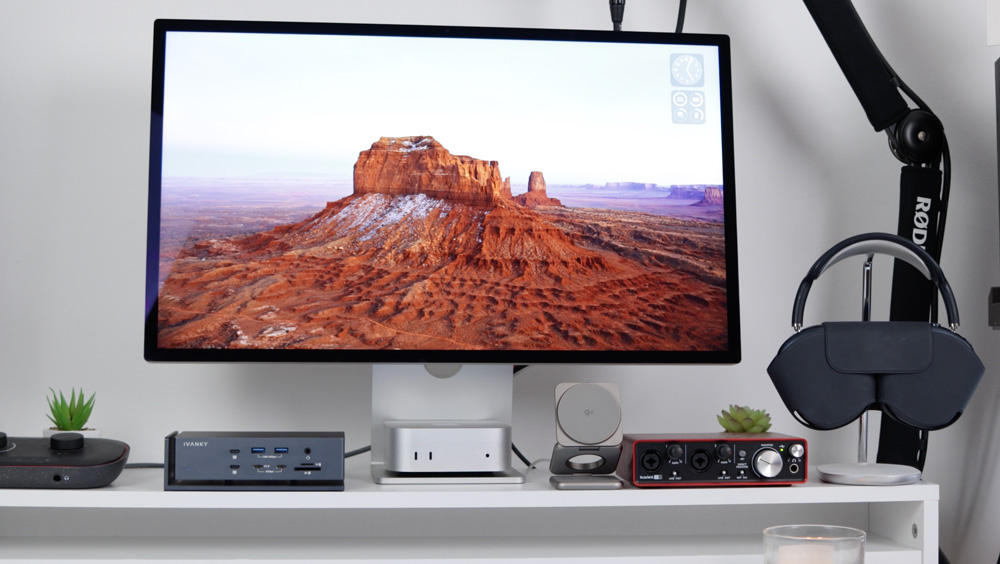
And for all those of you hankering after a comeback of the 27-inch iMac – although nothing is confirmed, I just can’t see it would make any sense these days. You can now choose a Mac mini or Mac Studio and pair it with a 27-inch Studio Display, which means that Apple has that option covered. Going this route means that the display will almost certainly outlast the Mac, so in the long term, it could even save you money, too.
The extras
Even though the camera on the iMac is an improved version of their 12MP Centre Stage camera, I’ve never been a fan.
Centre Stage is one of those things that sounds great but, in reality, is a feature I find at best vague and, at its worst, plain annoying. The camera also seems to over smooth, and the colours are too saturated for my liking. Desk View is another camera feature I’ve never used – and if I’m being honest, I even forget it’s there most of the time. All that said, though, at least there is a built-in camera if you only need to make the occasional video call – and it can handle 1080p HD video recording.
As you may gather, I’m not a massive fan of the camera on iMacs, but when it comes to the mics and speakers, well, that’s another story.
Apple claims the mics are ’studio-quality’. Although that may be pushing it, they are surprisingly good. The M4 iMac gets a three-mic array with a high signal-to-noise ratio and directional beamforming. The amount of background ‘white noise’ & echo they get rid of, and the vocal presence & isolation they give is surprisingly good – if only the cameras could take a lesson or two!
Carrying along with the theme of saving cash, you probably wouldn’t need to buy speakers for your desk. If you’re a casual listener who just has some music playing while you’re working, then these speakers will be more than good enough. Two pairs of force-cancelling woofers with two tweeters give a decent sound with decent mids and a healthy dash of bass. They’re fine to listen to all day without offending, and as is pretty much standard practice now for Apple, you get Spatial Audio with support for Dolby Atmos, too.
On the back
Apple isn’t super-generous with the I/O and connectivity on iMacs.
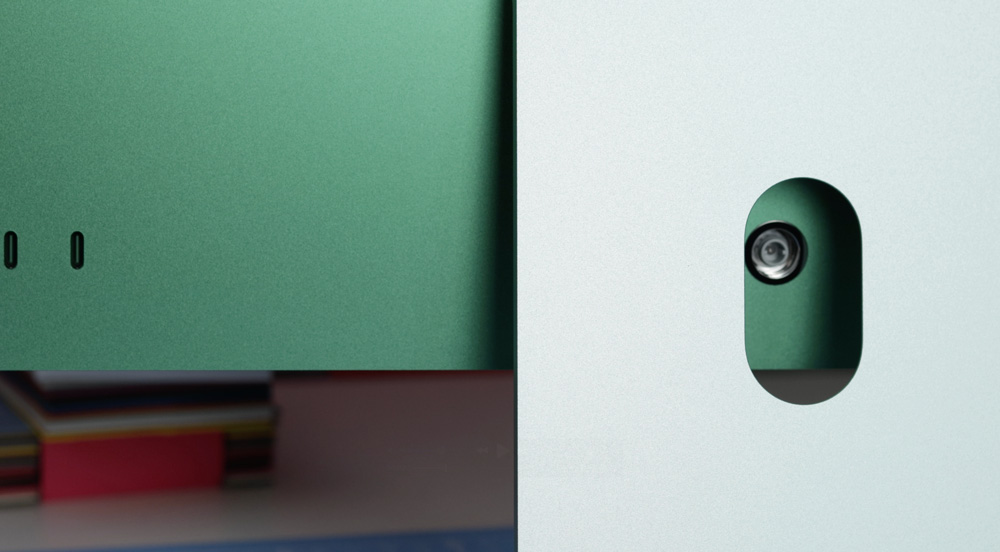
My iMac has a pair of Thunderbolt 4 ports. Adding a Gigabit Ethernet option to this base-level iMac would have cost £30 – but it comes as standard on the models higher up the range. Again, keeping in lane over where Apple sees the iMac, Thunderbolt 5 didn’t make its way to the lineup this time around.
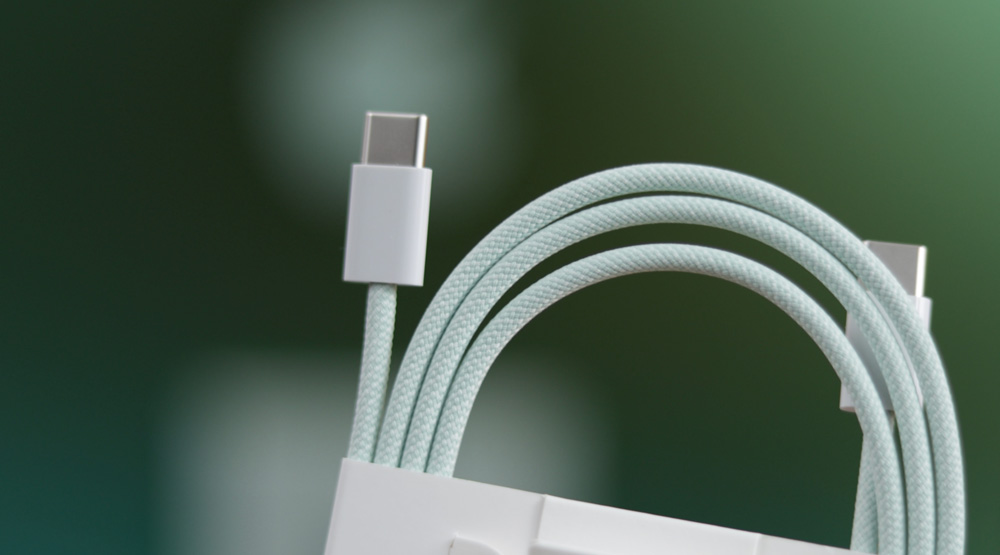
Unlike that ridiculous design of the Studio Display, where the power cable is non-removable, on the iMac, you get a colour-coded braided cable that is actually super generous in length with a snappy magnetic connector – it’s kind of the Mac’s answer to MagSafe.
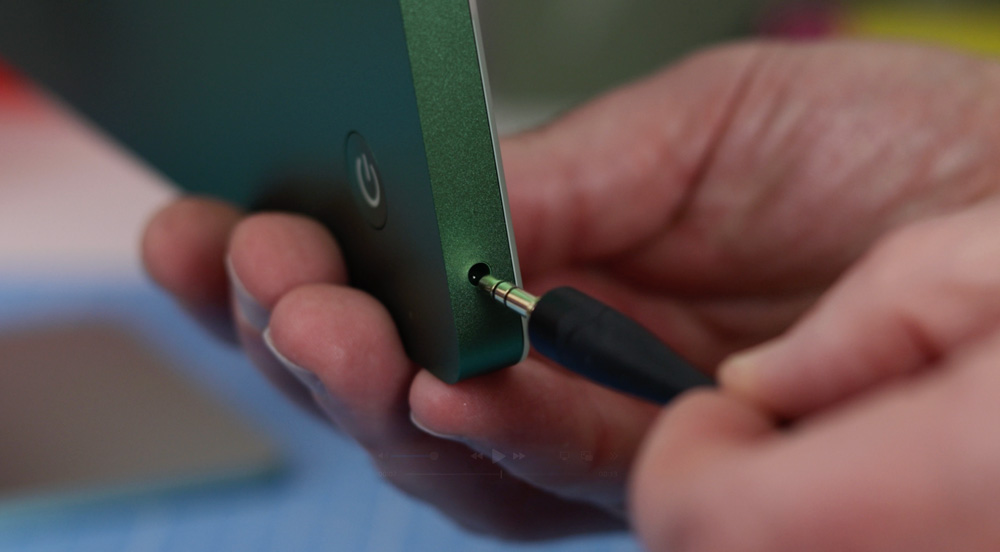
On the side, you still get a 3.5mm headphone jack which supports high‑impedance headphones, which will offer you the optimum audio experience on your iMac.
As you’d probably expect on a new M4 Mac, you get the latest connectivity of Wi‑Fi 6E (if your router supports it) and Bluetooth 5.3.
What else is in the box?
Very little!
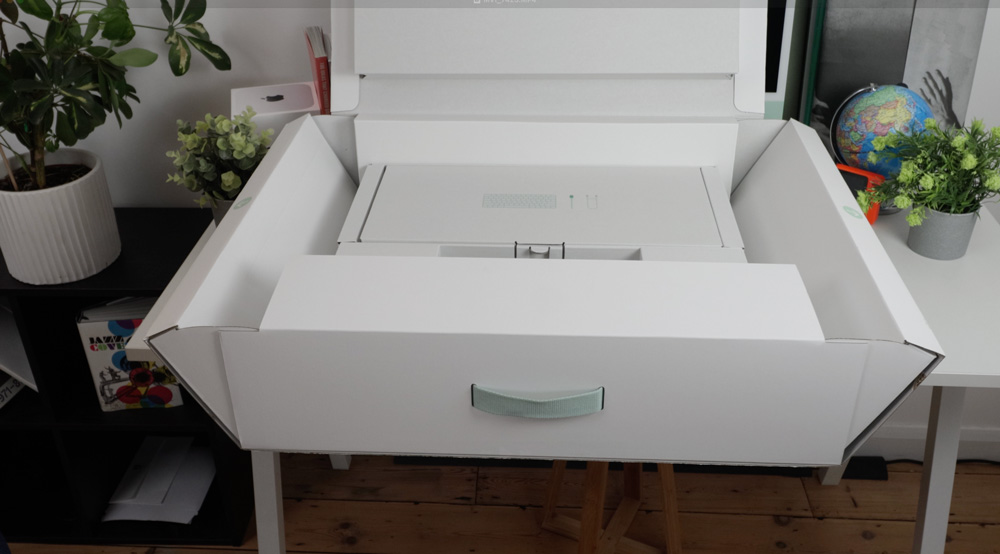
Apple is pushing hard to keep the packing to a minimum – although the clam shell design on it is still ingenious. Inside the box, all you get is the colour-matched keyboard and mouse – both of these now charge via USB-C and the included braided colour-matched cable. A trackpad or a keyboard with Touch ID, again, are extras.
Storage
Extra storage on a Mac is a subject that will always cause heated discussion and debate.
Internal SSDs still tend to be the quickest and most convenient. On a desktop Mac, you could argue that convenience isn’t that important, but with only having Thunderbolt 4 ports on the iMacs, your data transfer speeds will be topped out at 40Gb/s.
It will depend on how you intend to use your iMac. If external SSDs are only for storing or backing up data, then possibly they’ll be fine. But if you want to work from them, you may find the read/write speeds of after-market SSDs are a hindrance. Also, I have found many SSDs suffer from thermal issues if you are working from them for any length of time.
So that brings you back to internal storage – and buying it from Apple at the point of purchase. It’s quick, it’s convenient, but hell, do you pay for the privilege. Jumping from 256GB, which is going to be hardly enough for anyone but the lightest user, to 512GB will cost you an extra £200. The 1TB option costs £400 more, and the 2TB choice costs £800! It’s daylight robbery, sure enough, but Apple knows how to make money! Generally, I’d say the 512GB choice would be enough for most people these days.
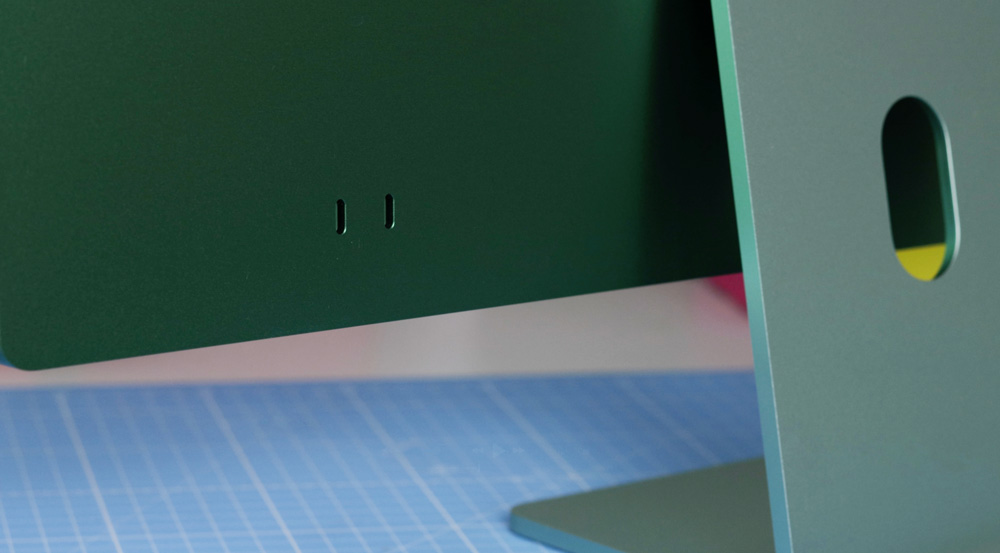
I’ll be looking into external storage options a bit more over the next few weeks.
Making life easier
I’ve already mentioned how the M4 chip both in this M4 iMac and the M4 Pro Mac mini I have feels sharper and quicker to use well, that translates to how Apple has integrated your iPhone into use with Macs.
With the release of macOS Sequoia, Apple introduced iPhone Mirroring – and if you haven’t tried it yet, you’re missing out. It’s one of those quality-of-life improvements that makes a genuine difference.
Many days now, I hardly touch my phone – once you’ve set it up, you can do everything (other than banking) from your Mac on your iPhone! You can move files, photos and videos between your iPhone and Mac as easily as you drag and drop between apps.
Trade-in tips
This is the second Mac that I’ve bought using Apple’s trade-in option – and this time, it was even easier than ever.

Before heading into London, I’d checked on the value of my M3 iMac (£285 for a base level M3 iMac) and availability. Once in store, it’s super simple. The assistant gets you to scan a QR code, which grants them temporary access to devices registered to your iCloud account. From there, they find the one you want to trade in, grab the serial number, and that’s it!
One tip I’d offer you, though, is don’t take any other peripherals or packing with you – they simply don’t want it! When I traded in my MacBook Air, they didn’t want the charger. This time around, they didn’t even ask for the mouse or keyboard, let alone the charger!
So travel light and keep all the accessories for yourself – after all, you can never have too many chargers and keyboards, right?
iMac for life
You know what, I can’t see a time when an iMac won’t be part of my studio setup in some way.
Although I now only use my iMac for browsing and emailing, that’s simply because I am spoiled for choice and not a reflection of the iMac. These latest M4 iMacs are every bit the equal of the much-praised M4 Mac minis – except with the iMac, you get the Retina display, keyboard and mouse.
These iMacs are not only a great way to get used to working on a Mac – they are a Mac that could be a hardworking desktop Mac for many people. You could easily run a business on one and happily edit in Photoshop, Lightroom, Logic or Final Cut. Buy a well-spec’d M4 iMac today, and it will last you years into the future.

Yes, these latest M4 iMacs are Apple Intelligence-ready, but I’m not all that fussed by that selling point. From what I’ve seen of it so far, Apple Intelligence is only of limited use. I was looking forward to the Writing Tools (for obvious reasons), but even those don’t do a very good job, and I still rely on Grammarly. But, if you do see yourself as the kind of person who wants to use Apple’s AI, then these latest iMacs are future-proofed.
Don’t buy this M4 iMac based on what Apple Intelligence may bring to it in the future. Buy it today because it’s as near to a bargain as you are likely to get from Apple.
You can still unpack this M4 iMac and be online, working within an hour, and it’s every bit as much an iMac today as it’s always been – chin n’all! And for that – I love it.
The iMac saved Apple from bankruptcy years ago, and today, it remains an iconic Mac at the top of its game and still as central to their Mac lineup as ever.
