
CES 2026 was a case of something old and something new…
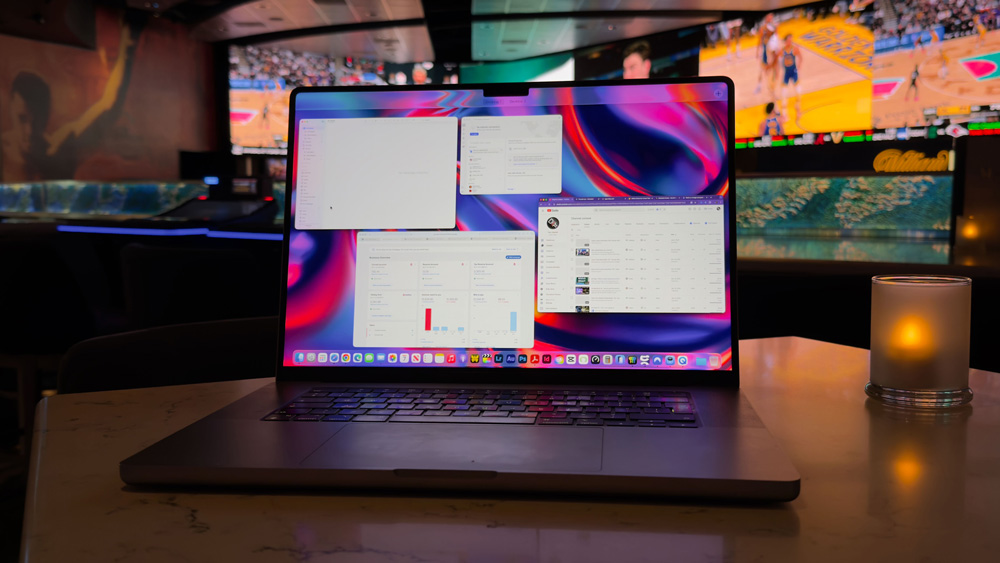
My M1 Max MacBook Pro has just travelled with me to Las Vegas and back, and, although it was the oldest piece of Apple gear I took with me, it was the piece of kit that I used the most.
It was the beating heart of my Las Vegas trip.
That said, it was honestly a case of something old and something new, as the other device I had with me every day was my iPhone 17 Pro Max. I’ve never hidden from the fact that I’m new to this travelling lark, so this trip to Las Vegas helped to answer a lot of questions for me about what it’s like to work away from home and how productive you can be on a trip.
It turns out that with the right kit packed, I can make and upload content from pretty much anywhere. So as I settle into my first full ‘normal’ week’s work of 2026, I thought it might be interesting for you to see how my gear fared and what takeaways I have from my CES trip.
What came with me to CES
Oddly, the two lightest, most convenient and travel-friendly bits of kit I owned didn’t even make it into the travel bag! My M3 MacBook Air and A17 iPad mini both got left in the studio.
As much as I was keen to travel light, I knew that the MacBook Air wouldn’t be able to cope with the heavier CODECS that I’d be shooting. And the main reason for taking the M4 iPad Pro over the mini was not only as a media consumption tablet, but in theory as a backup to the MacBook Pro.
That one didn’t quite work out, though, as I’ll explain in a bit.
But the M4 iPad Pro was always going to come with me, as recently I’ve become besotted by it. I’m actually writing this story on it now, even though the MacBook Pro is literally sitting just inches away to my right-hand side.
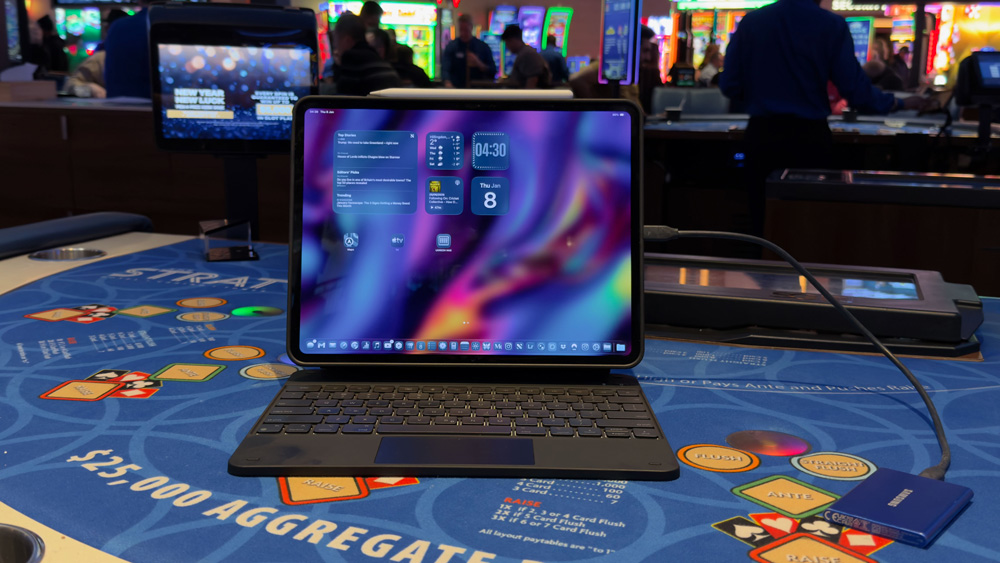
The iPhone Air was with me just as a backup for the odd reference shot I may need. As it turned out, it only ever got fired up once or twice during the entire trip.
My Canon came with me, too. I knew it was unlikely I’d be shooting video with it, but I wanted it with me from a photographic point of view. Photography, although not yet earning me any money, has become a massive passion of mine.
I’ve posted a picture to Instagram and Adobe’s Lightroom Community every day now for over 300 days! I’ve also just booked my tickets for the London Photographic Show.
Yup, I’ve got the photo bug in a big way!
But for all the kit I took to Las Vegas, it was the M1 Max MacBook Pro and the iPhone 17 Pro Max that bore the brunt of the workload – and boy, did they work!
The CES workload
CES is arguably too big.
I spent three solid days there from 10 am – 6 pm, and still there must have been two halls and three buildings that I never managed to set foot in. The sheer scale and enormity of the event are hard for me to get across to you.
I checked in with a few other people there, and by the middle of the week, we were all experiencing a similar kind of ‘digital fog’. CES & Las Vegas is a sensory overload on every level. You’re surrounded by blinding lights, bright screens, people and general noise for three straight days, and it takes its toll.
Trust me, I had a great time, and I’m not moaning in the slightest, but it is a marathon, no matter how much of a tech geek you are.
CES is knackering!
The iPhone 17 Pro Max – a beast!
I wrote in my previous story that I’d decided to use my iPhone 17 Pro Max as my main camera at CES. That proved to be the right choice.
I love my Canon deeply, and I’m on the verge of buying the Canon R50V and another lens, but I know the iPhone 17 Pro Max and, in particular, the Blackmagic app better. I was more at home with that rig than the Canon for vlog-type work. But how crazy is it that I can sit here and tell you that I chose to replace a camera with a phone knowing that the results would look great – and they do!
I’m delighted with the quality of the video I shot at CES. One of the best things I did late last year was getting to grips with the Blackmagic app. Once you know your way around that app, getting great, professional video from the 17 Pro Max is child’s play.
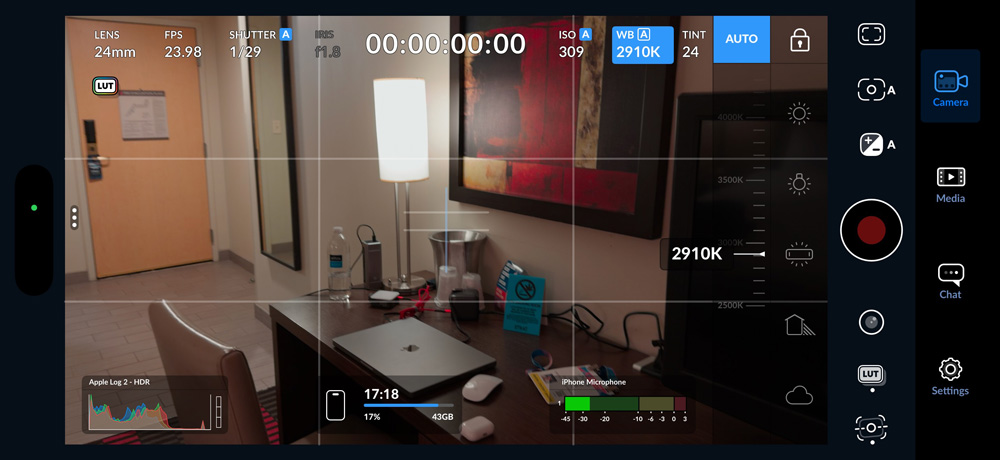
In another story, I’ll run through the exact settings, CODECS and all the details of how I shot the videos on my iPhone 17 Pro Max, but for now, let me just say that choosing the iPhone 17 Pro Max was the right move.
It goes without saying that the battery was hit hard. I was shooting for fairly long periods in 4K and at high CODECS with SSDs and mics attached to it. Any device would struggle, even a camera would need its battery changed on this kind of shoot, so I’m not going to come down hard on the iPhone and its battery life. I’m going to cut it some slack. I had a couple of power bricks with me in my camera bag anyway, and I was able to charge at ESR’s booth too, so I was covered.
The number of comments I had about my iPhone camera rig surprised me. I figured it would be commonplace by now, particularly at CES, but I’ll admit my set-up did stand out from the crowd. Not only did it have the Lexar SSD and Hollyland mic attached, but I was also using a black mist and ND filter as well, and all of that was mounted on the Ronin RS3 mini gimbal.
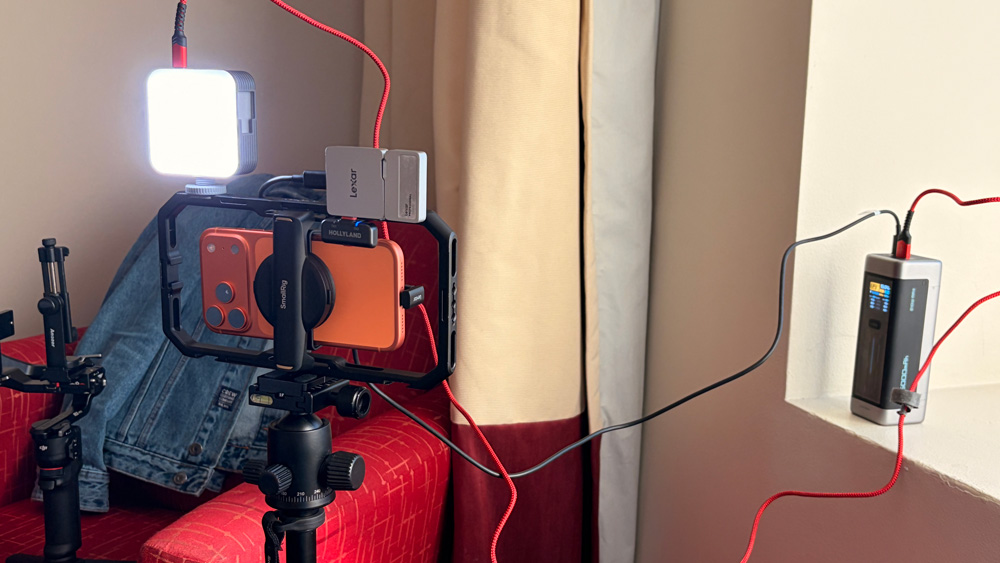
I’d been concerned that my client, ESR, may have thought that it wasn’t professional enough, but they were not only over the moon with what I shot, but even commented on the rig.
My M1 Max MacBook Pro – the star of the show
Although it’s a bloody heavy bit of kit to carry around, much like the 17 Pro Max, it was the right choice for this trip.
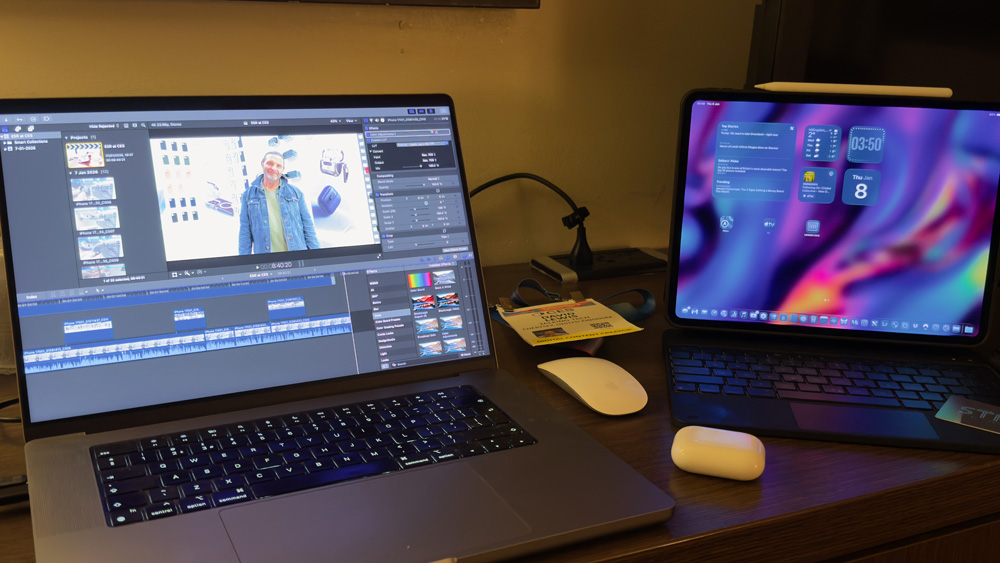
I have a graphic design business as well, and during the flight, a client had booked in some work with me which needed to be artworked and proofed, which again validates bringing the MacBook Pro with me.
Once I’d checked in to my room, it then stayed on the desk for almost the entire week. Where I had intended to use my iPad Pro for emailing and general admin, as it turned out, I couldn’t, so the MacBook Pro was my go-to bit of kit for getting everything done.
It wasn’t the fault of the iPad that I couldn’t use it, but rather the restrictions I had in the room. You see, for the first few days, I was using the free WiFi option, and on that plan, I was only allowed two devices. They clearly had to be the MacBook Pro and 17 Pro Max.
As much as I’d tried to plan everything out and leave nothing to chance, sometimes it’s the details that catch you out. The moment I touched down in Las Vegas, my mobile provider pinged me a message about buying a roaming plan. That whole side of it was seamless, but for whatever reason, I couldn’t hotspot from my iPhone to my iPad, so for most of the trip, it had no connectivity.
If you have any idea why that would be the case, and what the workaround is for future trips, please leave a comment. There must be a way to hotspot whilst on roaming.
It wasn’t a huge problem, but it meant that the iPad was pretty redundant for most of the week. For my last 24 hours, I bought the upgraded WiFi package at the hotel, which allowed for up to 5 devices. At least that meant my iPad & iPhone Air could sync up at last, and it also meant that I could buy and download a couple of movies for the trip home.
As it turned out, I slept for almost the entire flight, so I didn’t get to watch the movies, but at least I know they are on the iPad now for my next trip. On the plane I mainly used my AirPods Max for their amazing noise cancelling, but they’re uncomfortable to sleep in, so then I swapped over to my AirPods Pro.
But even if I’d bought a cellular iPad, I would still have had to buy another roaming plan for it plus the monthly cost to my mobile provider, too, which over the course of a year adds up.
It’s all these little things you learn along the way.
The workflow
The way my CES panned out was by walking to the Convention Centre each day with my camera bag to shoot.
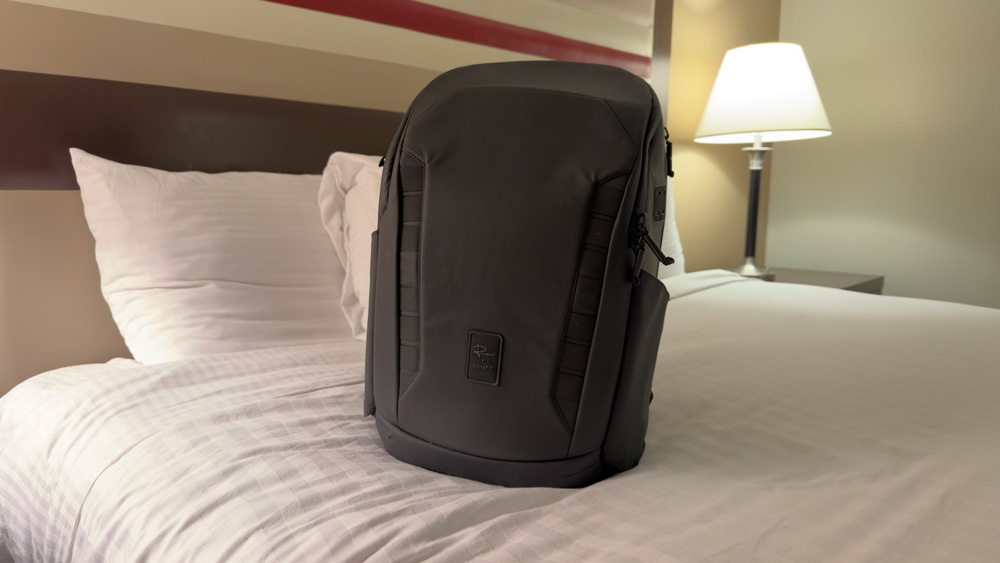
I made shot lists the night before and then made sure to work my way through that list the next day. It was a simple and logical way of going about things, and it worked like a dream.
Once I was done shooting for the day, both photos and video, I headed back to the room. The first thing I did was to offload the day’s work and get it backed up.
The photos got sent back to my NAS, but the video files were too big. The only way I could think of backing up the video files was to have them on the MacBook’s desktop and then on two external SSDs.
The WiFi on the trip was probably the biggest issue I had. Clearly, for what I do, connectivity is crucial, but unless I’m missing a trick, there is no way around it. I was told about a media room that was available at CES. I figured, as you had to have a press pass to get in there, that its WiFi would be decent.
Sadly, that wasn’t the case. It was still painfully slow and not any better than the free WiFi at the hotel. I was only getting about 5 Mbps upload. Even when I paid $20 for the hotel premium WiFi, I was only getting about 15 Mbps upload speed, which meant a 10-minute 4K video was taking about an hour to upload.
Also, for the first time, I was using a VPN. I knew I was going to be online for so much of the time on unsecured networks on this trip that I figured it was sensible to be cautious. I’d heard some horror stories, so I wanted to be safe rather than sorry.
Uploading on the road is a horrible experience, but it’s part of the job. ESR wanted the video live before I flew home while CES was still open. But waiting an hour to upload seems like an eternity.
I’m open to any suggestions that you think might help me out in the future.
I mentioned earlier that the MacBook stayed in the hotel room for nearly the entire week. The only time it came to CES with me was when I‘d edited together ESR’s video. I figured the best way to show it to them was in Final Cut on the MacBook.
That way, any edits that needed to be made, I could do them in real time with them at the booth. They loved that, and as far as I could tell, going that extra yard for them went down well. They are a great company to work for, so bending over backwards for them was no chore.
Not missing a beat
Looking back at CES, I reckon I can pat myself on the back for a pretty productive, mistake-free, content-filled week.
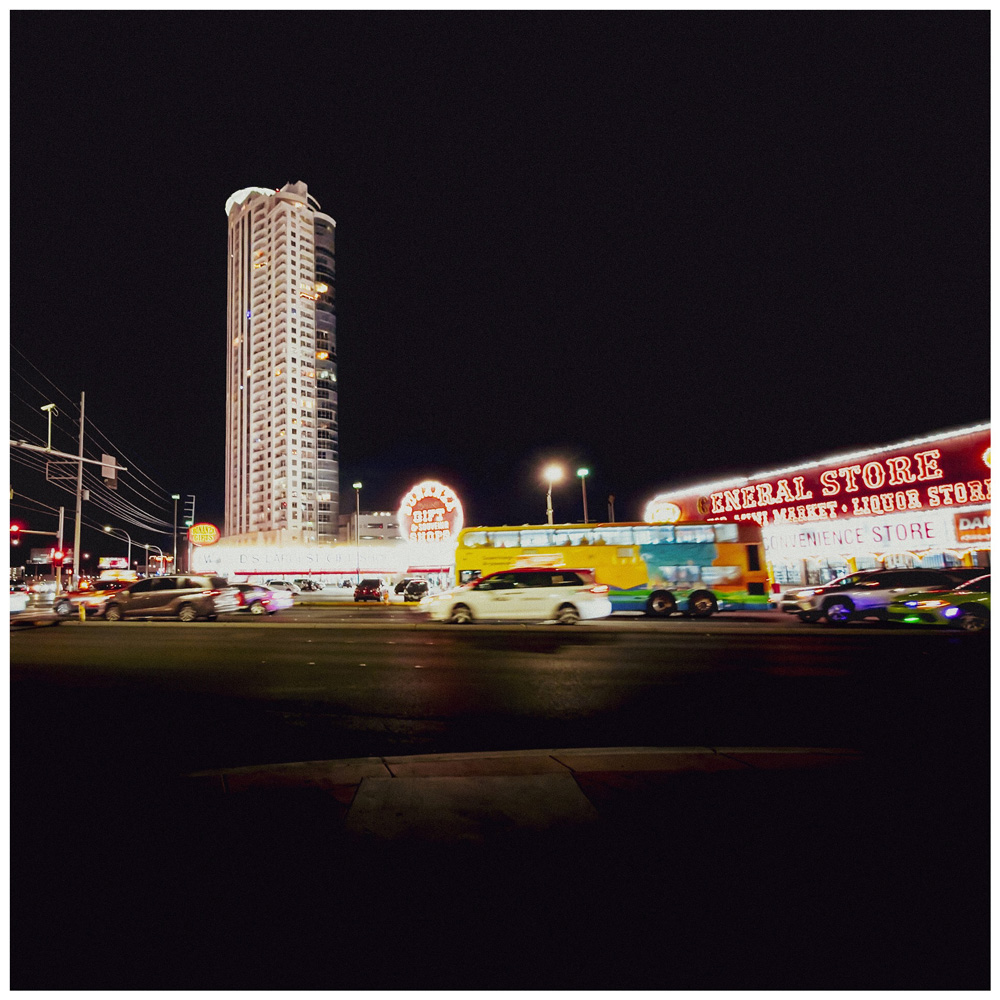
On one day alone, I recorded four videos and edited and uploaded two, plus wrote and published a story as well. I also managed to keep up with my daily photo upload schedule as well.
Not only was this my first CES, but it was also my first long-haul trip as a creator. Although a newbie, I created a simple system in my calendar, which wasn’t particularly elaborate, but worked well enough. I didn’t miss any of my appointments with various companies, brands and exhibitors, and the follow-up emails are already starting to trickle through.
My MacBook Pro and iPhone 17 Pro were perfect CES companions. Although the M1 Max MacBook Pro is fast approaching its fifth birthday, it still feels fast and performs as well now as it did the day I first started using it.
All of which leads me to a couple of conclusions.
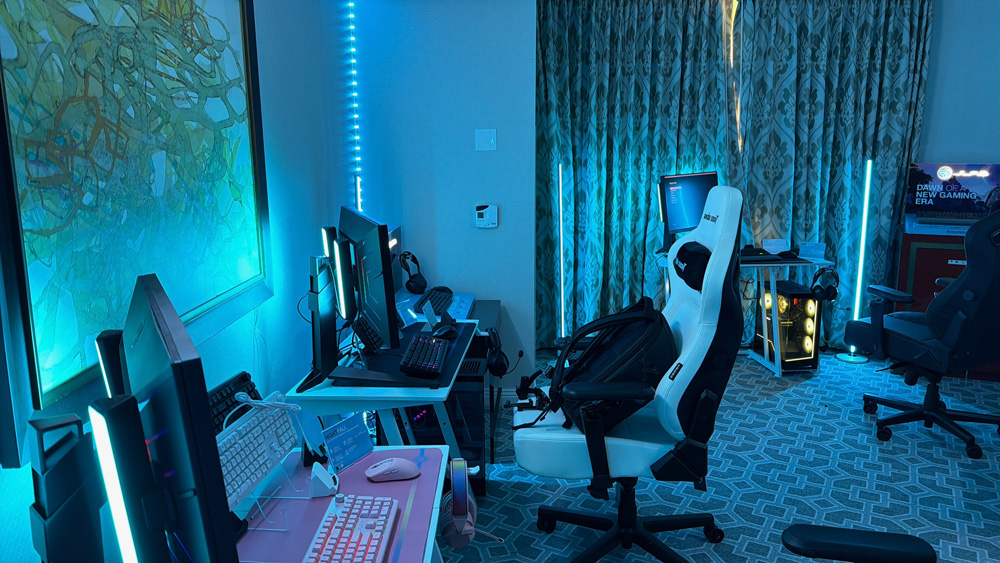
Apple silicon changed to rulebook when it was first launched, and that rule holds today. So, if you’re looking for a true bargain MacBook Pro, then it might just be worth sourcing an older M1 MacBook. Assuming you buy one that’s been well looked after, these things are built like tanks.
If my M1 Max MacBook Pro is anything to go by, you won’t be disappointed.
And as the dust settles, armed with all the knowledge gained from this trip, I’m already aching for my next trip!

4 responses
It’s funny how we always think a backup device will save us, but it’s clear that there’s nothing quite like having the primary tool you trust with you, especially when traveling.
Very true
I benefited greatly from your blog post while making my holiday plans.Thank you admin.
Thank you!