
Why is the iMac never taken seriously?

The poor old M4 iMac never seems to hit the headlines any more, and that’s such a crying shame.
There seems to be this mistaken idea that an iMac is just a colourful plaything that’s suitable only for kids and grandparents. In reality, it’s as powerful as any other M4 Mac that’s out there – and it’s an iMac, which is a byword for durability. These things are built like tanks.
So let’s go through the do’s and don’ts of buying an iMac, and later on I’ll suggest one option I think you should always tick when purchasing an iMac that will unlock the full power of an iMac.
The iMac legacy
Recently, I mentioned that a MacBook Air was my first Mac. Well, my second Mac was an iMac.
I remember when I first got it, how I felt that I now had a real Mac – a desktop Mac. That Intel iMac truly got me into what it meant to work on a Mac. It’s one of those Macs that I could never part with, either.
I think it’s because it served me so well and opened up so many doors to me, that it carved a special place in my Mac Hall of Fame.
That original 21.5-inch iMac still sits on a shelf in my studio – and it still powers up as well. That’s what I meant about iMacs being built like tanks.

Of course, we all know how Apple silicon changed everything when it first came along four or five years ago. Since then, the industry has been playing catch-up, and whilst we get new versions of Apple’s M series of chips every year, not all of them have been meaningful updates.
M4 Apple silicon, however, was a huge step forward in both power and performance. It’s based on TSMC’s second-gen 3nm process, and it took what we can expect as the norm from our Macs even further down the road.
The bar got raised even higher.
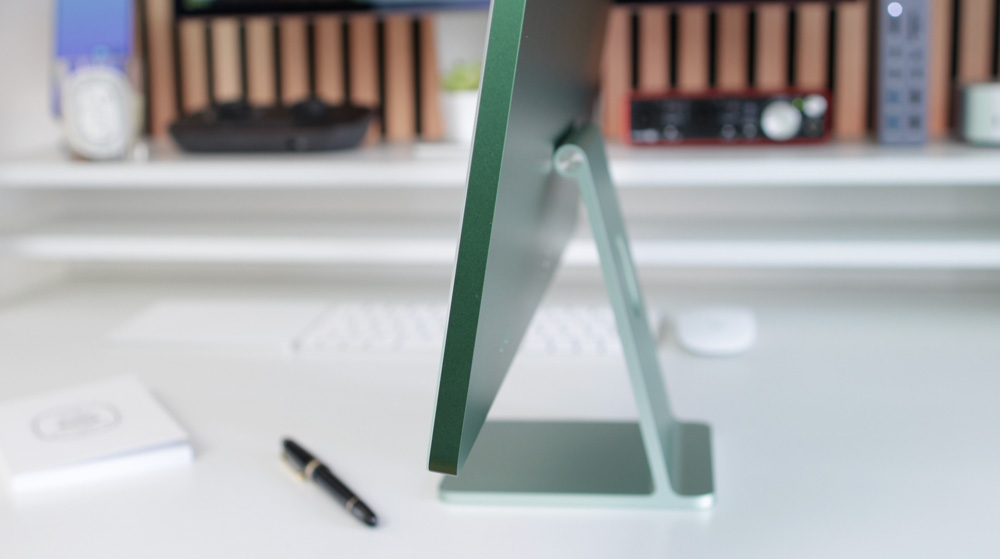
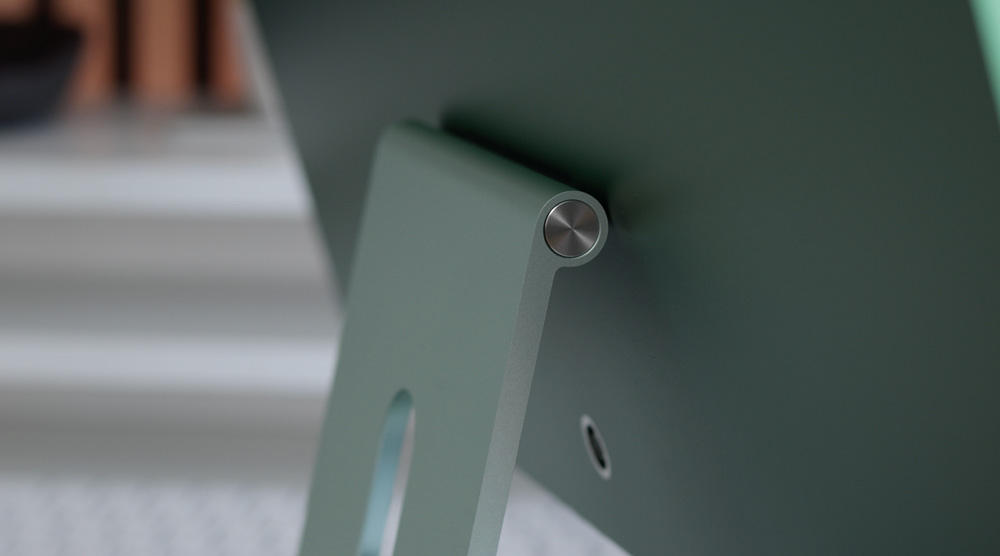
The iMac is probably the most iconic Mac ever. Ask someone not in our tech bubble to describe a Mac, and I bet you it would be an iMac that they describe. That stand and chin are timeless design classics that make the iMac so distinguishable.
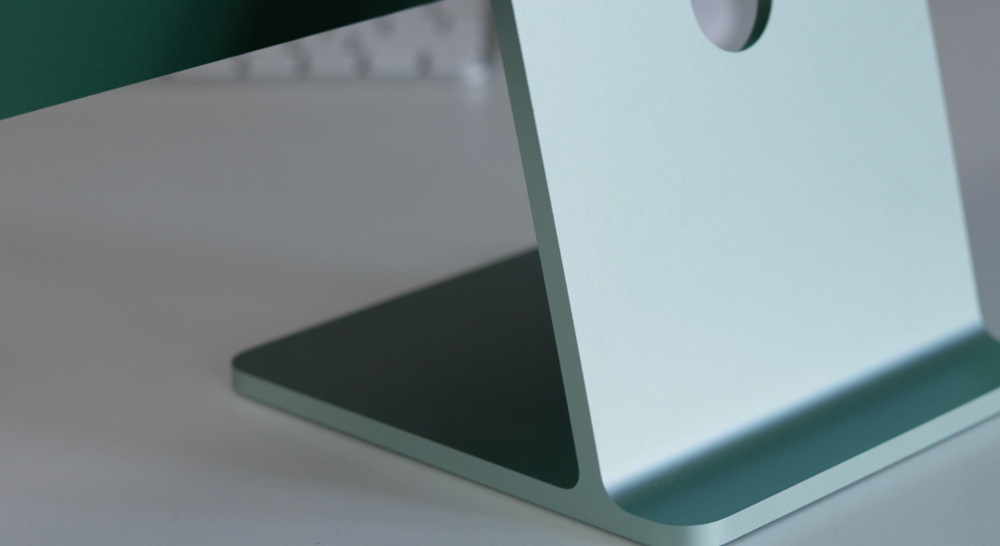
The iMac is deeply ingrained in Apple’s DNA.
It proved such a success when it first launched that it was partly responsible for saving the day for Apple in helping to keep the doors open. It also demystified Macs and suddenly made Mac available to everyone.
The iMac was and still is the everyman’s Mac.
Fast forward to the latest M4 iMac and you have all the historical beauty & simplicity of an iMac but now it’s faster, quieter, more powerful and efficient than ever before.
Any iMac will serve you well, but get the specs right and it’ll be a Mac that will power on for years to come.
I often advise about not hitting the option boxes too hard when buying a new Mac, but you know what, being Apple’s only desktop Mac, even if you ticked every box and spent £2900, I still think it spells out decent value for money.
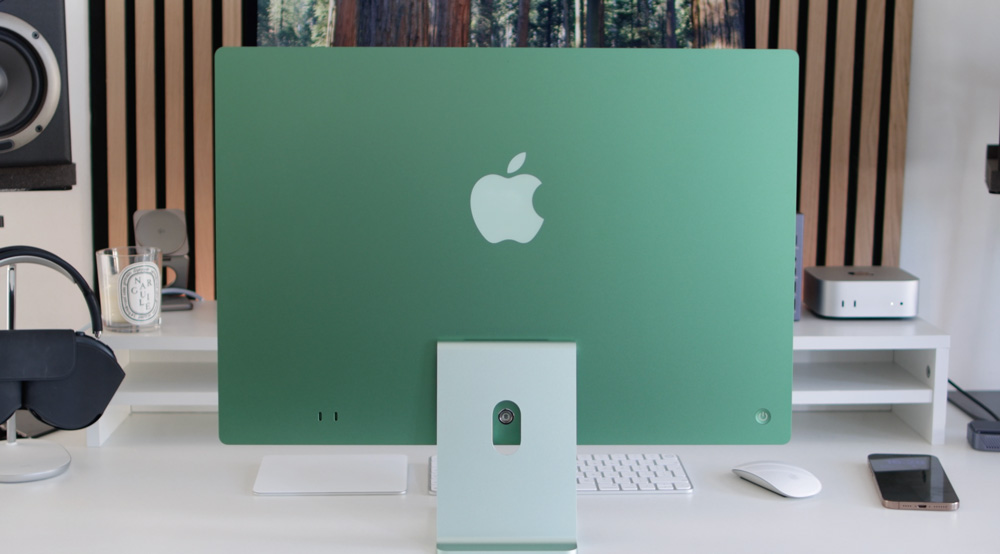
M4 iMac – what do you get?
There are surprisingly quite a few specs that differ when it comes to buying your iMac, but equally, there are some details that they all have in common – let’s look at those first.
All iMacs come packed with that gorgeous 24-inch Retina display. Some may argue it’s too small, but I don’t have any complaints and love working on it. It’s not quite as bright as my Studio Display, for example, but there’s no denying it’s still a lovely monitor.
All M4 iMacs have the 12MP Centre Stage camera, the same six-speaker audio setup up and the 3.5mm audio out jack. And an unsung upgrade for the M4 iMacs was that they are quicker too, as they all have 120GB/s memory bandwidth.
All iMacs also get two NAND chips, which I’ll chat about more in just a moment.
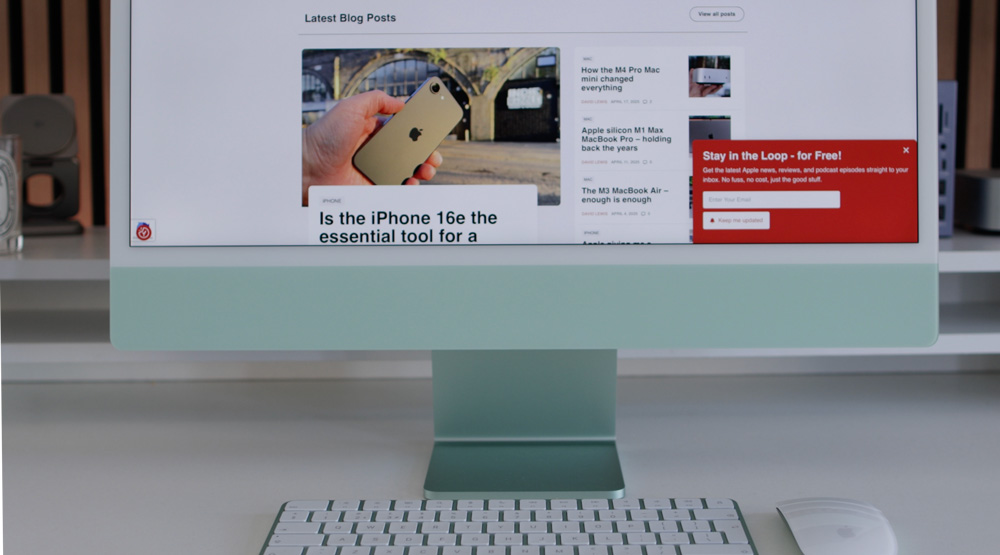
But after that, there are a few specs you need to look over to ensure that you’re buying the right iMac for you.
Getting it right
The base 8-Core iMac doesn’t come with the Gigabit Ethernet port. You can spec it as a £30 option, but as you’ll soon understand, I don’t think that’s a smart idea, as it comes as standard with the 10-Core iMacs.
The £1300 iMac only has two Thunderbolt 4 ports, whereas the 10-Core iMacs all have four of them. That base-level iMac can only be spec’d with up to 1TB of SSD storage, but with the 10-Core models, you can choose them with up to 2TB (even though I don’t think that’s a good idea).
Apart from the quicker memory bandwidth, I also mentioned that all iMacs come with two NAND chips, which will help to make memory swapping quicker as and when you need it.
In case you’re still not up to speed with what memory swap is all about, it’s essentially where part of your SSD is used as temporary memory for when your actual memory is maxed out.
The 256GB iMacs have two 128GB chips, the 512GB has two 256GB NAND chips, the 1TB iMac gets two 512GB chips, and of course, you’ve worked it out, the 2TB M4 iMac gets two 1TB chips.
The 8-Core iMacs will only support a single external 6K display at up to 60Hz, but the 10-Core models have support for two external 6K displays or even a single 8K display. So if you like a multiple display set-up, that should be factored into your decision-making.
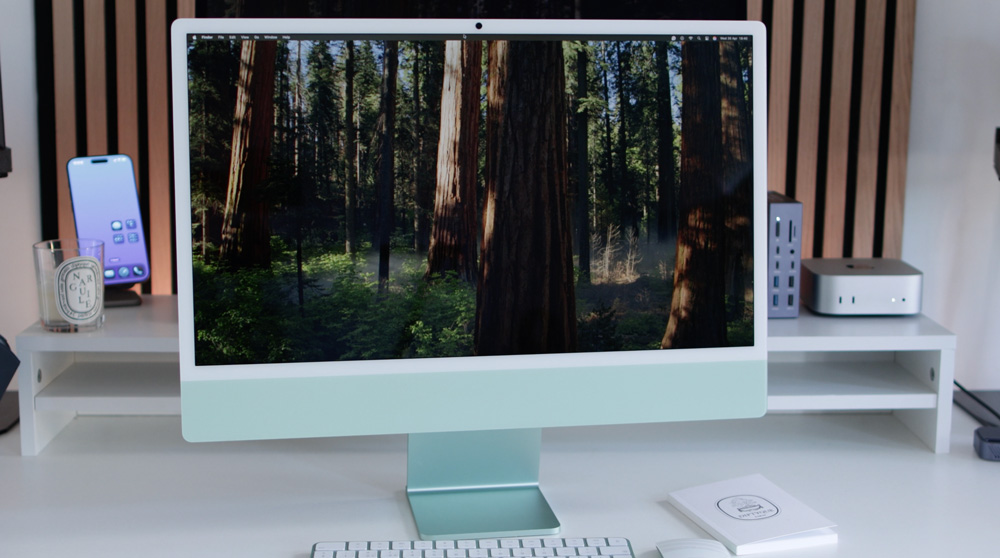
And although I’ve never found cooling to be an issue with any of my Apple silicon Macs, the 10-Core iMacs come with two fans as opposed to the single fan of the 8-Core iMac. It’s worth bearing in mind that the aluminium enclosure itself also acts as part of the iMac’s thermal management system.
The iMac buyer’s guide
As you’ll probably have gathered from what I’ve just said, I’d avoid the 8-Core, £1300 iMac. It makes no sense.
That one option I mentioned earlier that you need to unlock the full power of the iMac is to make sure to get yours with the 10-Core CPU and 10-Core GPU.
If you were to add on the £150 Touch ID Magic Keyboard and that £30 Ethernet port option to the base-level iMac, both of which are standard on all of the 10-Core iMacs, you’d already be spending £1480. But even then, it will always only have an 8-Core CPU and 8-Core GPU at its heart.
To my mind, it makes more sense to make your starting point for an iMac the £1700 10-Core CPU/10-Core GPU model. All it needs are a few affordable tweaks, and you’ll have yourself the perfect iMac – without breaking the bank.
The first thing I’d do is uptick the 16GB of memory to 24GB. It’ll cost you £200, but it’s well worth every penny.

That £1700 iMac I’m suggesting you look at only comes with 512GB of storage, and I think you’d be surprised at how quickly you’ll start to fill that up. Not only that, but by giving your M4 iMac a bit more storage, you can avoid any unnecessary SSD-wearing memory swapping issues that may potentially occur.
When you also factor in that macOS itself will take up about 15GB of storage, you can start to see why I’d avoid the 512GB option. I’d go for 1TB of storage for peace of mind.
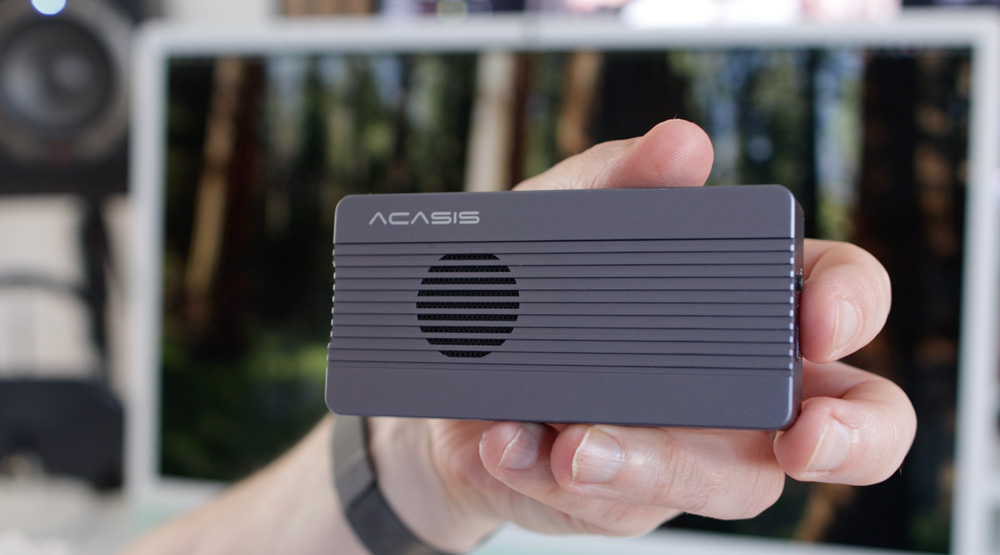
SSDs suffer from thermal throttling as they fill up, which is another reason I’d go with the 1TB choice. And if you find in time that you need more storage, I’d go with using one of those fast Thunderbolt 4 ports on your iMac for an external SSD enclosure that is available everywhere now and some NVMe SSD storage.
After all, it’s a desktop Mac, so having some external storage permanently attached is no hardship. Also, it’s modular, versatile and way cheaper than buying Apple’s 2TB option.
Trust me, when I work from an external SSD, there is no discernible difference in speed from when I work on Apple’s internal one.
Apple will charge you £600 if you choose the 2TB option. But you can pick up a decent Thunderbolt 4 enclosure for under £100 and 4TB of NVMe SSD storage for under £300, which means you end up with twice as much extra storage at a bargain price.
So, the perfect iMac, as far as I’m concerned, one that will be more than capable of working hard for years to come would be the 10-Core CPU/10-Core GPU model with 1TB of storage and 24GB of memory. That would cost £2100, which I reckon looks like an awesome machine.
The iMac wish list
I’d love to see an iMac with a 120Hz ProMotion display, and I think that could become a reality one day as Apple transitions more and more of their range to high refresh rate displays.
Whenever I write about the iMac, one of the comments I always get is that folks are yearning for another iMac Pro with a 27-inch or even a 32-inch display. I know some rumours are floating around about an iMac Pro making a comeback, but I can’t for the life of me see why it would make sense for Apple to offer that now that we have The Studio Display and either the Mac Studio or Mac mini to pair it with.
I’m here to be proven wrong, though!
Whilst talking wishes, a pet wish of mine is that Apple would bring back Target Display.
For a company that talks at length about its environmental policies, why not let us use our old iMacs as a display rather than seeing them tossed to one side and gathering dust or worse still, thrown out?
They’ve already had our money, and I can’t help but think that one small move would help them look like the good guys – some positive green PR is never a bad thing, right?
Still great value
For fun, I compared the M4 iMac to the 14-inch M5 MacBook Pro. I know you get a smaller but better display on it and an M5 chip (which will soon be in the iMac anyway), but that MacBook with the base 16GB of memory and 512GB of SSD storage would cost you £1600.
The same spec’d iMac would only cost £100 more and you get an extra Thunderbolt 4 port too.
The iMac is a great value Mac, whichever way you look at it.
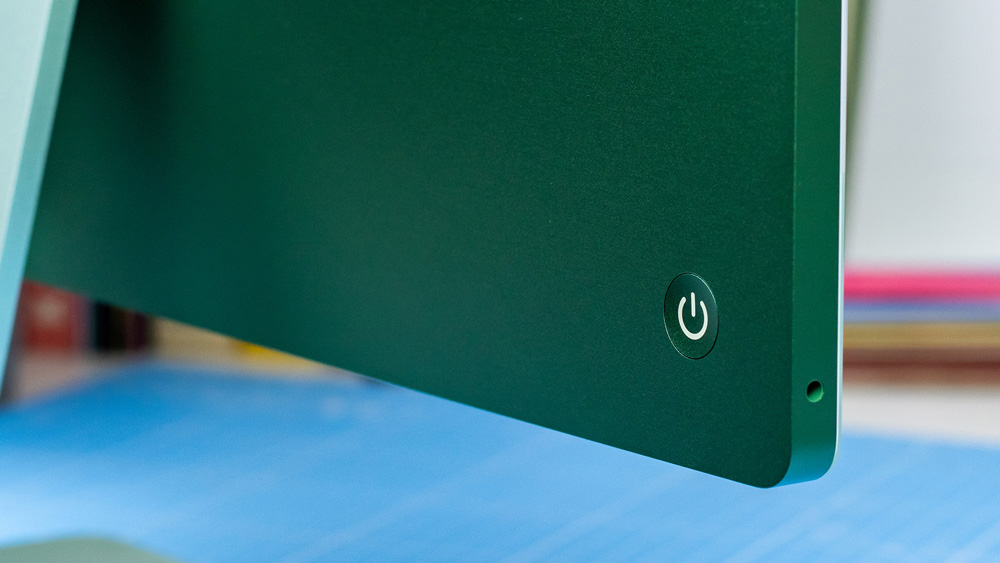
Add to all of that it’s drop-dead pretty, will give you the tidiest desk set-up possible with no visible cables and it’s as quick as any other similarly spec’d M4 Mac out there, it all adds to my argument that you should overlook the M4 and soon to be the M5 iMac at your peril.
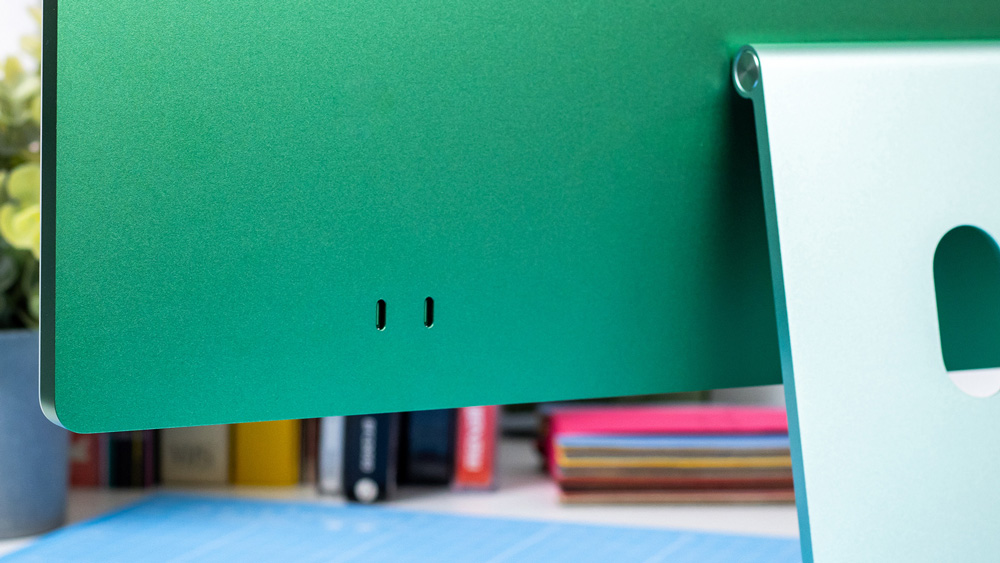
Don’t be put off by its pretty colours and stunning design. The iMac is the true definition of a wolf in sheep’s clothing.
