
Is it the value for money we first thought?
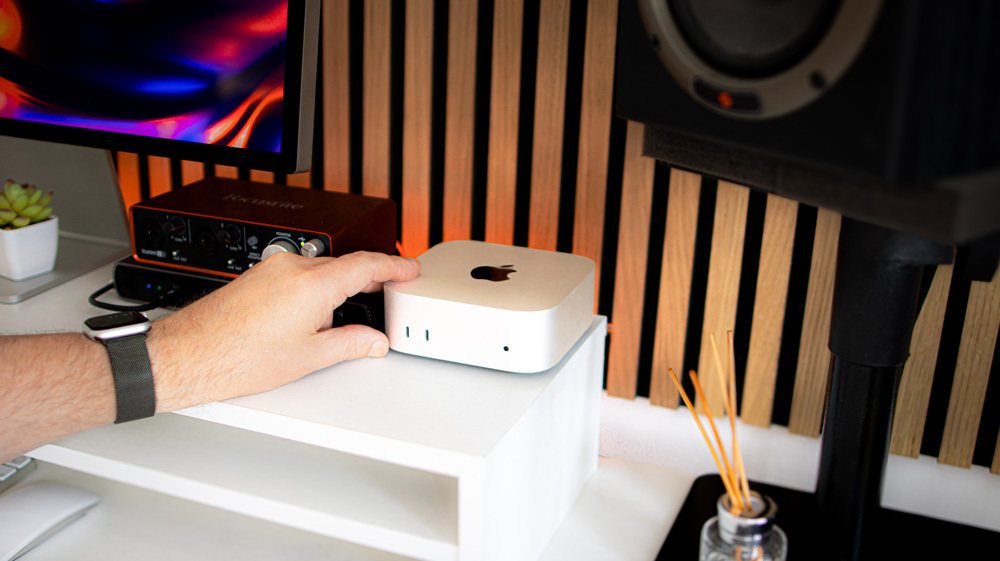
I’ve been using the M4 Pro Mac mini as one of my main daily Macs for the past ten months or so.
Using it every day has given me the chance to look at it objectively. And now that the new toy syndrome has passed, I can actually look at it without those rose-tinted glasses and pass on my nuggets of thoughts that may be useful for you.
When the new design Mac minis came out, they quite rightly stole the headlines for a good few months.
They looked different and most importantly, they had M4 Apple silicon inside. If you remember, the M4 Pro Mac mini was announced midway through a three-day Mac release event when they also announced the new M4 iMac and M4 MacBook Pros.
Apart from the new, small compact design, the reason that Mac mini appealed so much was that it was genuinely new and more importantly, seemingly represented great value for money.
Here’s the thing, though – it does represent good value for money, but only if you’re strict with yourself.
What are you getting?
Apple gave us a double-mini-bubble last year as we not only got the M4 Mac mini but also the M4 Pro Mac mini.
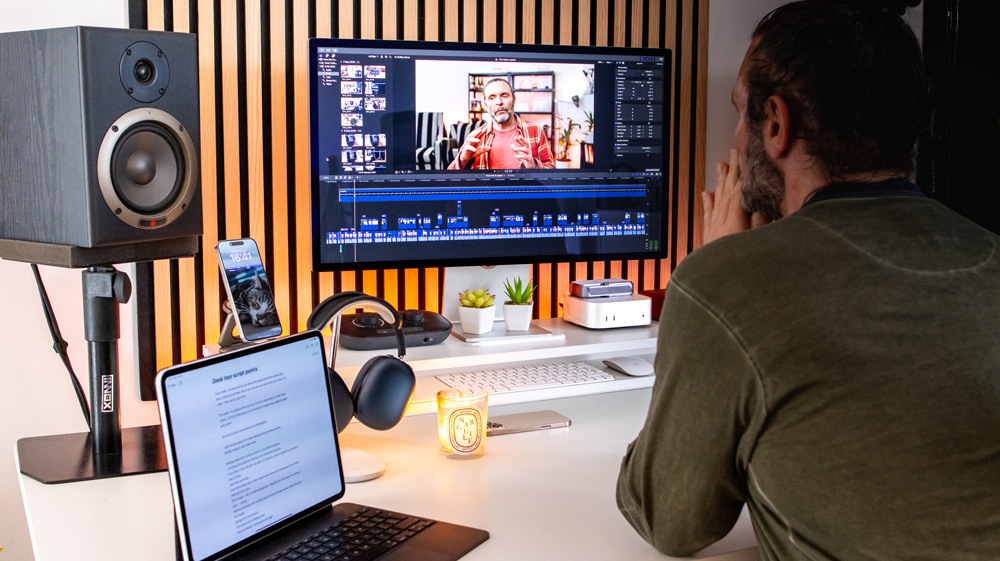
As you know, you can either buy the standard Mac minis with different configs, or the M4 Pro Mac mini, but what were the core differences between the M4 Mac mini and its pricier M4 Pro Mac mini and are those upgrades worth it?
The memory bandwidth is over 120% faster, and you can take the core counts on the M4 Pro Mac mini up to a 14-core CPU and a 20-core GPU which is what I did, but at a price.
Whereas the base Mac mini taps out at 32GB of memory, with the M4 Pro Mac mini, you can stack it up to 64GB.
There’s a similar story when it comes to the storage. The basic mini is configurable up to 2TB, but with the beefier M4 Pro Mac mini, you can go all the way up to 8TB – if you take out a loan. Apple will happily charge you £2400 for that upgrade though!
There’s also slightly better display support on the M4 Pro Mac mini.
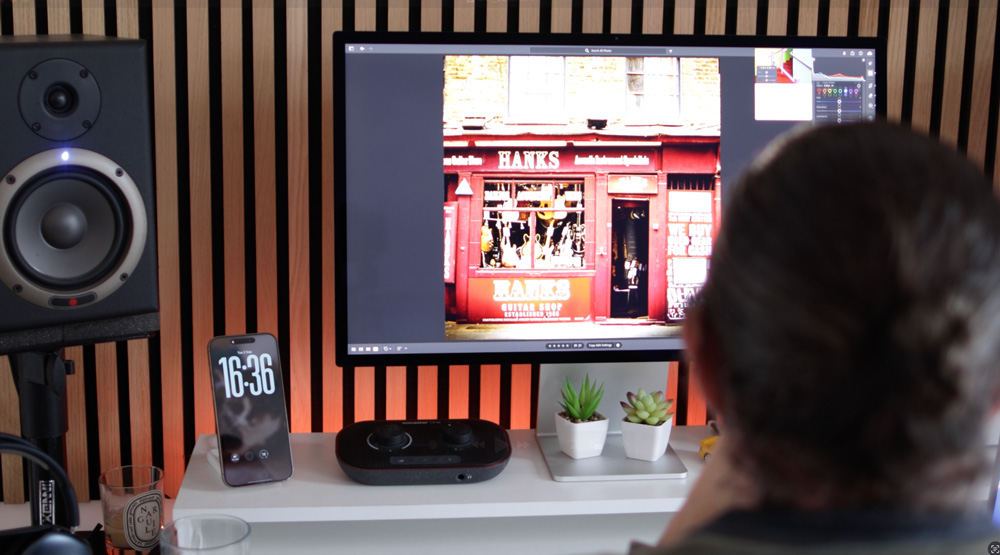
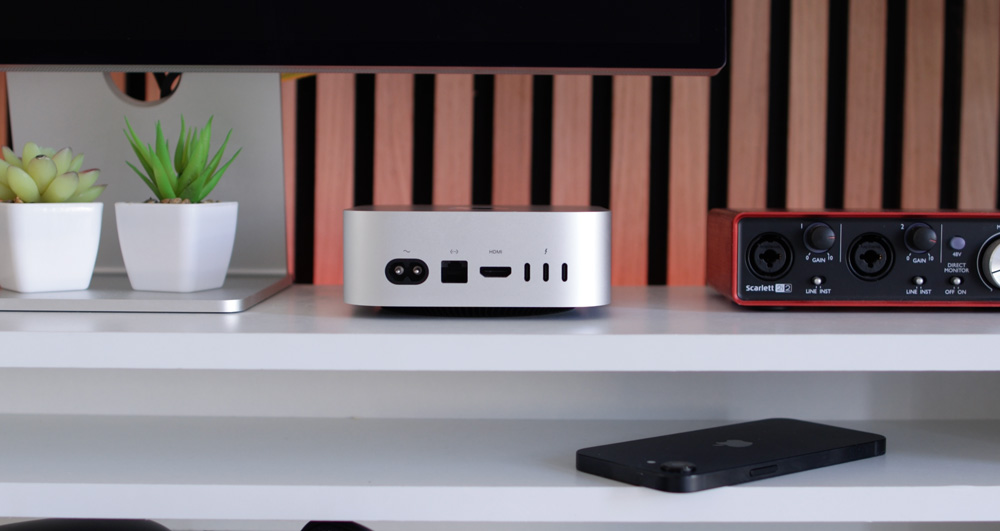
The I/O on the front of all Mac minis are identical, but it’s on the back where things differ more dramatically and where we started to get possibly too excited.
The buzzword at these M4 Mac events was Thunderbolt 5. Yup, the new MacBook Pros got Thunderbolt 5, as did the M4 Pro Mac mini. In its case, what that meant was that the three Thunderbolt 4 ports on the Mac mini were replaced by Thunderbolt 5 ports on the M4 Pro Mac mini.
But what did that actually mean?
On the spec sheet and at the event, we saw this magical figure of 120Gb/s dotted about. Although 120Gb/s is genuine, it’s not quite what it appears to be at face value. It’s easy to assume that those speeds are data transfer speeds, which they’re not.
Thunderbolt 5 can achieve 120 Gb/s, but this is typically for display bandwidth and even then needs a tweak or two to achieve it. Data is moved around at a more conservative 80-ish Gb/s. Don’t get me wrong, that’s impressive and quick, but is it the reason to upgrade from the basic M4 Mac mini to the M4 Pro Mac mini?
The M4 Pro Mac mini fooled me
For a short time, I owned and used both Mac minis – the basic and Pro versions.
While I didn’t own the basic M4 Mac mini that long, for the two weeks I used it, it was impressive, and for most of the time, it was almost impossible to tell the two apart.
And that’s the thing, that’s where Apple gets us – and it’s not even their fault! Apple merely panders to our vanity – and I’m as guilty as the next person when it comes to this sucker punch.
They leave the door open and we walk straight through it, every time.
I switched to the M4 Pro Mac mini because – drumroll please – I’m a professional! I make a living from sitting in front of a Mac all week, writing and editing photos and videos. I need a Mac that can stand up to that level of work. I was convinced I needed the best there was.
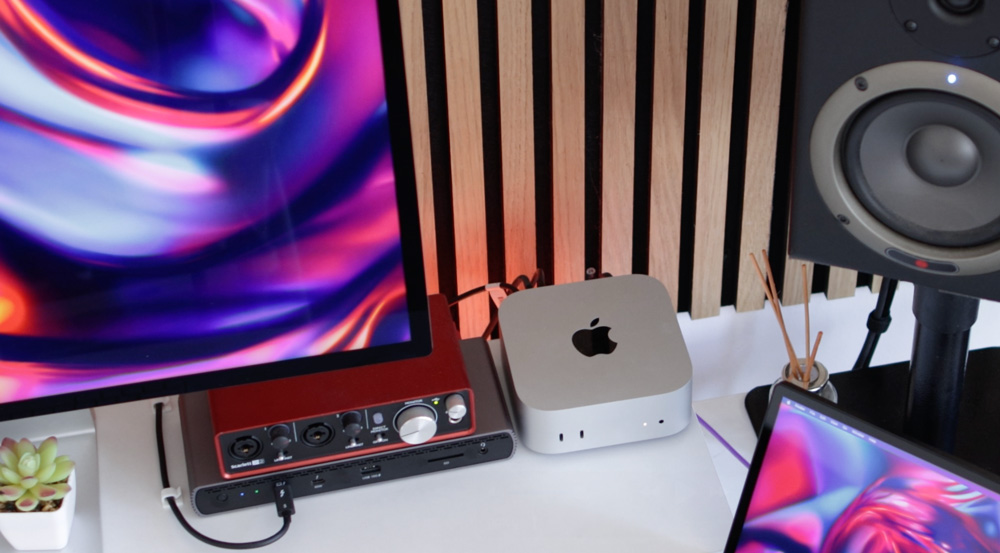
But it turns out I’m not as much of a pro as I thought!
I spent way too much on my Mac mini. I think with specs, I went for it cost me a touch under £2500 – for a Mac with no screen, keyboard or mouse. That’s a chuffing lot of money! Looking back, it’s nearly insane!
Out of interest, I’ve just ticked every option box on the M4 Pro Mac mini (except for adding in Final Cut & Logic) and it comes out at £4700! Even the basic model costs £1899 with all the options ticked.
When you start ticking options, well, that’s when the Mac minis make less sense.
So, it’s time to calm down a bit and just be honest with yourself before bolstering Apple’s bank balance even further!
What does Pro mean?
Sure, I make money using a Mac, but does that makes me a professional? What is a professional anyway?
The only tasks I carry out that are in the slightest bit taxing are editing in Lightroom or Final Cut. Everything else I do could just as well be done on my M4 iPad Pro, M3 MacBook Air or M4 iMac.
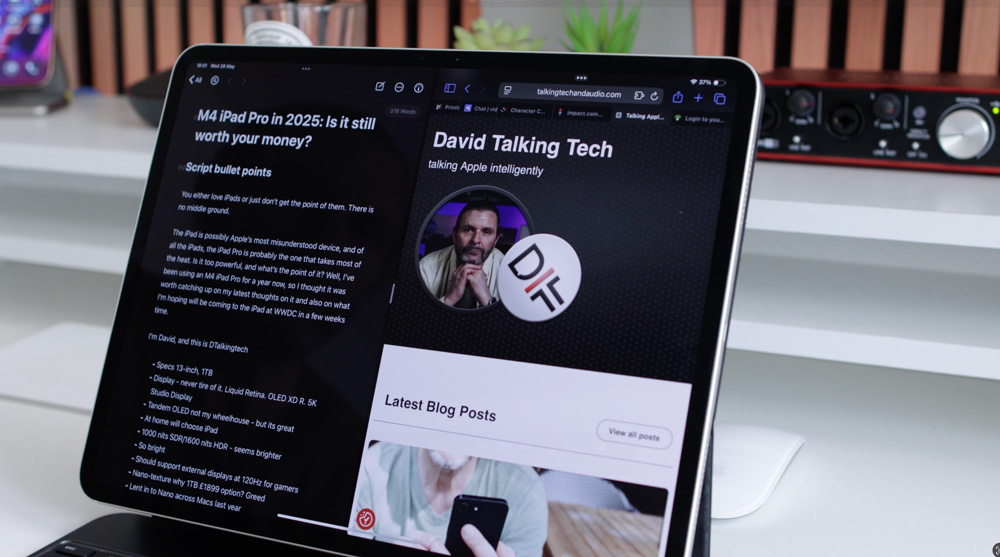
Apple silicon – all Apple silicon is bloody amazing, and it’s that you have to fully take on board. When Apple silicon Macs were first released a few years back, they let a genie out of the bottle. It was truly a once-in-a-generation revolution.
The PC world has been trying to play catch-up ever since, and only now is getting anywhere close. That’s how good it was.
Yet they still say that Apple doesn’t innovate any more!
If you buy an all-singing, all-dancing, fully loaded MacBook Pro or M4 Pro Mac mini, of course, they’ll be faster, but I promise you, not by much, and anyway, do you honestly need all that extra speed that you are paying for?
Some of you may be coders, 3D artists or even gamers, and I guess, you might notice more of an uptick than me in performance, but I’d be surprised even then if you’d notice day and night kind of differences.
Getting more than you bargained for
Apps are so well optimised for Mac now that workflows that may have been a tough ask just four or five years ago can now be handled easily by virtually all Apple silicon Macs.
For instance, even the most processor-heavy MotionVFX plugins that I use with tracking for example don’t make my Mac break a sweat.
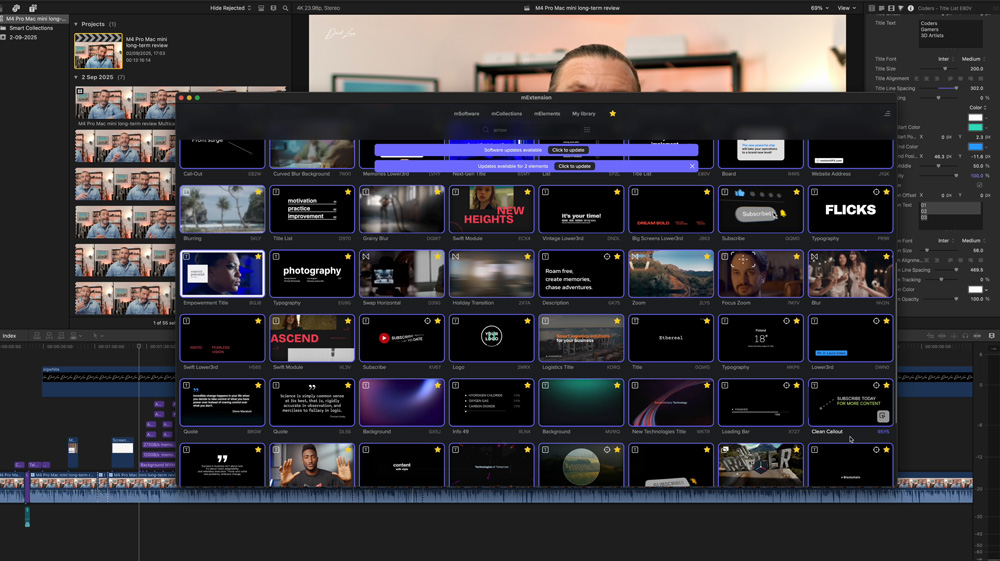
The real star of the show and the hero of this piece, though, is Apple silicon, and it’s that you should be leaning into. Because of Apple silicon you can do more for less.
I’m by no means aiming to dunk on the Mac mini or my M4 Pro Mac mini. It still ranks as one of the best Macs I’ve bought, but I just wish I’d spent less. I know in my heart that so long as I bought a Mac with at least 24GB of memory and bought some external SSD storage to go along with it that any Mac would get all my work done.
To that point, there are a couple of points I briefly mentioned earlier that I want to go back on to highlight that point.
I said at the start that my M4 Pro Mac mini was one of my daily Macs. I split my day from working at home in the morning on an M1 Max MacBook Pro, and then in the afternoon, I switch to my studio, and that’s where I use the M4 Pro Mac mini.
That means I’m directly pitching a Mac from 2021 against one of the latest & best spec’d Macs out there. Do I notice any meaningful difference? No, they’re both quick, quiet and efficient and a match for one another performance-wise.
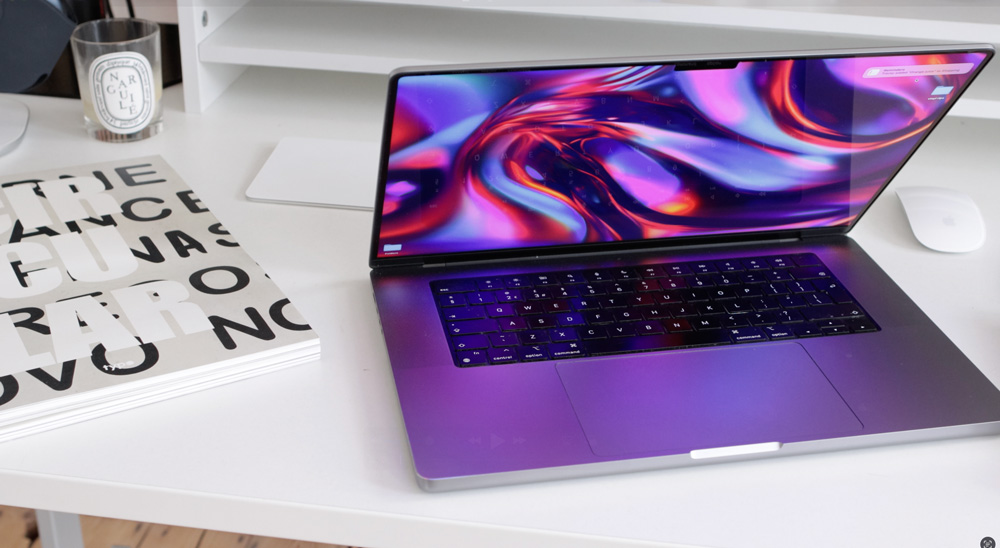
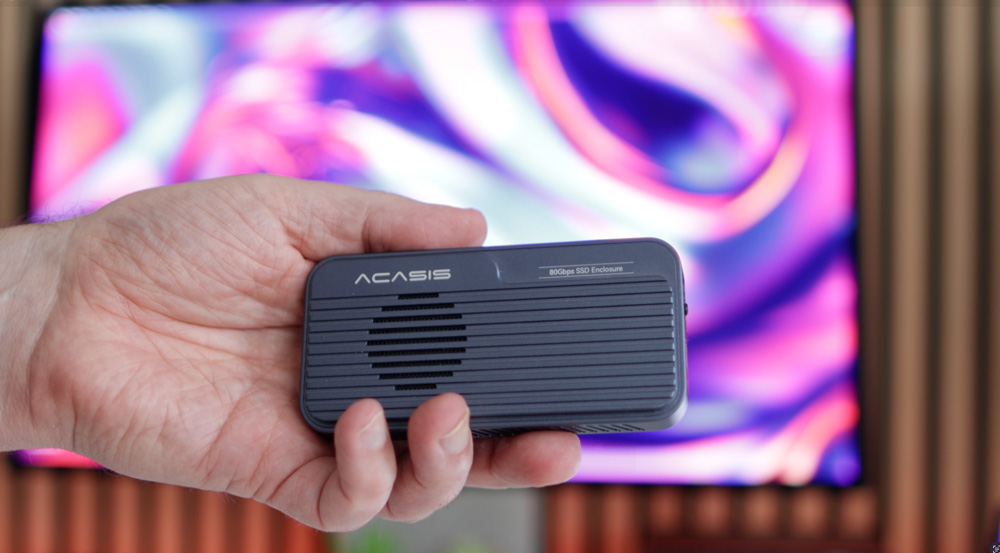
And as to those Thunderbolt 5 ports we all went barmy over, I barely use them. Yes, I do have a Thunderbolt 5 4TB Acasis SSD permanently plugged in to one port, but that’s it. I work on my video projects both here and at home. That means there is no point in my using a Thunderbolt 5 enclosure as the MacBook Pro is ‘only’ Thunderbolt 4.
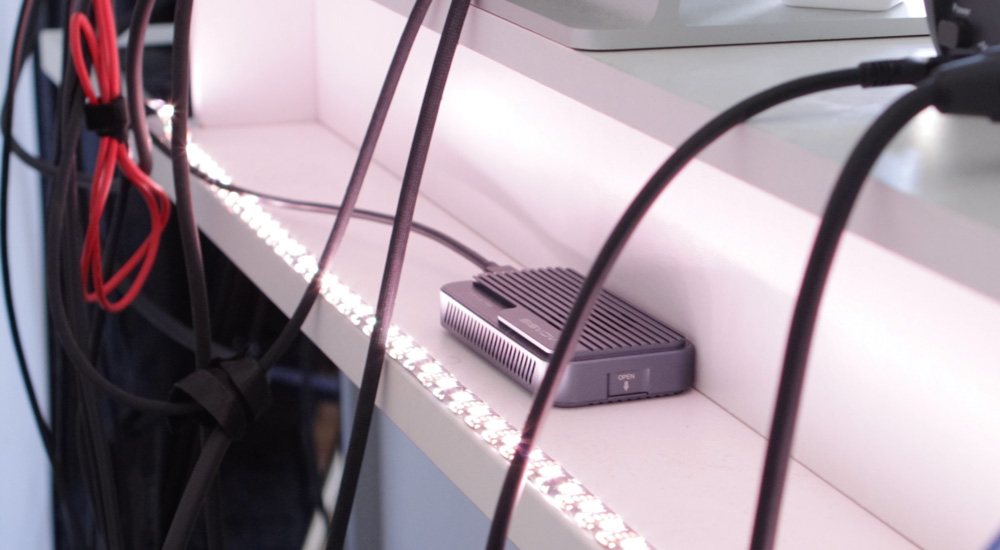
But is using Thunderbolt 4 like a step back in time? NO!
Are Mac minis good value?
They can be is the short answer.
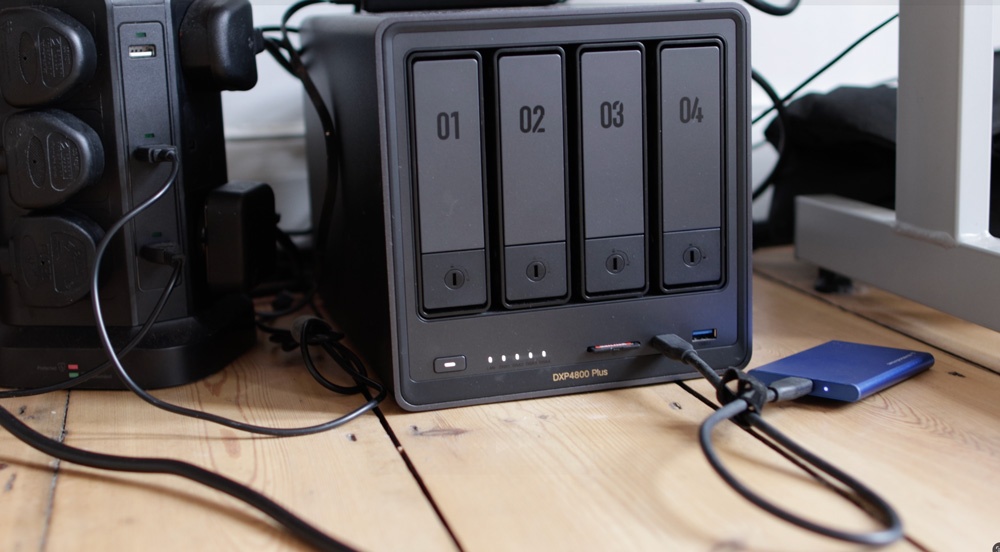
If I were buying mine today, I’d go for the Mac mini with 32GB of memory and 1TB of SSD storage, which would ‘only’ cost me £1399. I chose the 10GB Ethernet port on mine, which I have my NAS connected to, but if I had my time over, I probably wouldn’t bother with that either.
I’d say that 50% of the time I’m accessing my NAS remotely anyway, and then when at the studio I’ll normally plug SD cards are SSDs directly into it anyway. I never edit from the NAS, and I hardly ever access it from other Macs at the studio, so in hindsight, that’s another £100 I could’ve saved.
We live and we learn.
The knack to bagging yourself a Mac mini bargain starts with being brutally honest about what you’re going to be doing with it. Forget the M4 Pro Mac mini and get a decent spec M4 Mac mini instead. The moment you start to look at or be tempted by an M4 Pro Mac mini, start to look at a base-level M4 Mac Studio instead.
That Mac costs £2099, but you get 36GB of memory as standard and 512GB of storage. You also get an SD card reader, four Thunderbolt 5 ports rather than three, two USB-A ports and even that 10GB Ethernet port comes as standard.
The memory bandwidth, which is the kind of spec that’ll slow you Mac down, is over 200% quicker and you get a 14-core CPU and 32-core GPU as standard issue as well.
But again, there’s a habit forming here, and that is buying the basic version of these Apple silicon Macs.

I’m all about future-proofing, and I’d hate anything I write to lead you to buy the wrong Mac, but I think I’m on to something here. The only weakness, if there is one with Apple silicon, is the memory. That and, to some extent, the memory bandwidth.
But the M4 Pro Mac mini starts at £1399, and for £700 extra, with all the benefits it brings, I’d spring for the M4 Max Mac Studio every day. In my defence, that Mac wasn’t available when I spec’d my M4 Pro Mac mini. I thought that was worth throwing in…
But the real star of the show here, other than Apple silicon, is that M1 Max MacBook Pro of mine, which I reckon you could pick up for about £1600. Mine was well spec’d with 32GB of memory and 4TB of storage, and four years on is still easily the match of my M4 Pro Mac mini.
Be smart
The only regret I have about my Mac mini is that it’s over-spec’d and I spent too much money on it.
It’s brilliant at what it does, and I’ve had zero spinning beachballs on it and can’t think of a time that it’s crashed. It does get warm under more intense use, but I don’t think Apple silicon Macs suffer from running hot. And if you were wondering, I’m in the always-leave-it-on brigade.

It’s great, and my desk has never looked tidier or cleaner. But I could have had all those benefits and saved over £1000 if only I knew then what I know now.
If you want a Mac mini, go buy one; they’re brilliant, and I’m certain you’ll love using it. But the moment you start looking at the M4 Pro Mac mini, take a step away and be honest with yourself about your genuine user needs.
And if you’re still tempted by an M4 Pro Mac mini, move to the isle next door in your Apple Store and start to see yourself sitting behind an M4 Max Mac Studio instead.
You know it makes sense!
