
What Apple gear am I taking to CES…and why!
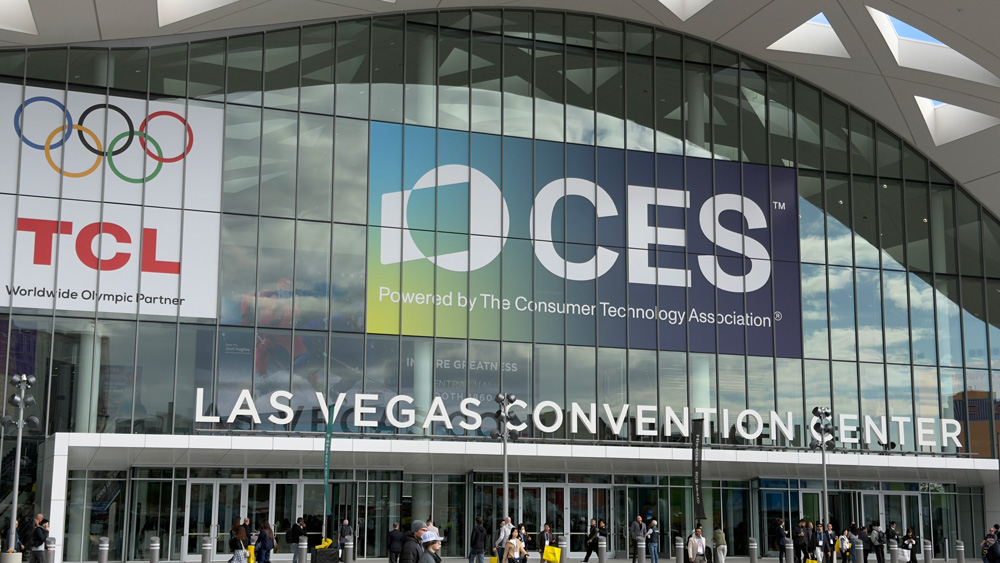
Macs are made to work, and over the next few days, my Mac and other Apple gear are going to be put to their most serious test yet.
You see, I’m off to Las Vegas, and the gear that will be powering me is the gear I have turned to and leaned on and learned about over the past few months.
I’m not going to lie, it was quite a pinch-me moment when it was confirmed that I was off to CES. It all came about at quite the last moment, actually. The brand I’m travelling with, and I only started to chat at the beginning of December, and before the month was out, I had my show pass, flights and hotels all sorted.
It’s been a bit of a whirlwind, and by far the biggest trip I’ve been on as a creator, but in some respects, all the roads have been leading to this point. If you’ve read any of my content over the past few months, then you’ll know I’ve subtly changed direction with my approach.
More often than not, I tend to write about where I’ve been with my Macs, iPads and iPhones. I’ve been trying to show what this gear is like to use out in the real world.
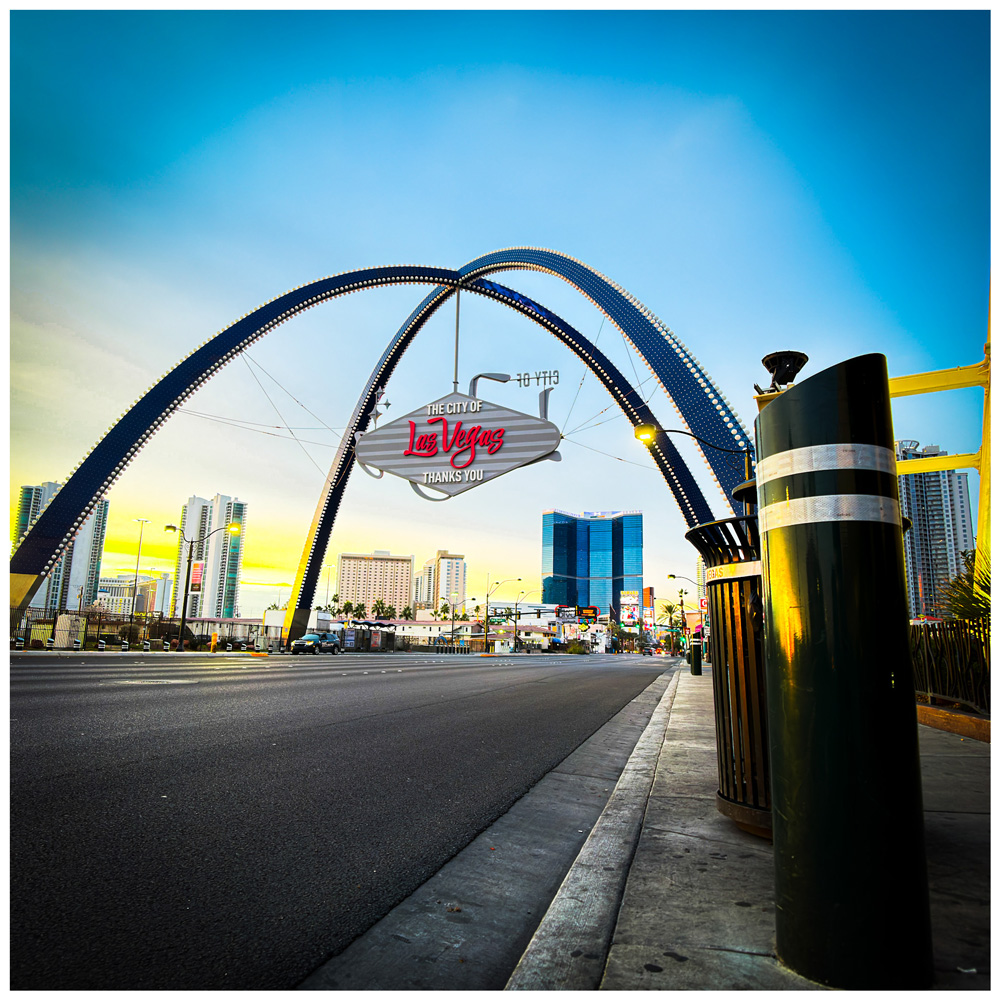
It’s been fun, and there have been huge changes in me. Now, rather than shunning travel, I’m looking for an excuse to!
There was a strategy to it, with each trip becoming a little more taxing. By breaking free from the studio. I was taking the step-by-step approach.
In the process, I’ve also found out first-hand why battery life really matters.
I’ve taught myself to use a gimbal and shoot more vlog-style content, and I’ve found out the best CODECS to use in certain situations and settings that work for me in the Blackmagic app for the iPhone 17 Pro Max.
In November, I went to Edinburgh to shoot for a sponsor, and I learnt loads. For instance, I found out you could screen record on the iPhone and at the same time record a voice-over for it in the memo app! I’d never have found that out unless I put myself in the position of having to find solutions.
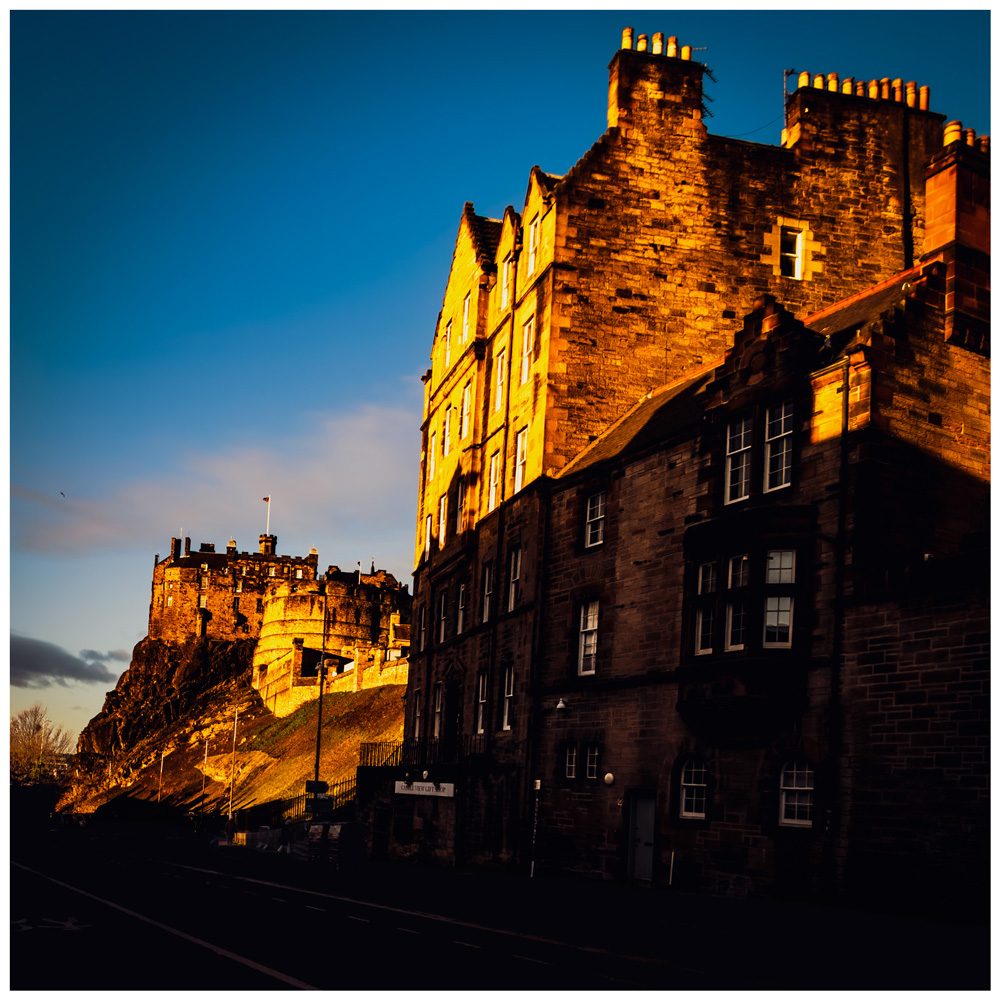
You don’t get to find out details like that unless you actually use this gear for real.
The thing is, in my mind at least, the next logical step was meant to be a trip to Europe…not Las Vegas!
But Vegas it is. So what will I be taking, how will I be using it, and why have I made the choices I’ve made?
The iPhone 17 Pro Max and its role in Vegas!
As the jump forward has been a big one and I don’t have any room for error, I’ve decided that familiarity is going to be crucial to a successful trip.
My main objective clearly has to be getting the footage shot and saved for the brand I’m working for, and until I’m there, I won’t really have an idea of what the booth will be like, how good the lighting will be and how much noise, etc, I’ll be needing to contend with.
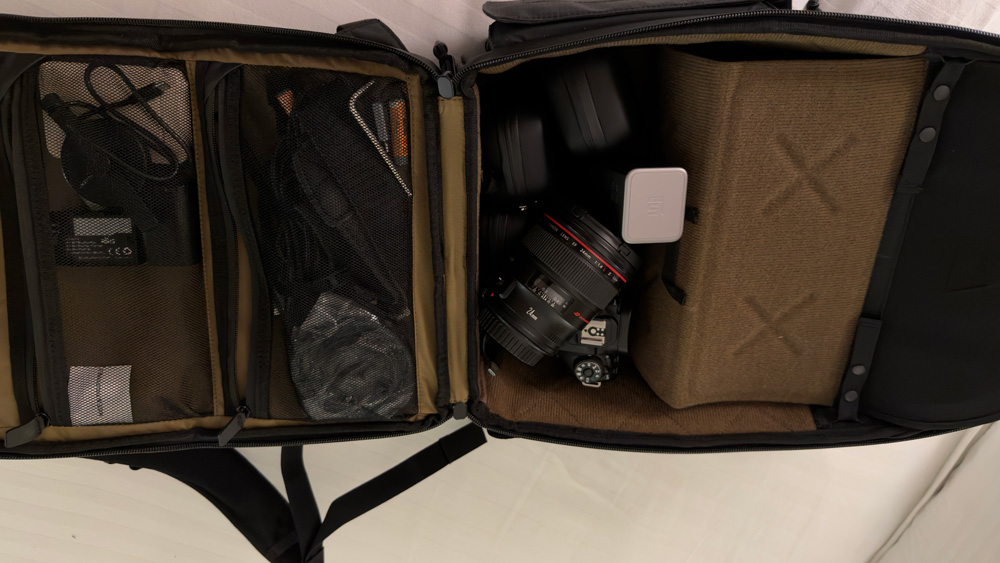
So, although I’ll be taking my Canon & a couple of lenses with me, I reckon I’ll only use that for some talking head shots in my hotel room. Because of all the work and hard yards I’ve put in over the past few months mastering shooting on my iPhone 17 Pro Max and nailing the Blackmagic app, I’ve decided to make my iPhone 17 Pro Max my main camera and video rig for CES.
That rig has come a long way recently to the point now I’m pretty confident in it being able to do the job I need.
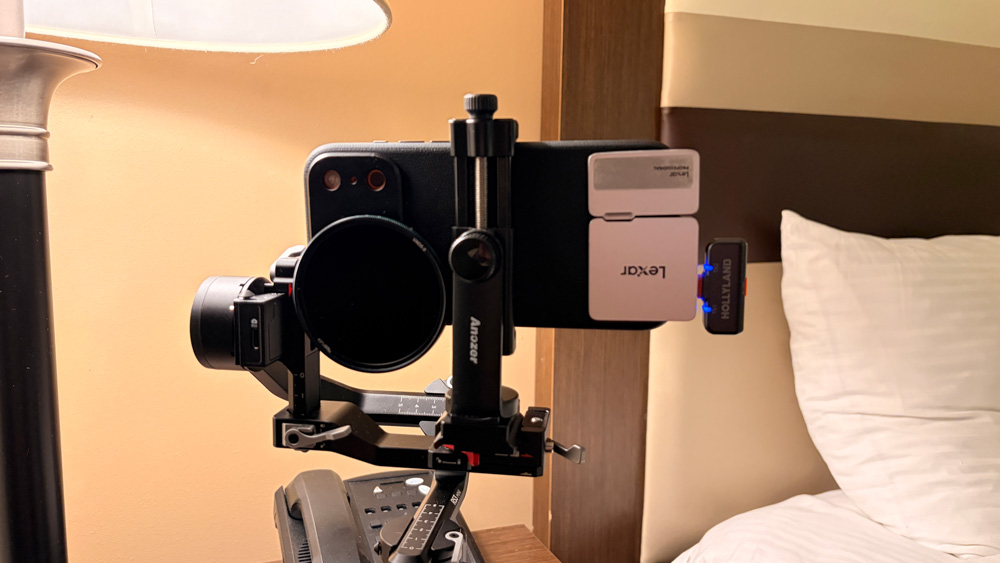
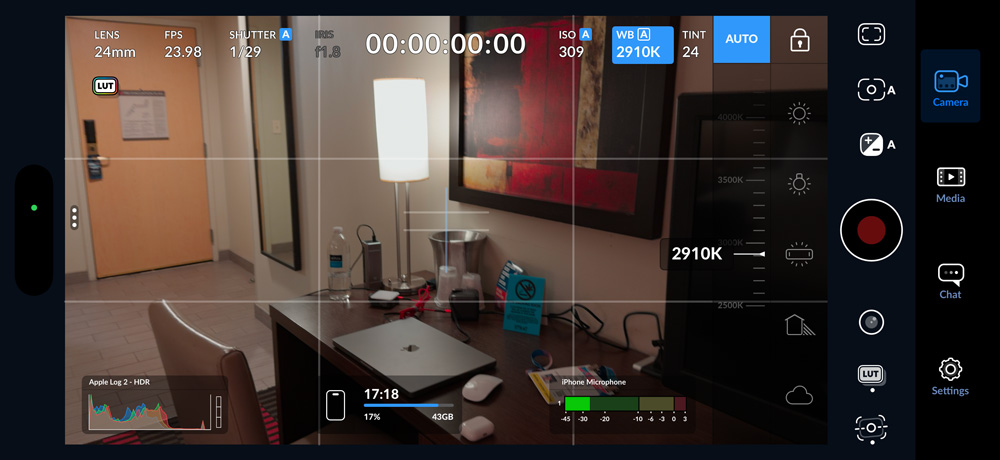
I like shooting in ProRes and then adding my ‘look’ to it later in the edit. The biggest single key to nailing good ProRes footage is using an ND filter. In the studio, under controlled lighting, it’s not quite as important (although still handy), but in bright light, using an ND filter is essential. The one I’m using is a 1.5-5 VND
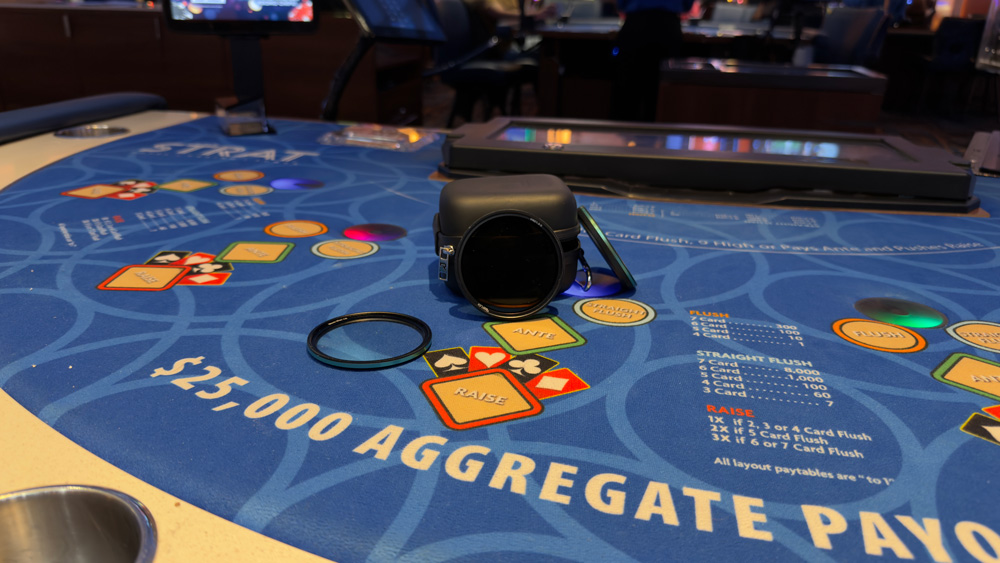
There are a few tricks I’ve learned in the Blackmagic app, too, such as setting it to aperture priority mode – but that’s for another story. The rest of my iPhone rig comprises a Ronin RS 3 mini gimbal, a cage, a small LED light, a Lexar SSD and a Hollyland wireless mic.
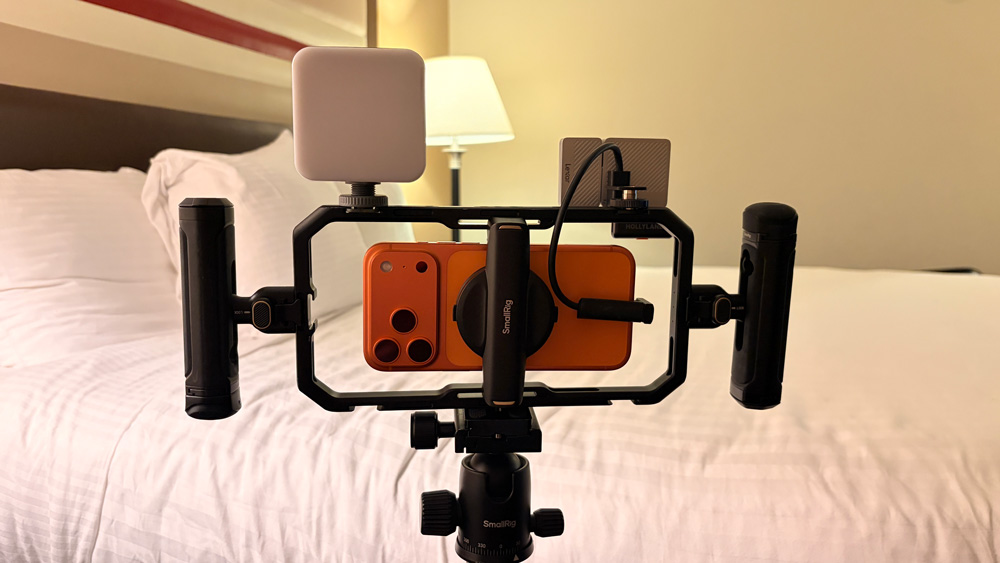
That set-up works ever so well and has turned my iPhone 17 Pro Max into a serious production workhorse.
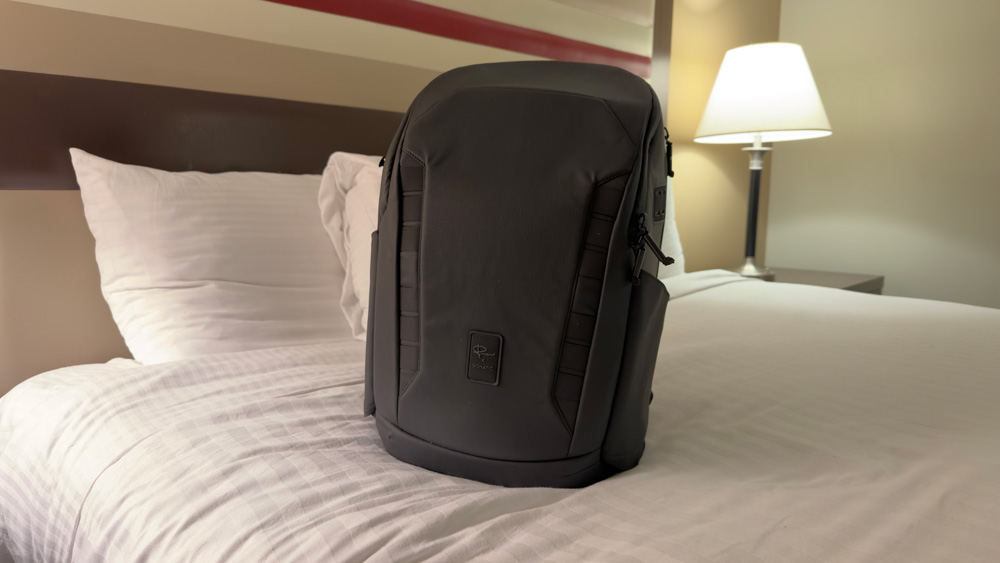
In my camera bag, I have a selection of lenses for the iPhone, some MagSafe battery packs and also a tripod for talking head shots. My camera bag has evolved over the past few months to the point where now it’s an all-in-one mobile production studio.
Mac power
While I’m in Vegas, I’ll certainly be wanting to edit video, and if the hotel speeds are fast enough, I’ll even upload too.
In the summer, I made the mistake of taking my M3 MacBook Air with me. On the face of it, the lighter 15-inch MacBook Air sounds like the obvious choice, but it struggles with the larger file sizes that I shoot.
I bought the MacBook Air just for light, easy work; it was never intended to be my editing workstation, so the Mac coming with me to Vegas will be my 16-inch 2021 M1 Max MacBook Pro.
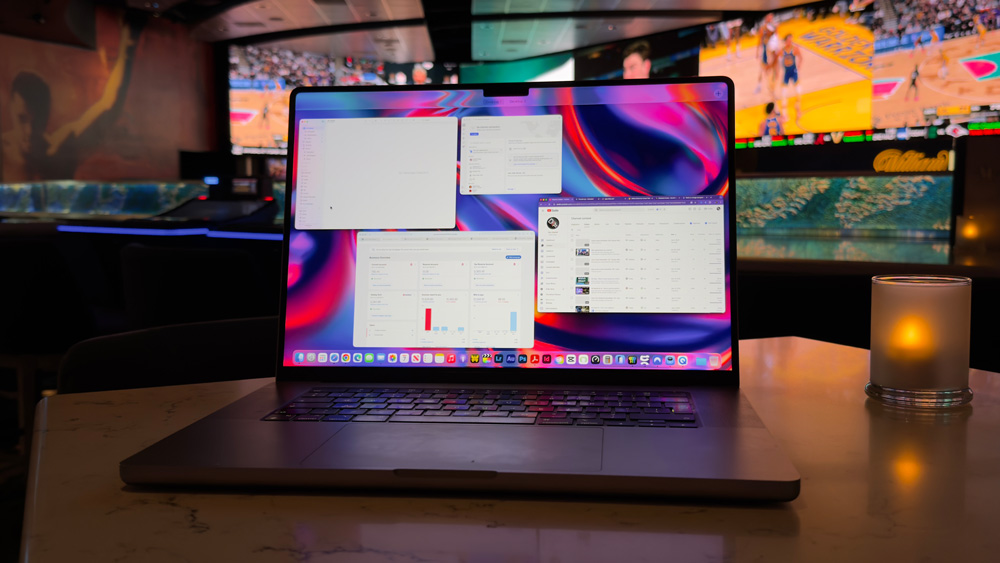
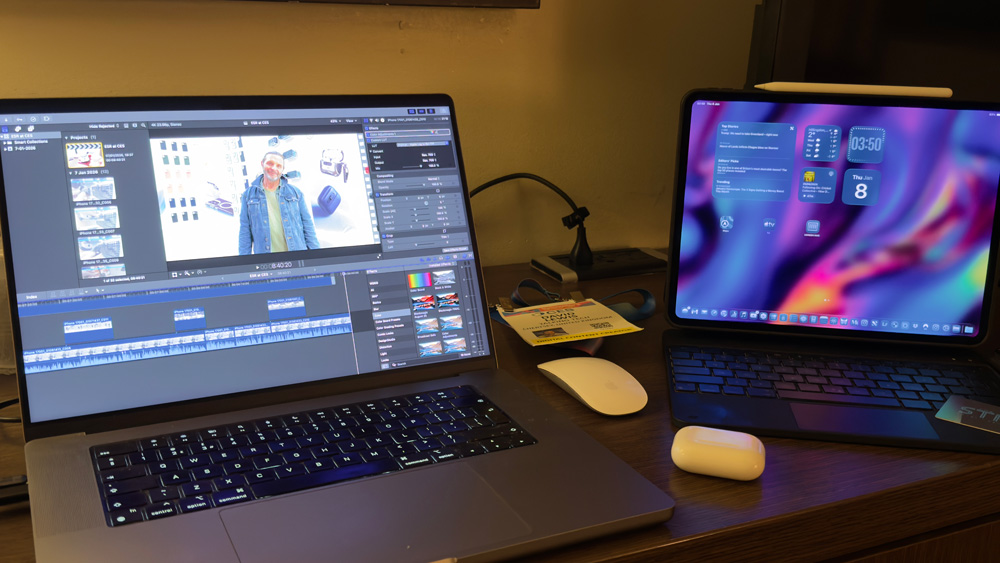
My thoughts are that I should be able to set up a decent editing workstation in my room. I can shoot all day, then head back each night and start to work on the edit in Final Cut. I did the same in Edinburgh, and that worked really well.
Apart from staying on top of everything, by editing day by day, if I find I need to re-shoot anything, then it cuts me a bit of slack, too.
I know there’s a saying that what happens in Vegas stays in Vegas, but in my case, I need to make sure I get it right in Vegas. There will be no second chances once I’m heading back to Heathrow.
This is a one-and-done shoot!
I know my MacBook is the first iteration of Apple silicon, but it’s still fast, and I’m still using it every day. I tend to switch my editing time between home and the studio, and at home, I edit on the M1 Max MacBook Pro, which is hooked up to a second display.
Another thing I’ll be doing daily is backing up my shots and footage. I’m going to have a couple of SSDs with me, and I’ll also be uploading everything to my NAS back in the studio, too. I want to do my best to cover all eventualities and have decent redundancy. I have no idea what sort of WiFi speeds I can expect at the hotel, but I’m hoping they’ll be halfway reasonable.
If they are, then I may even try short, daily uploads.
The iPad Pro is coming too…
Rounding out my travel kit will be my iPad Pro.
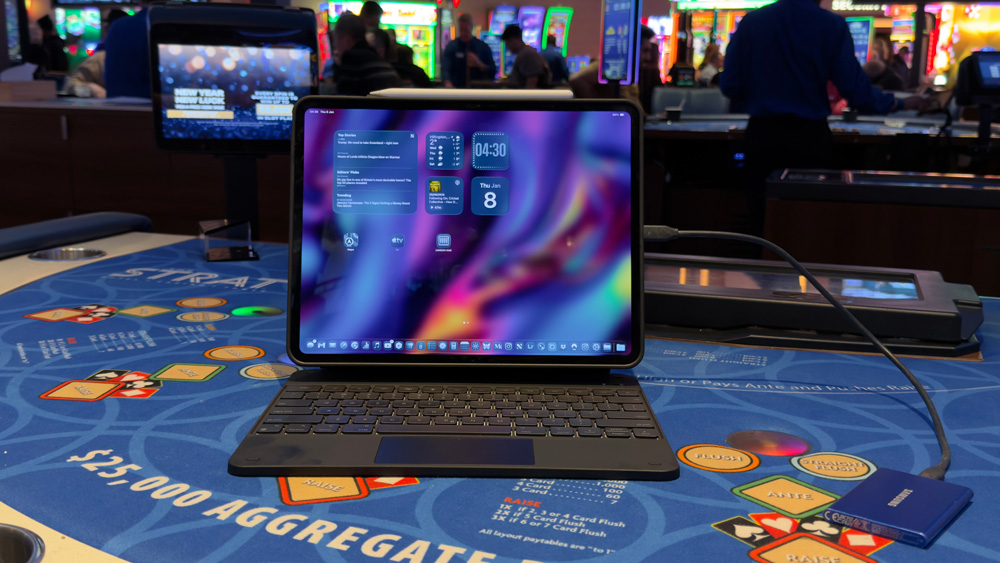
Over the past few weeks, in fact, since I wrote about my 13-inch M4 iPad, I’ve started using it heavily, and you know what…I’m loving it!
Hand on heart, this is the first time I’ve used my iPad as a daily device. I forced myself to learn how to use the iPad, and most days for the past week I’ve not needed to touch my MacBook.
Sure, everything I’ve done on the iPad I could do on the MacBook, but the point is the iPad feels different to use, and in some cases it’s better too.
Part of what I’ve learned is to not be afraid of using the iPad as it was intended – in other words, as a tablet!
Until a few weeks ago, I’d always used my iPad with the Magic Keyboard, which I can now see was a rookie error. Whilst the keyboard is good in certain instances, getting your hands on the iPad and pinching, zooming, and double-tapping takes a lot of beating.
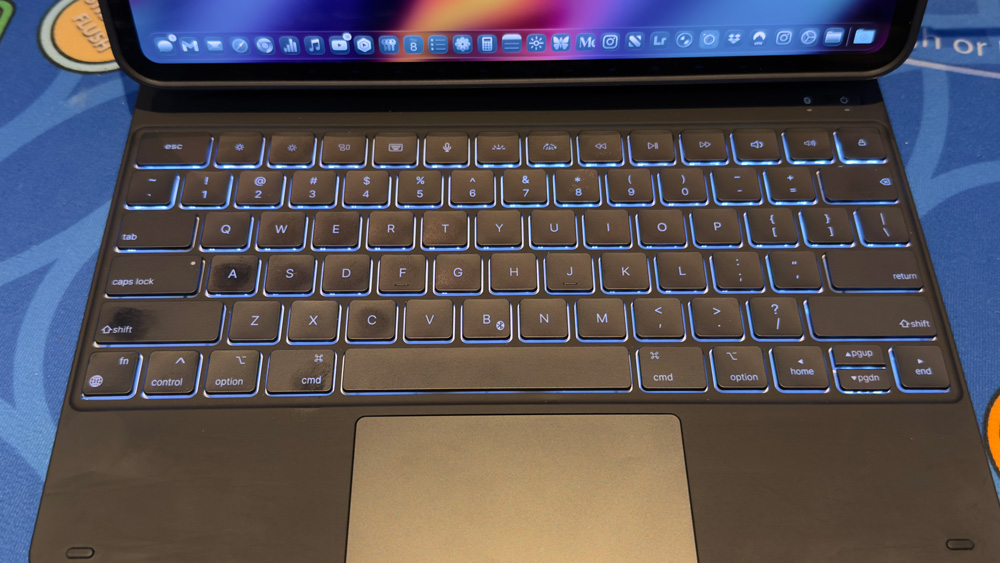
I’d overlooked that the iPad was first designed as a tablet rather than a desktop computer. Assuming that you have the iPad set at the correct angle, the on-screen keyboard is often more accurate and quicker than the Magic Keyboard anyway.
I still find that the keyboard gets stuck too often for my liking, but I have no such problems with the on-screen keyboard. I’ve also found that when the cursor does get stuck when I’m typing on the Magic Keyboard, the best way to override the problem is by tapping the iPad’s panel. It just works – I guess because at its heart, it’s a tablet that was designed to be touched!
I’ve dug out some other keyboards that I had stashed away at the studio to see how they compare to Apple’s Magic Keyboard. It’ll be interesting to see if they overcome any of the problems I’ve faced and how they are to use in general daily usage.
One thing I will say, though, now that I’ve used it so much, I don’t think the battery is quite as ‘day-long’ as they’d have you believe. Yes, I know it’s charging the pencil, and I guess that bloody gorgeous display takes some power, but the battery drains way quicker than I’d like. I’ve reduced the screen brightness to around 50% to see if that helps.
In a typical day’s work, I drop from 80% to 35% in around four hours. I was expecting more.
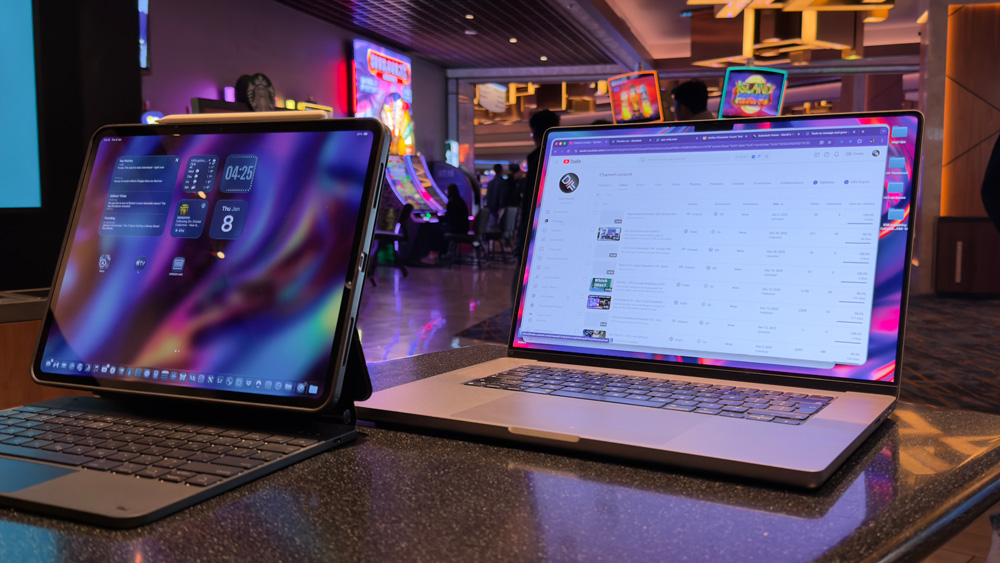
I’ve added loads of apps to my dock now so that it looks more similar to my Mac, and I’ve really got into it. Although some apps are still not great on the iPad – YouTube, YouTube Studio and Instagram being prime examples, on the whole, I can work just as well from the iPad as I can from the Mac.
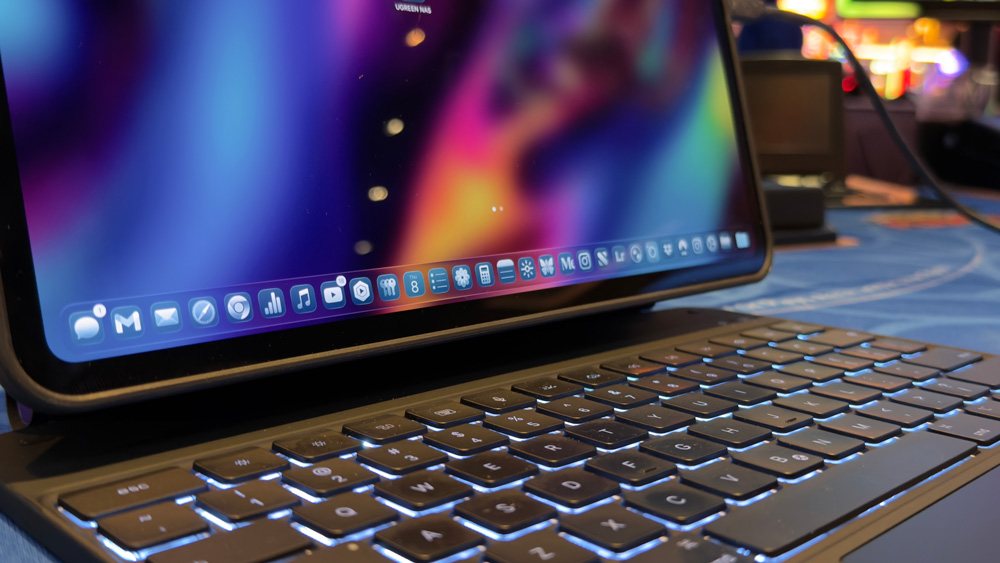
Although Apple’s Proofreading is supposed to work with Ulysses, I’ve not had any joy with it. I still use Grammarly to check my writing, but on the iPad, you have to go through the friction of disconnecting the iPad from the Magic Keyboard and hitting the Globe key to get it working.
For some apps, I’ve merely switched back to using the web versions. My accounts package is Xero, and the web experience is far better than the app, so I simply use that instead.
Lightroom is pretty good on the iPad, but it’s missing one key feature for me that means, annoyingly, I still edit on the Mac more often than not. If you’ve used Lightroom on the Mac, you’ll know there’s this brilliant mask called ‘landscape’.
It detects the sky, pavement, people, trees and automatically makes masks for you. Using those masks is one of the first things I do when I’m editing in Lightroom, but as yet it’s not available in the iPad version.
They have introduced a skinny version of it on the iPad version of Lightroom called Scene Detection, which is ok, but not a patch on the full-fat Mac version.
Luckily, I spec’d my iPad with 1TB of storage, though and on this trip, that is going to come in handy. I know the plane will have a selection of movies, but rather than leave anything to chance, I think I may download a season or two of Slow Horses and Shrinking to see me through the flight. I think it’s also time to re-watch The Equaliser movies with Denzel too!
After all, I’ve got ten hours to fill! I’ll have my AirPods Max with me to get the best noise cancellation I can, but I will also take my AirPods Pro with me for day-to-day use.
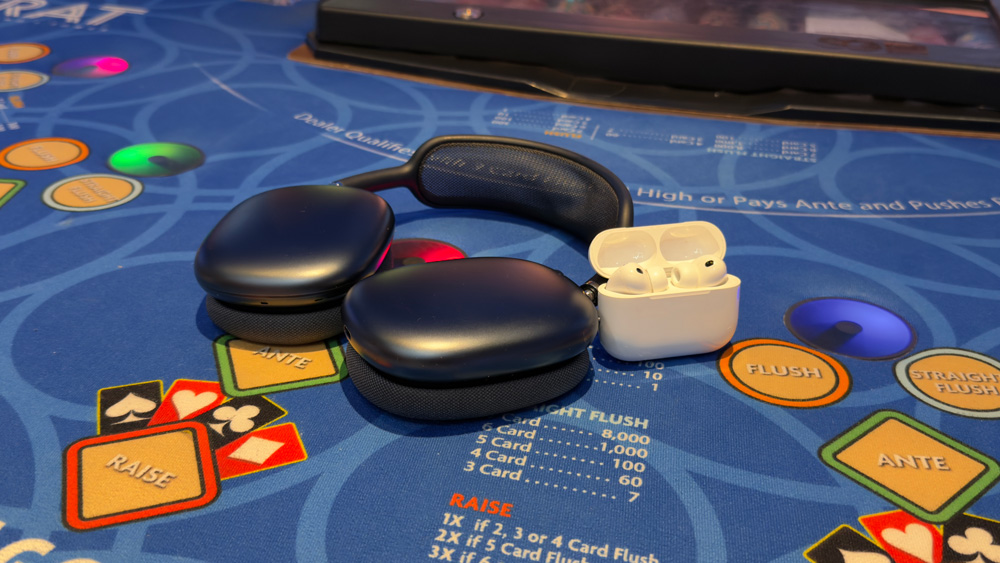
The iPad will be my main admin station while in Vegas. Emails, web stuff, FaceTime calls back home, Apple TV – all of that will be done from the iPad.
Bring it on
It’s sad to admit that I’ve just bought my first suitcase for this trip!
Until now, I’ve travelled so infrequently that it’s not been worth my while owning one. But I have a feeling that this will just be the tip of the iceberg. I’ve got the travel bug good and proper, and with the kind of work I’m doing now, the opportunities are there for the taking.
Of course, I’m going to Las Vegas for work and powering everything will be my MacBook Pro, iPad Pro and iPhone Pro.
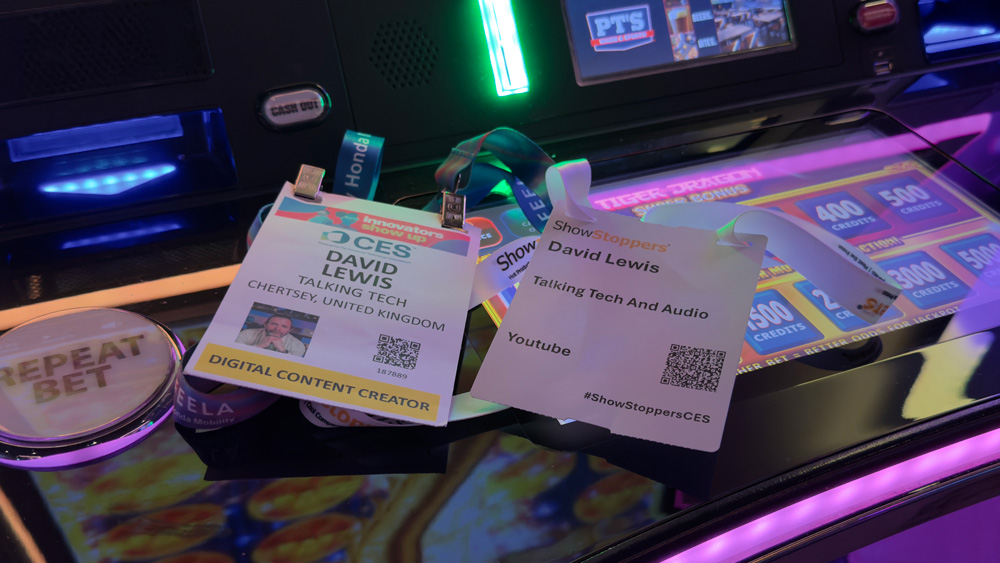
These things were built to work, and they’ve been called Pro for a reason.
Let’s see how they cope with a week in the desert, then shall we!
Apple – don’t let me down!
